Old Photo Restoration Prompt ChatGPT: 15 Formulas for Damaged, Blurry & B&W Photos

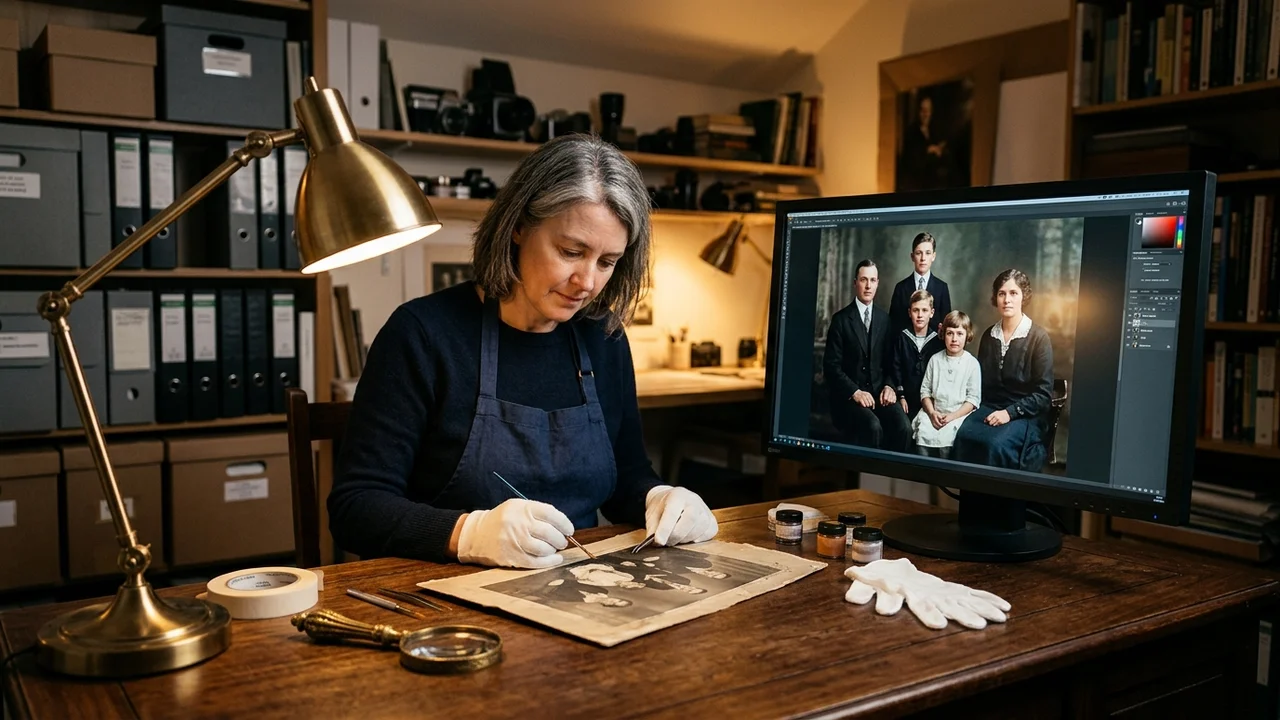 Archival photograph restoration workshop showing an antique family portrait alongside an AI-enhanced, vibrantly colorized high-resolution restoration.
Finding an effective old photo restoration prompt for ChatGPT is the secret to reviving damaged, faded, or blurry family memories without paying hundreds of dollars to professional restoration studios. Modern multimodal AI engines like ChatGPT (GPT-4o Vision), Google Gemini, and Midjourney v6.1 have made it possible to digitally heal deep paper cracks, remove water stains, de-blur out-of-focus eyes, and colorize sepia prints with astonishing historical fidelity.
However, naïve prompts like 'restore this photo' frequently trigger aggressive smoothing, modern Hollywood veneers, or complete alterations of your ancestor's facial geometry. Below, we provide 15 field-tested old photo restoration prompt formulas tailored for specific eras, photographic damages, and restoration techniques: from 1920s silver gelatin portraits to 1970s yellow-shifted Kodacolor prints.
1. 1920s Flapper Era Damaged Black & White Portrait Reconstruction
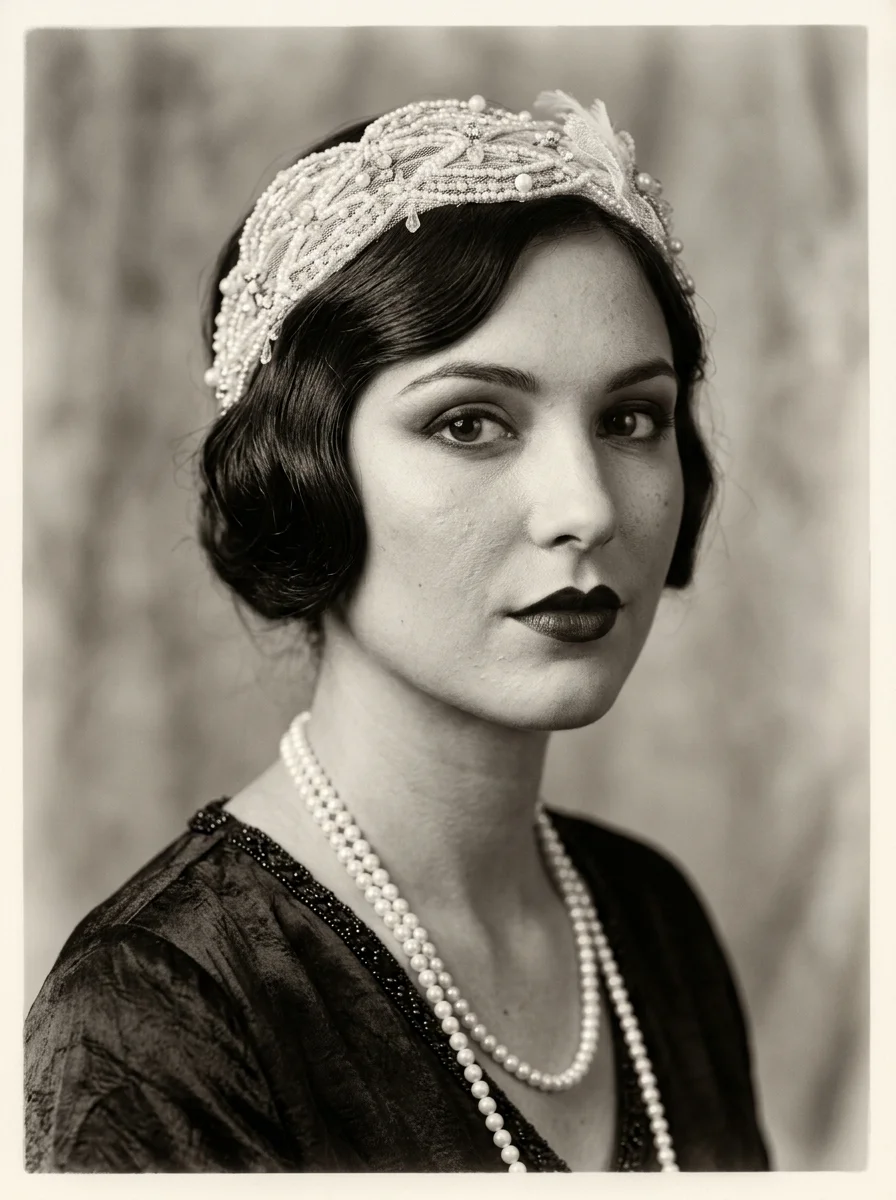
Early 20th-century portraits often suffer from silver mirroring: an oxidative chemical degradation that leaves metallic sheens across dark photographic shadows. When prompting ChatGPT or Midjourney, explicitly prohibiting 'plastic airbrushing' while demanding 'authentic silver gelatin tonality' forces the neural model to preserve natural paper texture while rebuilding delicate facial highlights.
2. 1940s WWII Military Soldier Portrait Colorization & Scratch Repair
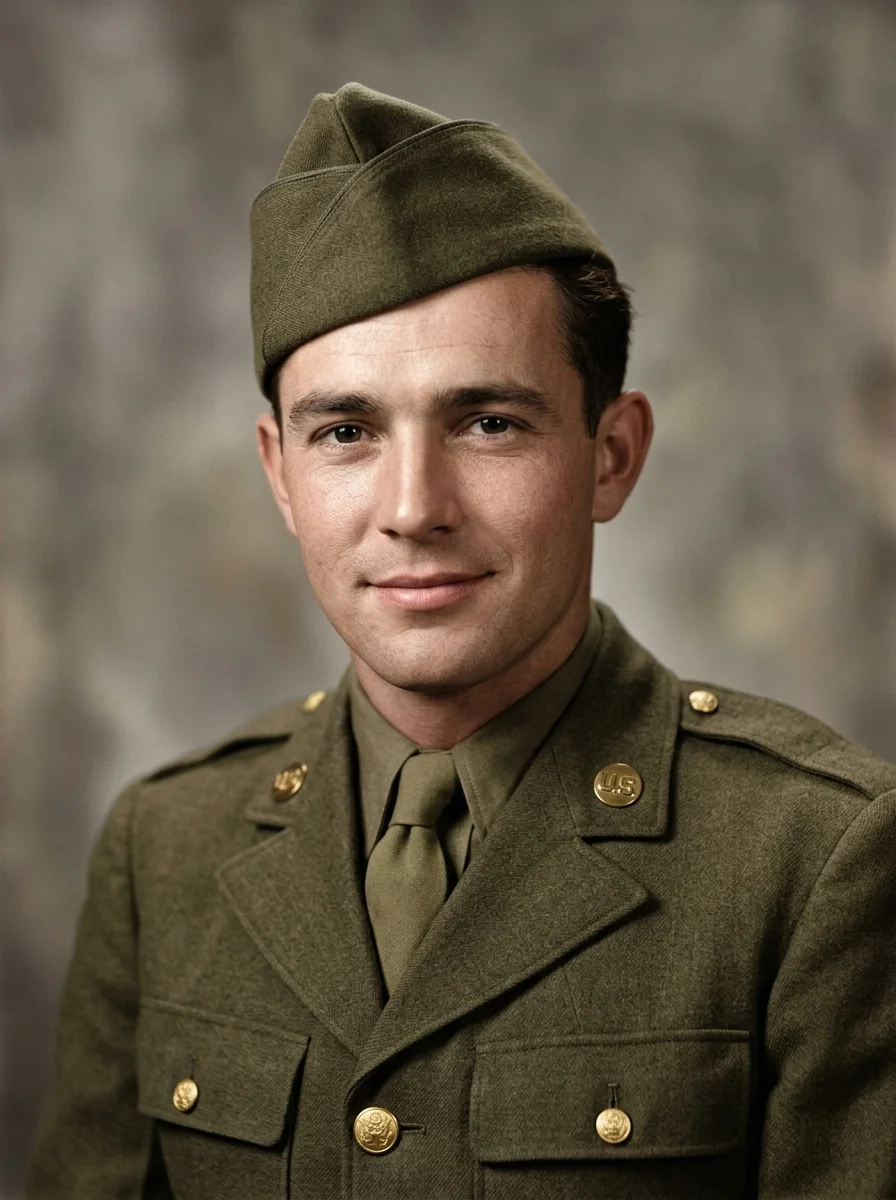
Military restoration requires strict historical accuracy. Standard generative colorizers often turn olive-drab uniforms bright forest green or khaki yellow. Instructing the AI on specific historical fabric terms ('olive-drab wool with authentic matte textile weave') prevents inaccurate dye bleed and ensures the portrait honors the veteran's authentic appearance.
3. 1950s Vintage Studio Wedding Couple Restoration
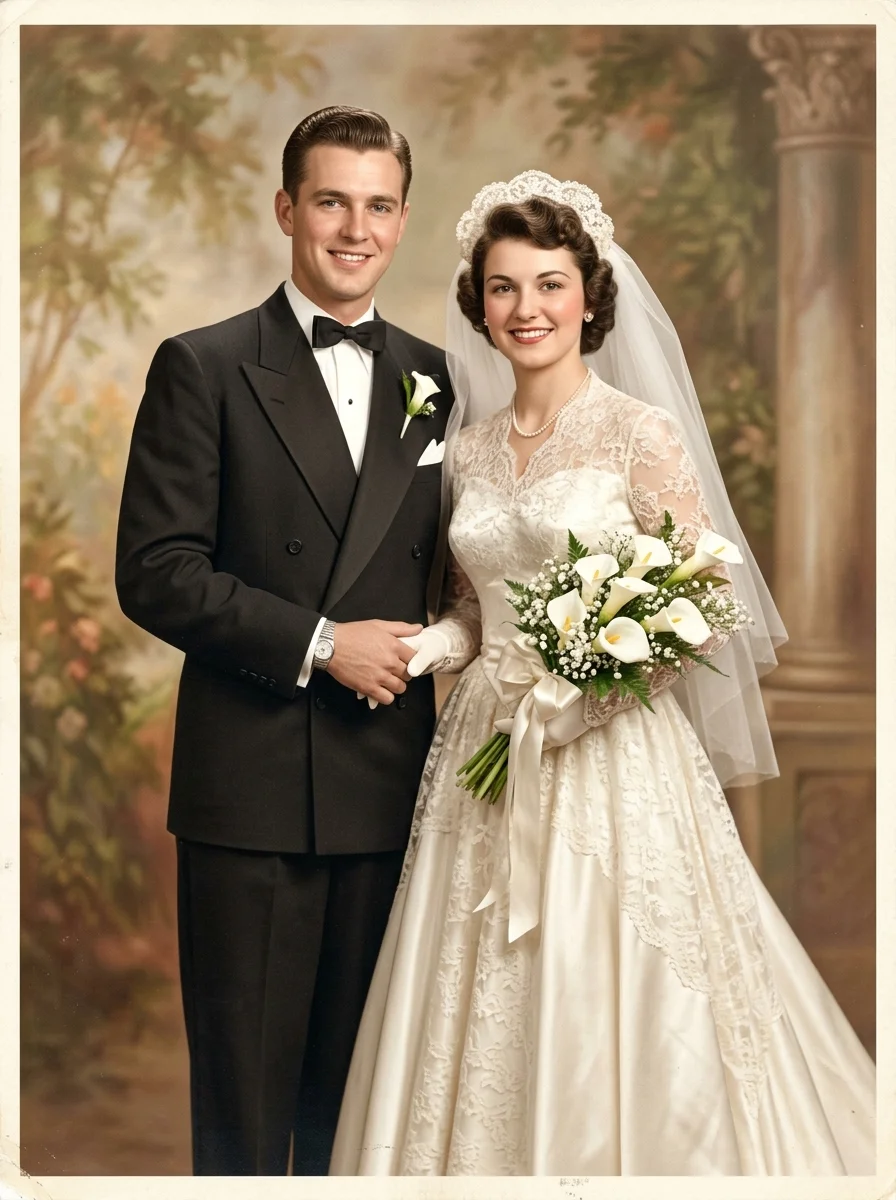
Dual-subject portraits present unique exposure challenges because white bridal gowns reflect light while dark tuxedos absorb it. By instructing the model to reconstruct 'tulle veil transparency without blowing out highlights' alongside 'deep charcoal black with distinct satin lapel sheen', the model maintains balanced dynamic range across contrasting wardrobes.
4. Severe Water-Damaged & Mold-Stained Family Snapshot
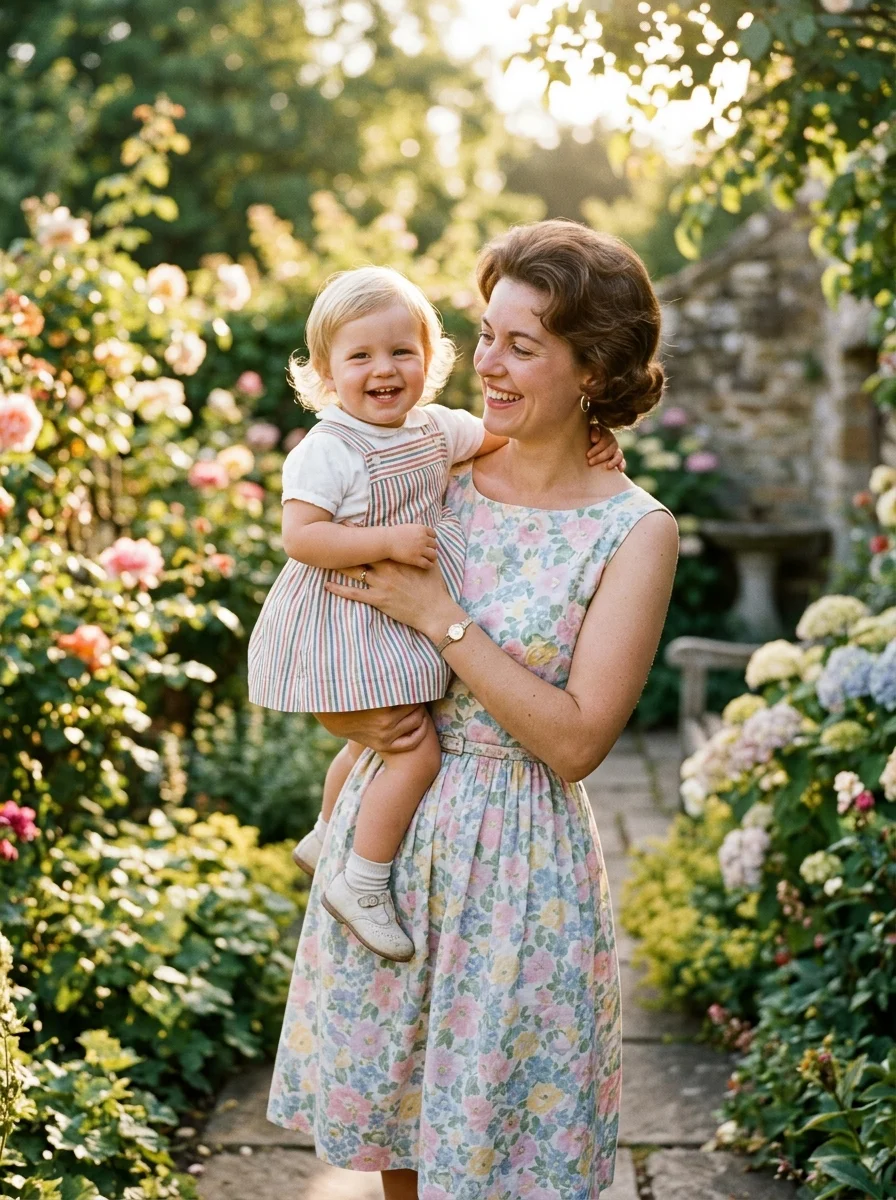
Liquid damage often dissolves the gelatin emulsion layer, destroying facial features entirely. Advanced vision models like GPT-4o use anatomical contextual clues from surviving eye sockets and jawlines to logically hallucinate missing features. Specifying 'synthesize missing facial geometry with anatomical fidelity' avoids asymmetrical deformities.
5. Heavily Torn & Creased Childhood Photo Restoration
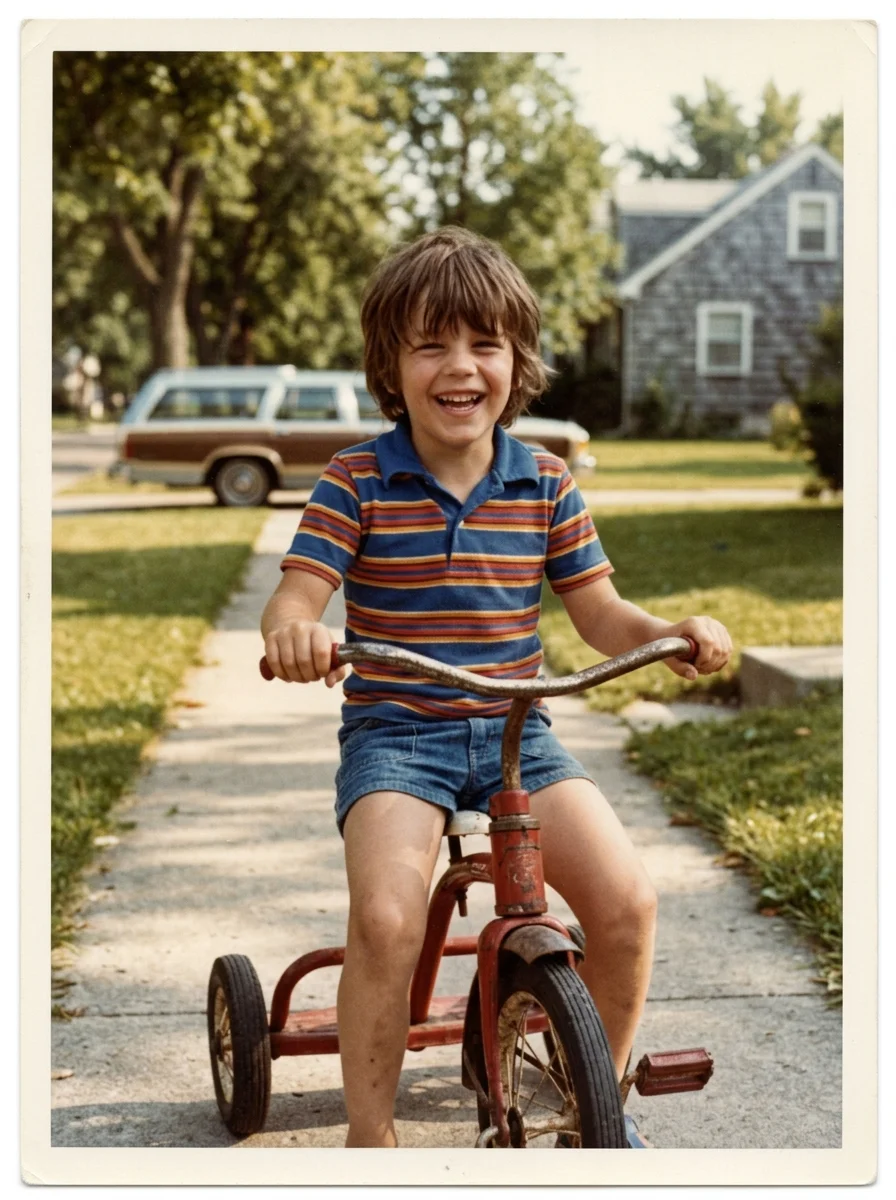
Physical tears leave white paper borders where fibers separated. A common AI pitfall is blurring over these cracks, creating smudged bands across skin. The prompt instruction 'synthesize matching film grain across repaired fracture lines so no digital seam is perceptible' forces generative inpainting to match surrounding grain patterns.
6. Extreme Motion-Blur & Defocused Vintage Candid Enhancement
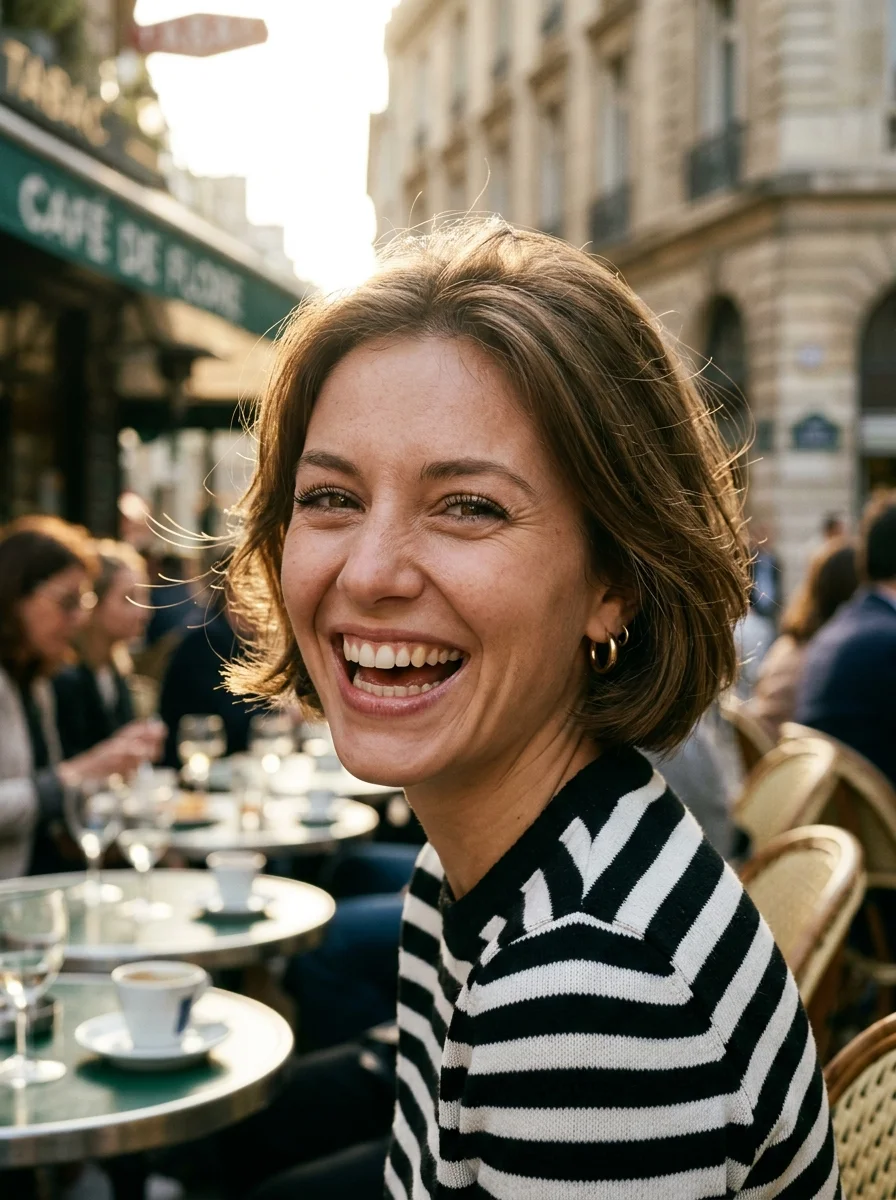
Motion-blurred photos lack sharp edge vectors. Standard sharpening algorithms amplify noise and create ugly ringing halos around high-contrast edges. By specifying 'optical deconvolution without artificial sharpening halos', the AI reconstructs underlying edge gradients naturally, simulating a photo shot with correct shutter speed.
7. 1890s Victorian Tintype / Daguerreotype High-Fidelity Remaster
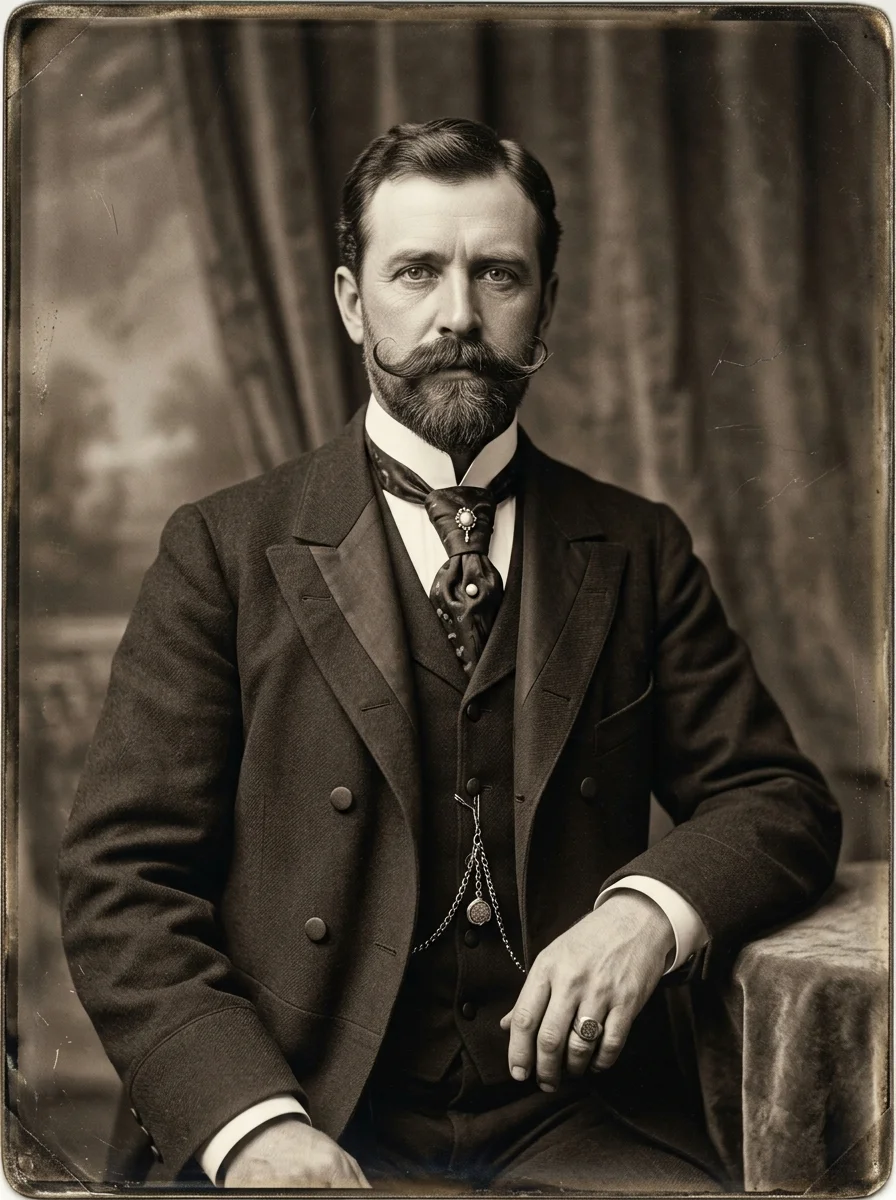
Tintypes were printed directly on lacquered iron sheets, making them prone to rust and chemical drip artifacts. Remastering them requires a delicate balance: cleaning distracting mechanical flaws while honoring the luminous, silver-rich wet-plate tonality that makes 19th-century photography visually mesmerizing.
8. 1970s Faded Kodacolor Yellow-Shift Color Correction
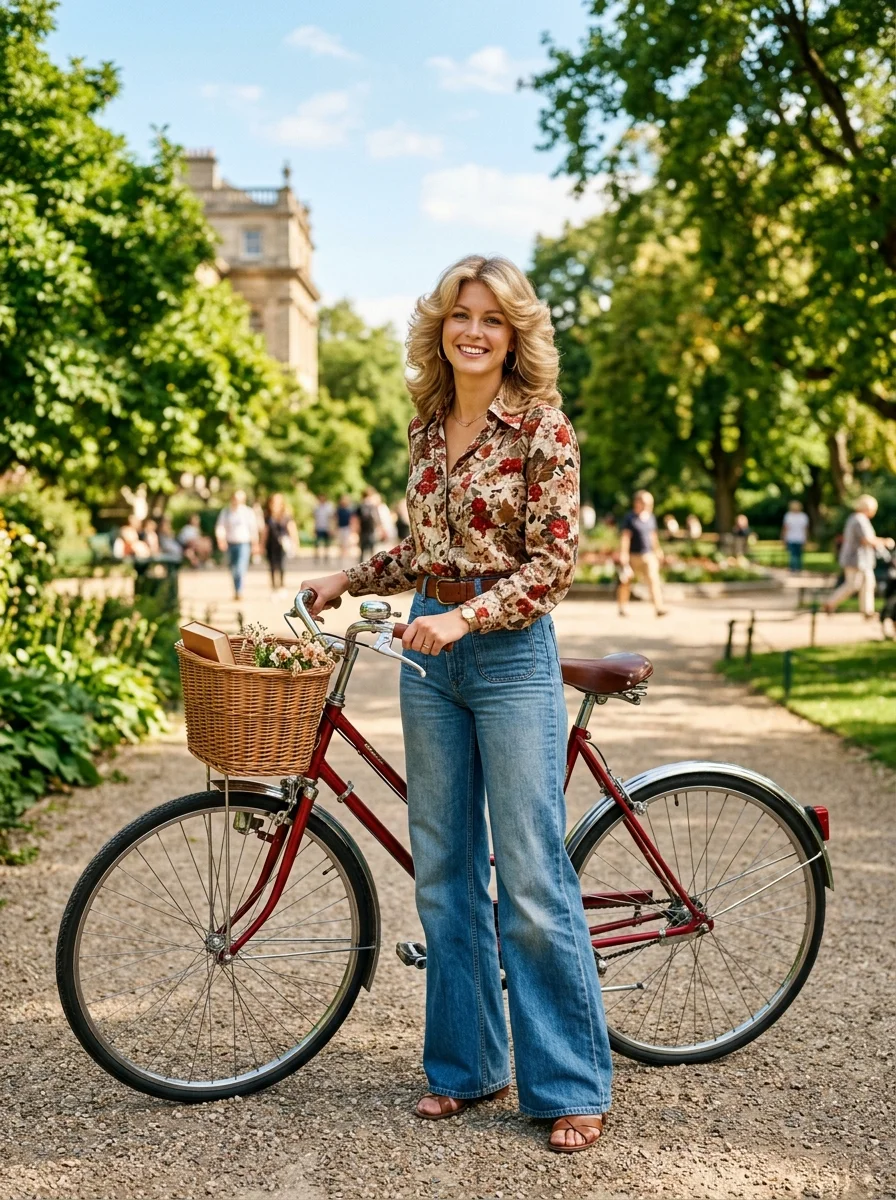
1970s photographic prints used cyan dyes that degraded much faster than yellow and magenta dyes, leaving entire decades of family albums drowned in sickly yellow-orange casts. This prompt explicitly addresses 'cyan channel restoration' to rebalance the primary color triad.
9. 1980s Degraded Polaroid Film Color Recovery & Grain Smoothing
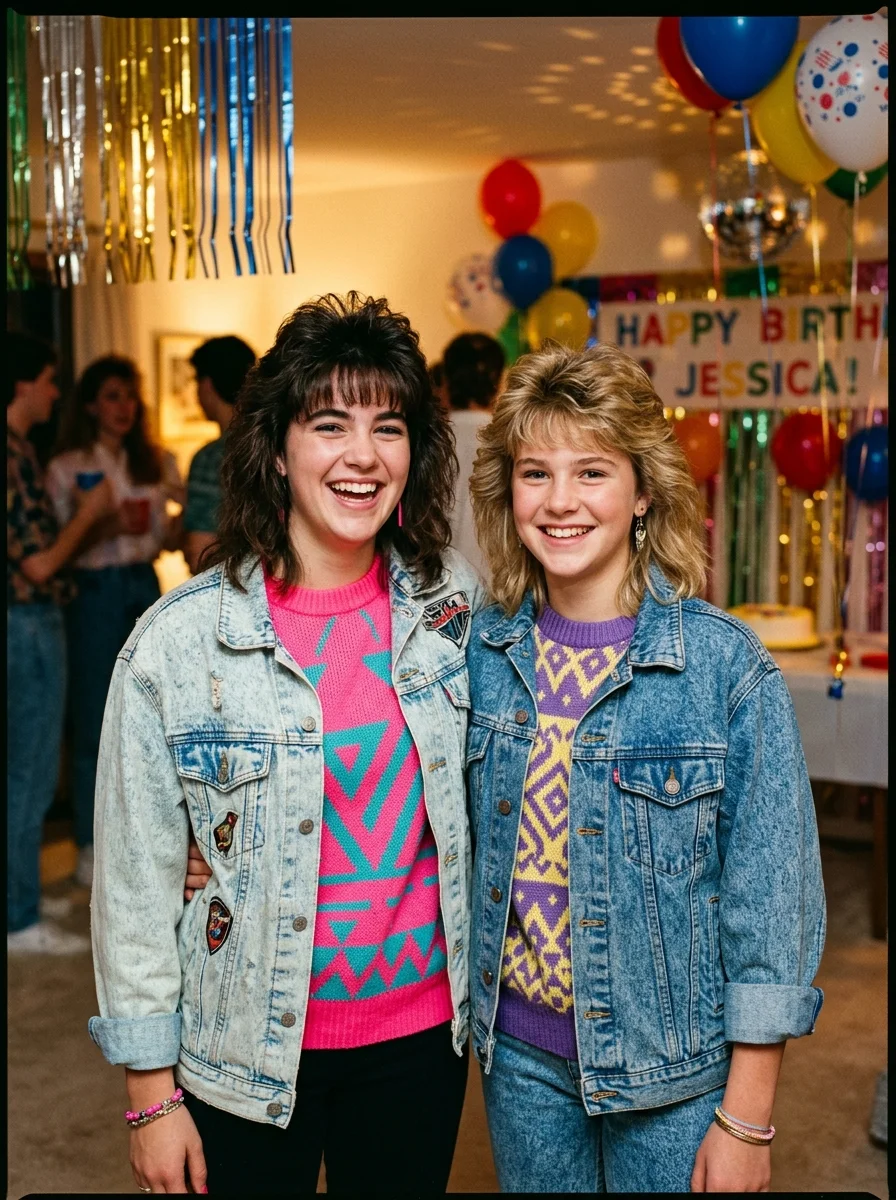
Polaroids have a unique optical character: slightly soft contrast, warm shadow tones, and distinct chemical margins. When restoring them, you must avoid over-sharpening into a modern digital look; preserving that signature 1980s instant-film soul is what makes the restoration emotionally resonant.
10. Vintage Indian Heritage Saree & Jewelry Sepia Colorization
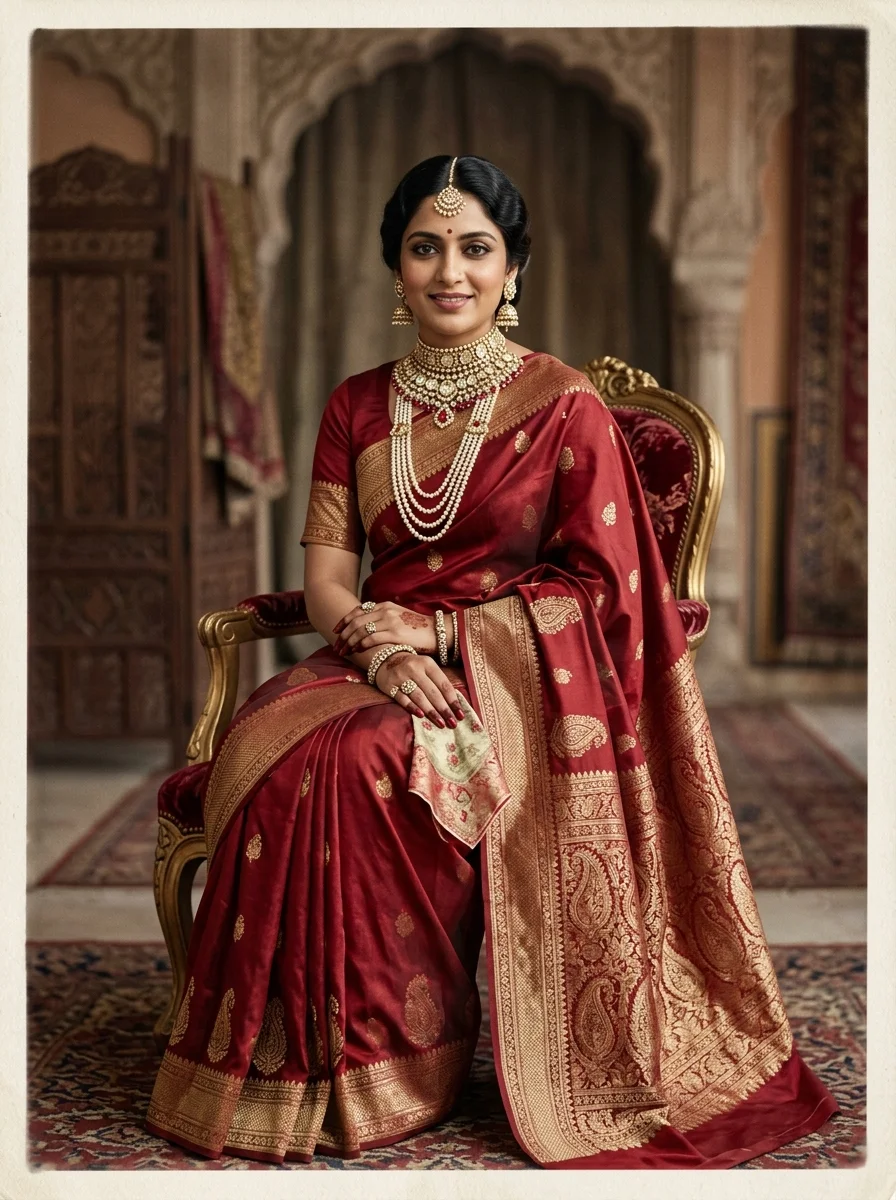
Restoring heritage Indian portraits requires cultural nuance: generic AI colorizers frequently guess random pastel colors for traditional textiles. By specifying 'deep regal crimson red Banarasi silk with antique gold zari brocade borders', you ensure the restoration accurately reflects the grandeur of vintage Indian royal portraiture.
11. Sun-Bleached Overexposed Grandparents Portrait Recovery
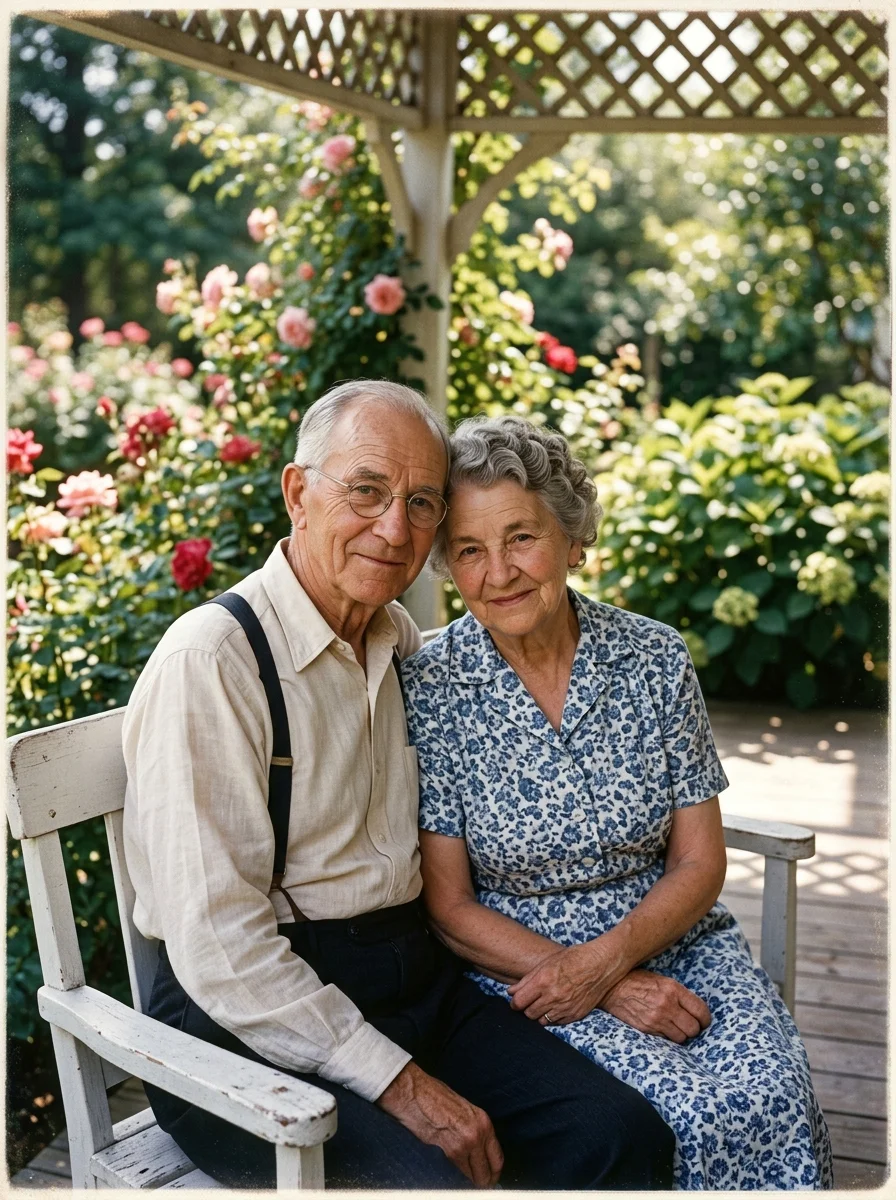
Sun-bleached photos suffer from 'highlight clipping' where pigment data is completely burned away. AI models excel here by predicting where shadows and bone contours naturally fall under directional sunlight, resurrecting lost facial volume without making the skin look muddy.
12. Low-Resolution Pixelated 1990s Early Digital Photo Upscaling
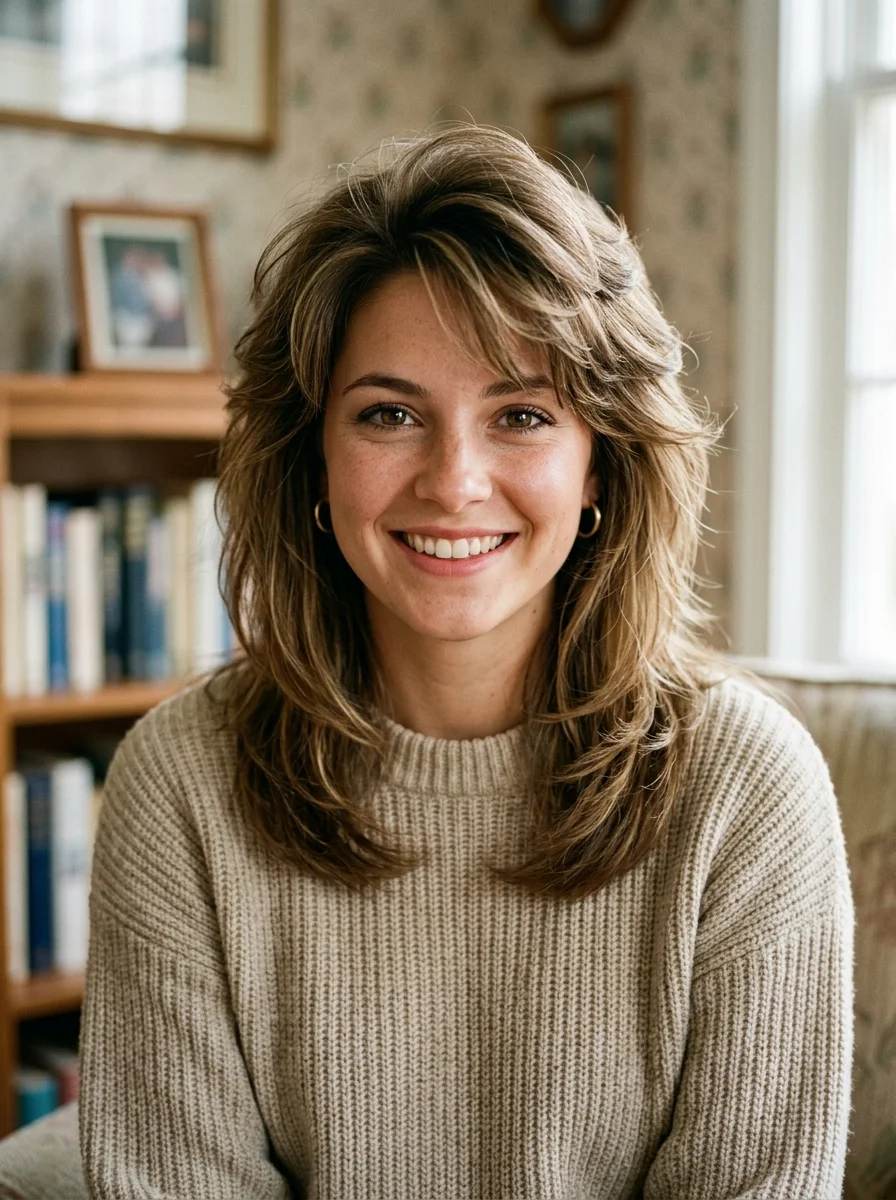
Unlike analog film grain, early digital cameras generated harsh square pixel blocks and aggressive compression noise. Generative super-resolution doesn't just interpolate pixels: it synthesizes plausible micro-details (like eyelashes and hair strands) that match the statistical properties of high-resolution human skin.
13. Vintage Street & Cityscape Archival Photo Enhancement
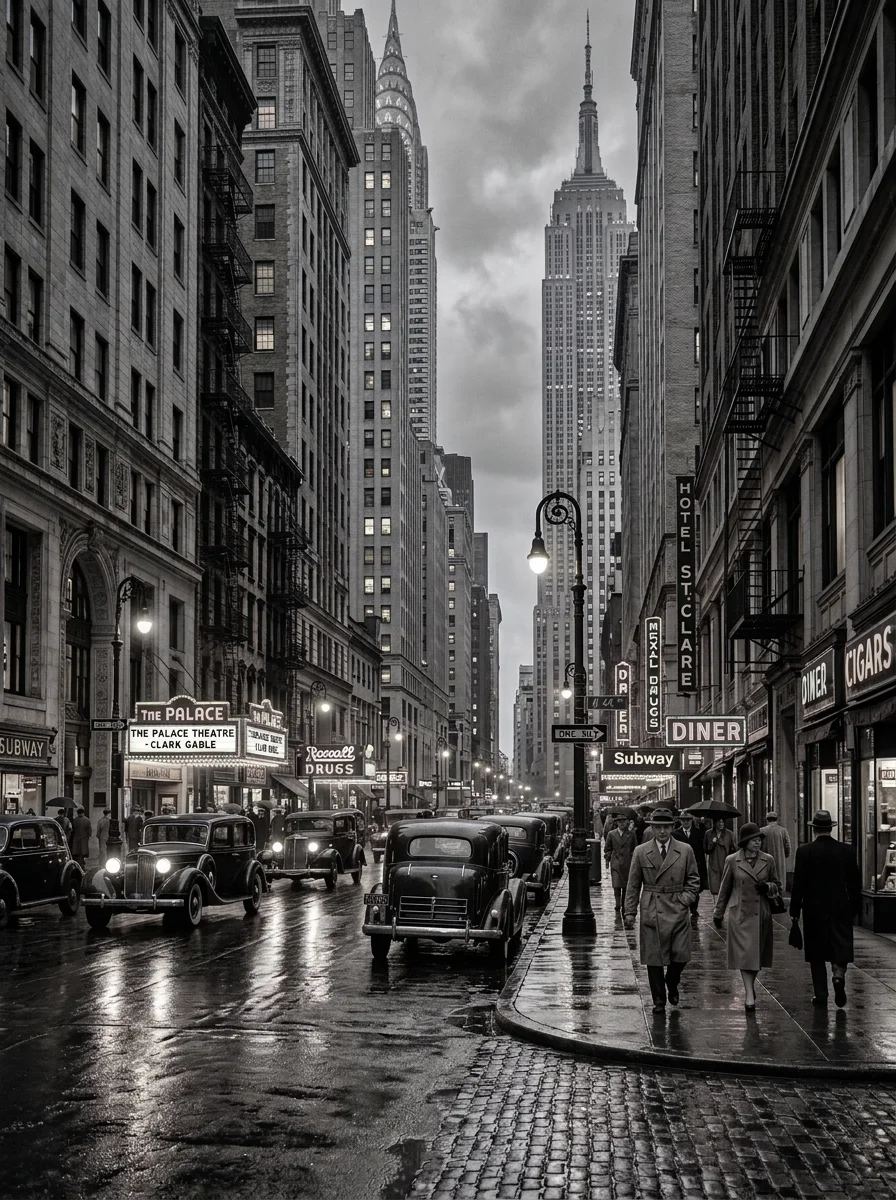
Archival urban photography often suffers from lens flare and chemical haze that washes out distant buildings. Prompting for 'tonal contrast expansion' and 'crisp Art Deco sign typography' restores the breathtaking architectural depth of 1930s metropolises.
14. Deep Crease Across Face Facial Reconstruction
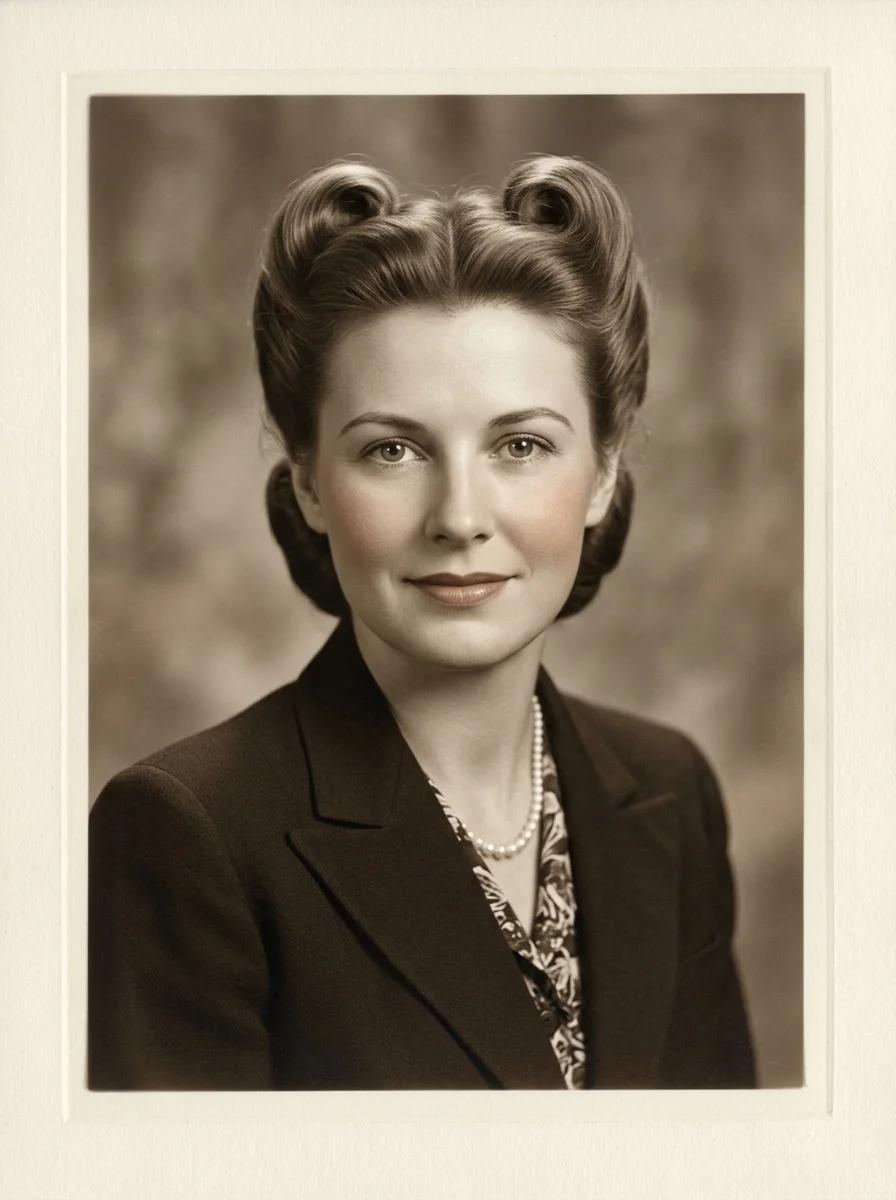
When a paper fold cuts directly through the nose or eye, standard clone-stamping tools produce grotesque smudges. Modern AI vision prompts utilize bilateral anatomical symmetry: reading the undamaged half of the face to logically mirror and reconstruct the damaged eye and cheekbone seamlessly.
15. Museum-Grade 1900s Oval Frame Heritage Portrait Conservation
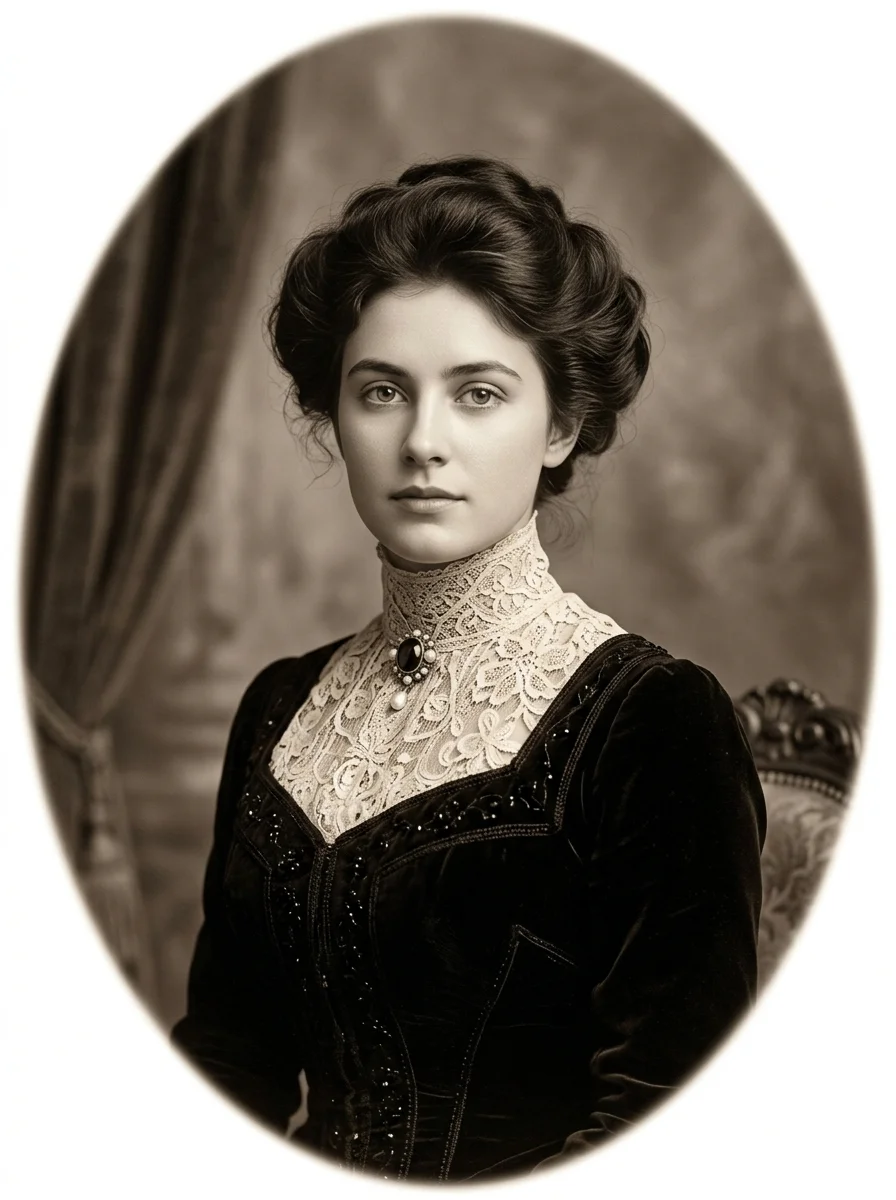
Turn-of-the-century oval portraits were often varnished with protective lacquers that turned yellow and cracked over a century. Specifying 'conservation-grade digital varnish removal' directs the AI to treat the degradation as an overlay to be peeled away, leaving the pristine Edwardian portrait underneath.
The Science of AI Photo Restoration in ChatGPT (GPT-4o Vision)
Traditional digital photo restoration relied on manual Adobe Photoshop clone-stamping, healing brushes, and frequency separation, requiring hours of tedious pixel manipulation per photograph. With modern multimodal AI models like ChatGPT (GPT-4o Vision and DALL-E 3) alongside Midjourney v6.1 and FLUX.1, restoration has evolved from pixel copying into contextual semantic reconstruction.
When you feed an old photograph into ChatGPT, the neural network analyzes the underlying bone anatomy, light directionality, photographic era, and chemical dye characteristics. It distinguishes between accidental physical damage (scratches, dust, water mold, tears) and intentional visual information (eyelash depth, garment weave, authentic vintage grain). By utilizing specific prompt directives, you instruct the AI on which elements to preserve and which to synthesize.
Step-by-Step Workflow: How to Restore Photos with ChatGPT
To achieve archival museum-grade results without altering your ancestor's likeness, execute this 4-step prompt workflow:
- Step 1 (Digitization): Scan your vintage physical photograph at 600 DPI to 1200 DPI on a flatbed scanner. If using a smartphone, photograph the picture in bright, indirect window daylight to prevent glare reflections.
- Step 2 (Upload to ChatGPT): Open ChatGPT Plus (GPT-4o), click the paperclip attachment icon, and upload your high-resolution scan.
- Step 3 (Deploy the Structured Prompt): Paste the relevant prompt from our curated library above. Specify whether you want monochrome repair or historical colorization.
- Step 4 (Refinement Iteration): If the AI over-smoothes skin or alters eye shape, follow up with: 'Reduce smoothing, increase natural skin pores, and ensure the jawline and eye pupils exactly mirror the original reference photo without alteration.'
Common Restoration Pitfalls & How Prompt Engineering Prevents Them
Naïve photo restoration prompts often produce disastrous results. Here is how advanced prompt engineering protects your images:
- The 'Waxy Plastic Face' Trap: Generic prompts like 'make this old photo look new' trigger extreme facial beautification filters. Prevent this by demanding: 'natural skin pores, fine epidermal texture, zero artificial airbrushing, and organic film grain'.
- The 'Modern Teeth' Anachronism: Old photographs feature natural, varied teeth. Generic AI often replaces them with Hollywood veneers. Fix this with: 'preserve natural historical tooth shape and dental alignment without cosmetic alteration'.
- The 'Nuclear Color' Oversaturation: Early color films (Kodacolor, Agfacolor) had subtle, muted chemical palettes. Avoid neon colors by specifying: 'historically authentic muted dye palettes, soft earthy tones, and balanced skin undertones'.
Frequently Asked Questions (FAQ)
Can ChatGPT restore old and damaged photos for free?
Yes. ChatGPT Free users on the GPT-4o model have limited daily access to image analysis and vision tools. For full image generation, inpainting, and high-volume restorations, ChatGPT Plus provides unrestricted access to advanced image capabilities.
How do I upload an old photo to ChatGPT for restoration?
Click the paperclip or plus icon located on the left of the ChatGPT prompt bar on desktop or mobile. Select your scanned image file, paste your chosen restoration prompt from our library into the text field, and press enter.
How do I stop AI from making restored faces look like different people?
Explicitly command: 'Retain 100% facial geometry, jawline contours, eye shape, and nose width of the uploaded reference photo without facial restructuring or beautification.' In Midjourney v6, attach the image URL and add the parameter --cref <URL> --cw 100 to enforce strict facial consistency.
Can ChatGPT colorize black and white family photos accurately?
Yes. ChatGPT excels at historical colorization when given specific period details. Mention the decade (e.g. 1940s WWII uniform, 1950s bridal satin, 1970s floral blouse) and specify authentic skin tones so the model does not guess arbitrary colors.
Which AI tool is best for restoring severely torn or water-damaged photographs?
For complex inpainting where large facial chunks or corners are missing, ChatGPT (DALL-E 3 inpainting) and FLUX.1 deliver the most coherent generative reconstructions. For subtle texture preservation and realistic film grain, Midjourney v6.1 with --style raw produces superior analog authenticity.