

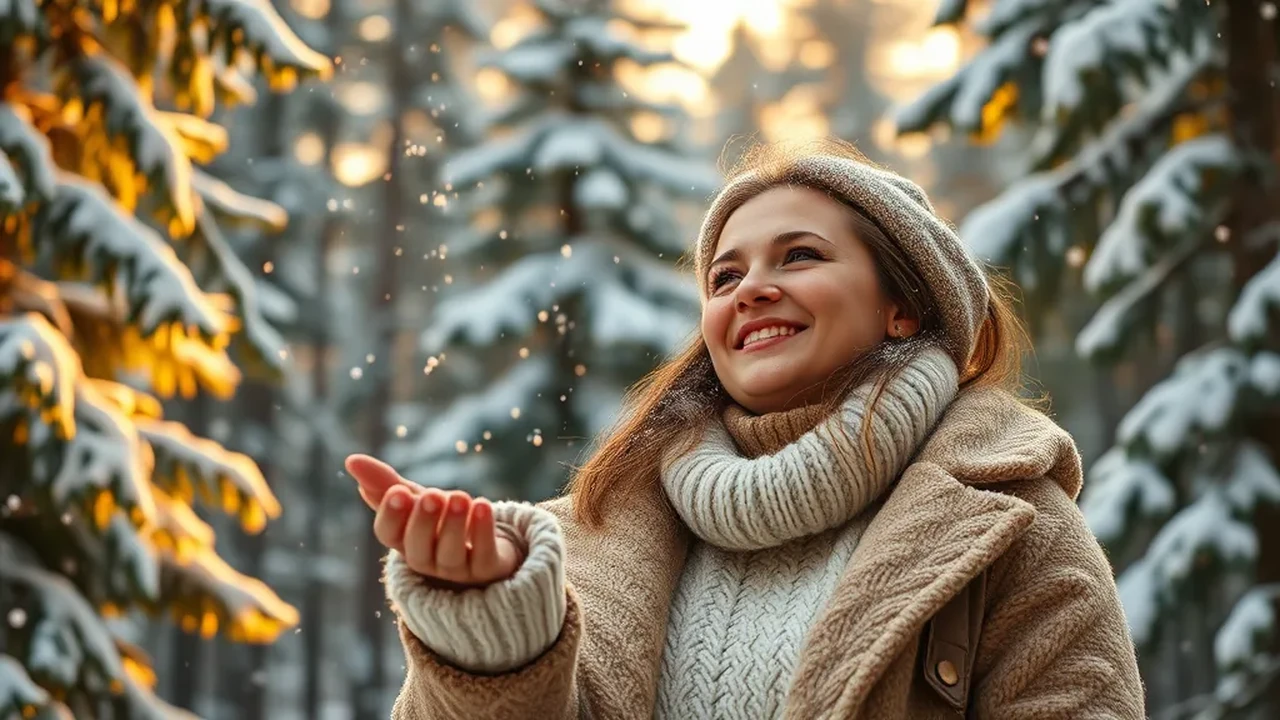
Every year when the first frost settles, the snowfall photo aesthetic instantly explodes into one of the most viral creative photography trends across Instagram Reels, TikTok, and Pinterest. The gentle flutter of crystalline snowflakes settling on woolen beanies, rosy cold-flushed cheeks, warm visible plumes of exhaled breath, and the dreamy glow of golden streetlights reflecting against untouched powder evoke an unmatched sense of cinematic intimacy and wonder.
However, getting generative AI models like Google Gemini (Imagen 3), ChatGPT-4o (DALL-E 3), or Midjourney v6.1 to render realistic snow rather than flat, synthetic white spray foam requires precise prompt calibration. If you do not explicitly dictate shutter speed, particle physics, skin flush, and lens aperture, models default to cartoonish white dots. In this definitive guide, we break down 12+ verified, copy-and-paste snowfall photo prompt formulas engineered specifically for boys, girls, couples, and atmospheric winter moodboards.
- 1. Cozy Cashmere Beanie Girl in Gentle Snowfall
- 2. Rugged Shearling Aviator Jacket Boy in Alpine Blizzard
- 3. Romantic Couple Under Clear Umbrella in Snow City
- 4. Cinematic Korean Winter Streetwear Aesthetic Girl
- 5. Vintage 35mm Wool Trench Boy with Snow in Hair
- 6. Magical Fairy Lights & Hot Cocoa Winter Girl
- 7. Winter Sports Action Snowboarder Boy on Powder Slope
- 8. Cozy Log Cabin Porch Golden Hour Sunset Girl
- 9. Moody Midnight Streetlamp Winter Boy Portrait
- 10. Aesthetic Kashmiri Pheran Winter Valley Portrait
- 11. Cafe Window Steam & Falling Snow Reflection Girl
- 12. High-Fashion Editorial Faux-Fur Coat on Frozen Lake
- Engineering Guide: Mastering Realistic Snow Physics in Google Gemini
- How to Swap Your Face Onto AI Snowfall Photos Flawlessly
- Frequently Asked Questions
1. Cozy Cashmere Beanie Girl in Gentle Snowfall
The timeless winter portrait archetype. An attractive young woman standing amidst a quiet winter wonderland, with delicate dendritic snowflakes resting on her eyelashes, beanie, and rosy cold-flushed cheeks while golden fairy lights sparkle in the background.
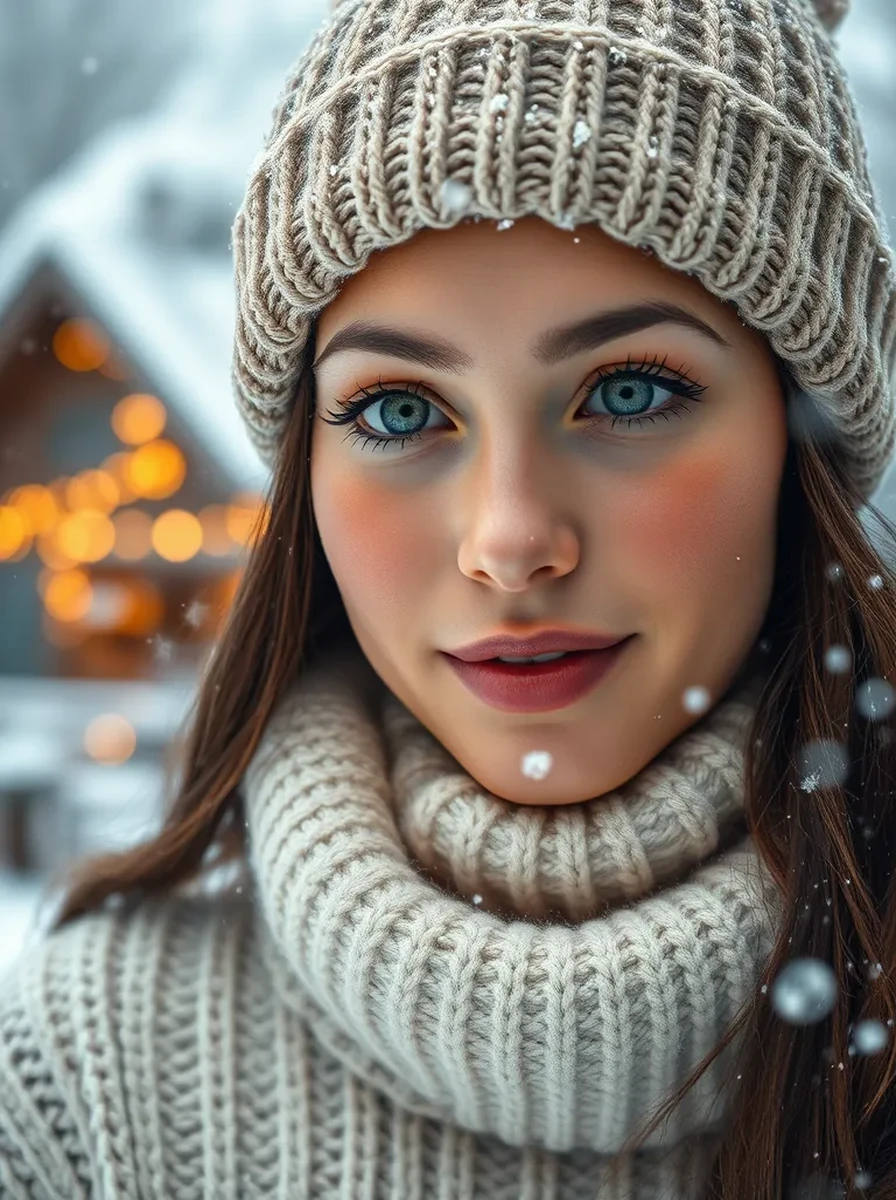
Style Breakdown: Calling out individual crystalline snowflakes resting naturally on eyelashes prevents Gemini from pasting flat white stickers. The cream cable-knit wool provides tactile textural contrast against the icy atmospheric background.
2. Rugged Shearling Aviator Jacket Boy in Alpine Blizzard
A cinematic winter portrait of a stylish young man braving a mountain snowstorm outside an alpine cabin, with thick snowflakes catching in his dark textured hair and sheepskin collar.
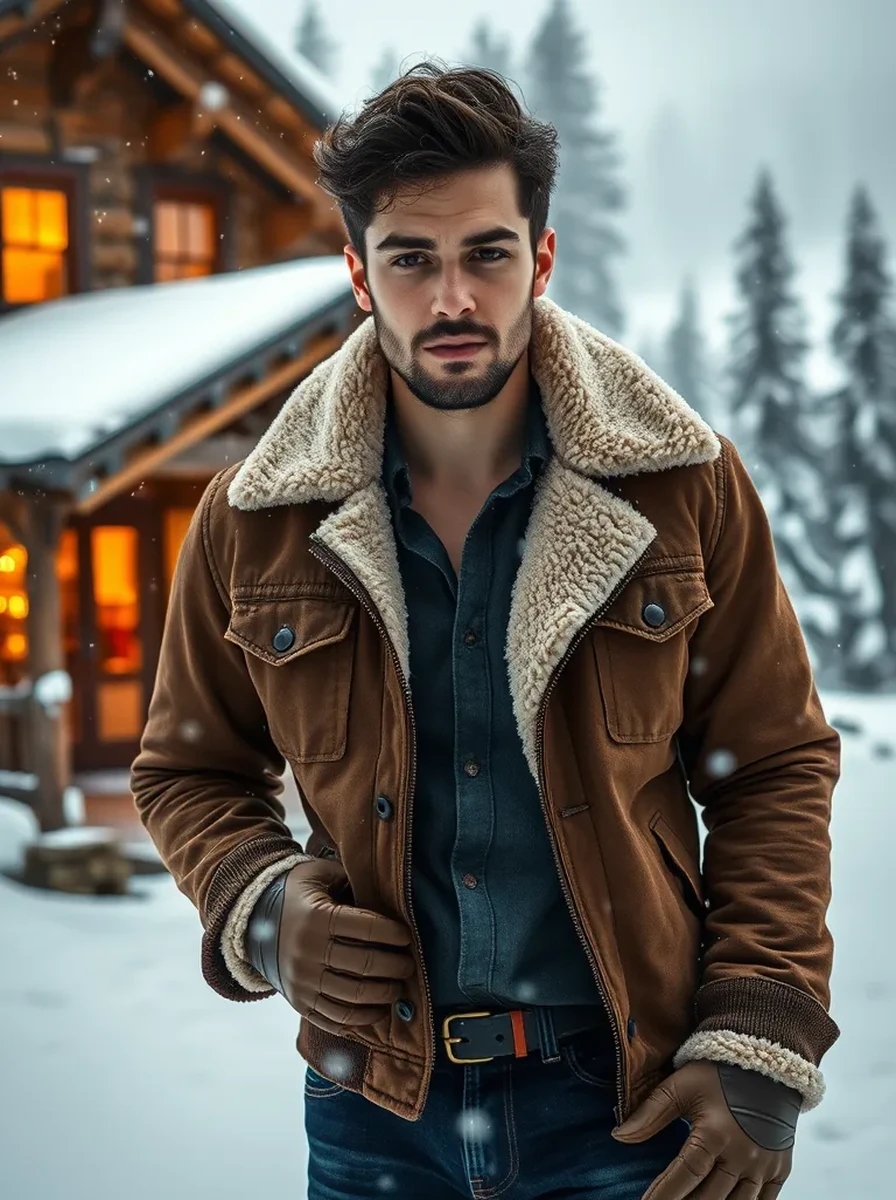
Style Breakdown: Specifying vintage brown leather shearling aviator jacket injects rich earthly tones that keep the snowy composition from turning into a washed-out white monolith. The warm cabin light creates depth behind the cool blizzard rim lighting.
3. Romantic Couple Under Clear Umbrella in Snow City
A viral couple winter photography concept. Sharing a transparent dome umbrella while strolling along historic cobblestone streets as evening streetlamps illuminate drifting snowflakes like glittering stars.
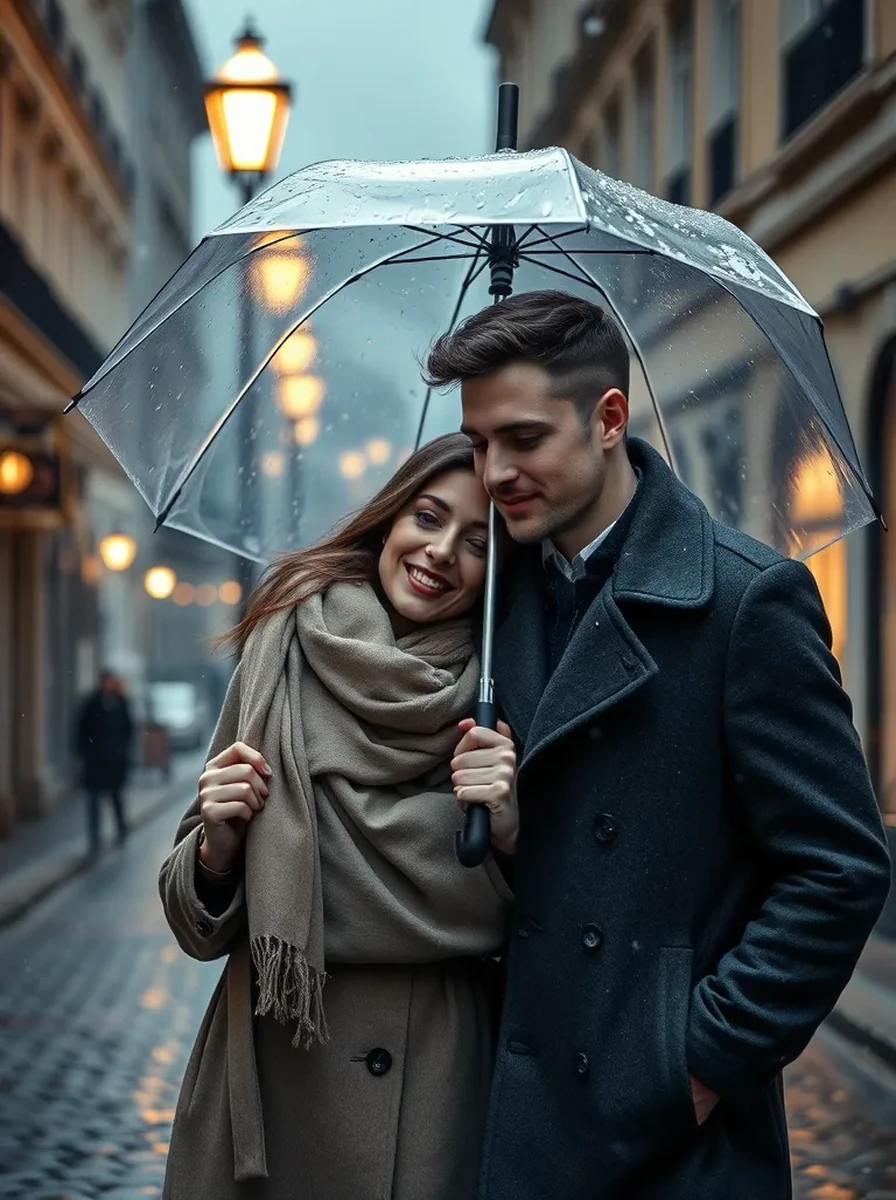
Style Breakdown: The clear transparent umbrella is the secret ingredient here. It catches physical snowflake buildup on the curved surface while allowing the golden streetlamp backlight to illuminate both faces without harsh shadows.
4. Cinematic Korean Winter Streetwear Aesthetic Girl
Inspired by the viral K-drama winter street trend. An oversized pastel puffer jacket, cozy knitted muffler, and warm misty breath under glowing neon street signs in snowy Seoul.
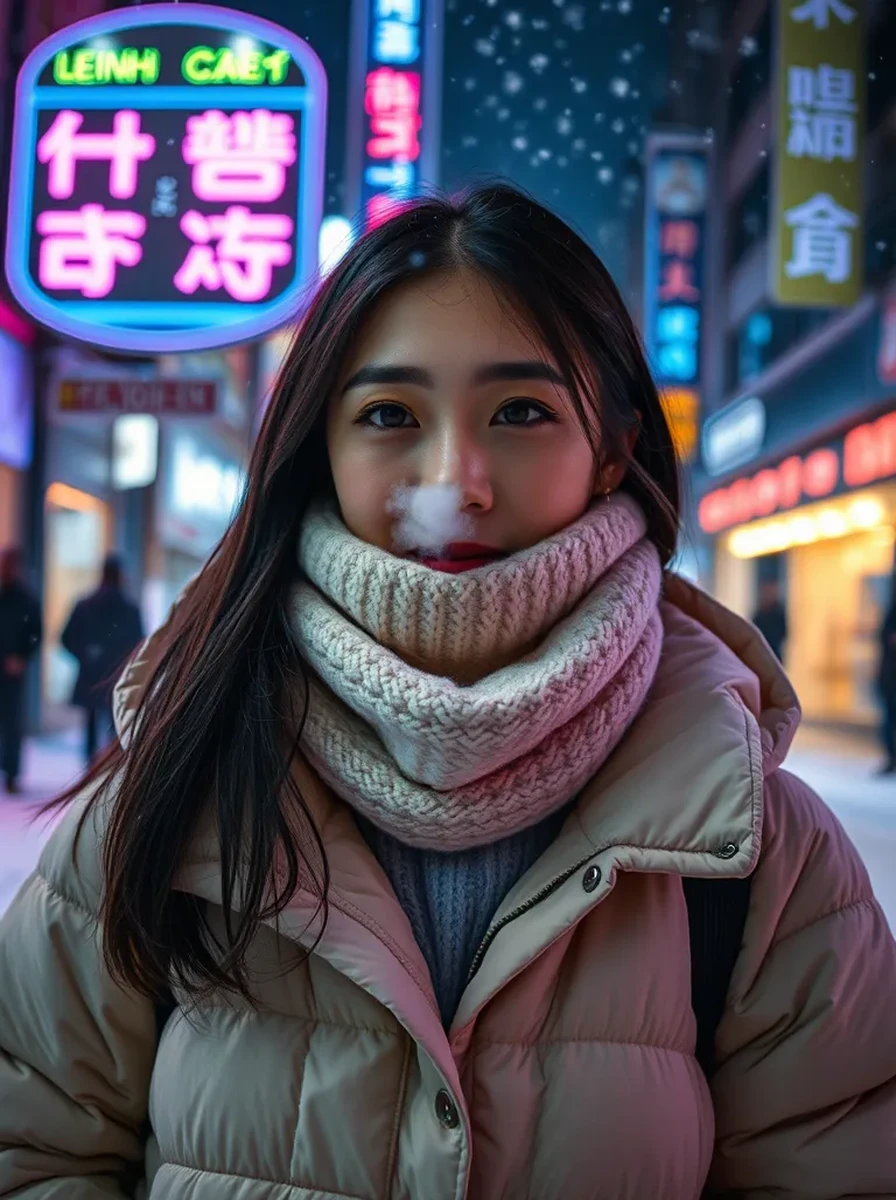
Style Breakdown: Combining cold weather condensation with neon colored rim reflections produces a rich, modern urban aesthetic that trends massively on TikTok and Instagram carousels.
5. Vintage 35mm Wool Trench Boy with Snow in Hair
A quiet, introspective analog winter portrait. A handsome young man in a classic camel wool overcoat standing in a snowy pine forest during moody blue hour twilight.
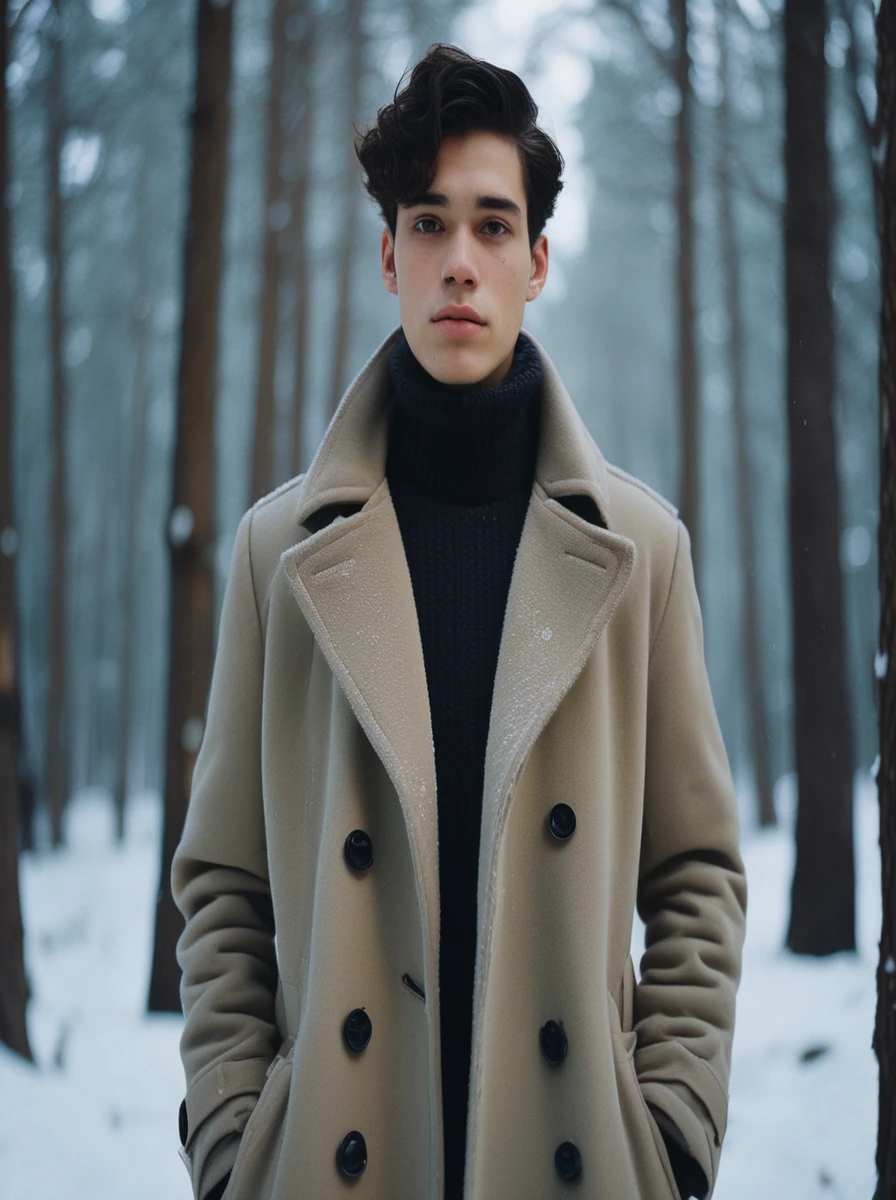
Style Breakdown: Specifying Kodak Portra 400 film grain and muted desaturated cold tones avoids the overly sharp digital look, rendering natural skin pigments and tactile cloth textures.
6. Magical Fairy Lights & Hot Cocoa Winter Girl
An enchanting fairy-tale winter composition. Holding a warm mug of cocoa with rising steam, wrapped in soft knitwear surrounded by glowing fairy lights and gentle floating snow.
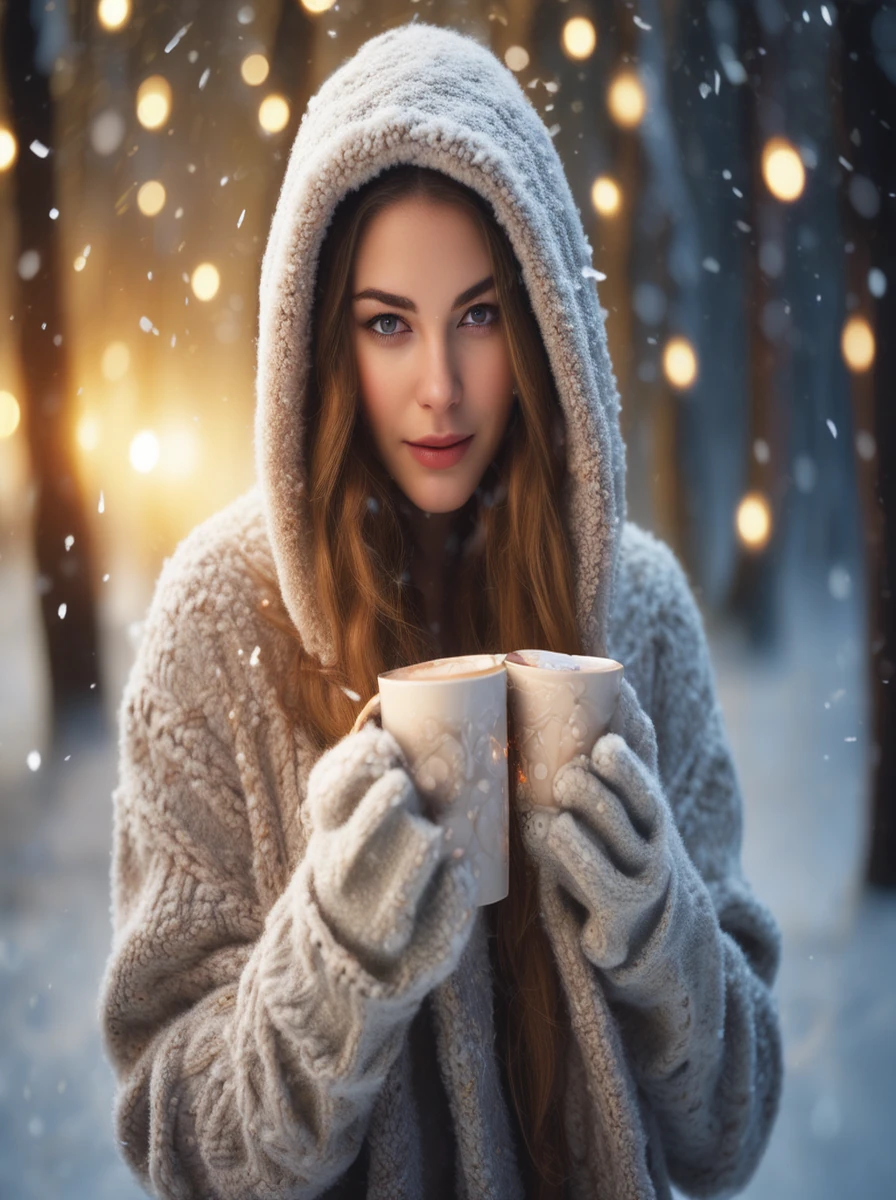
Style Breakdown: The hot cocoa steam acts as an atmospheric bridge between the warm foreground character and the frosty background snow, creating depth and life.
7. Winter Sports Action Snowboarder Boy on Powder Slope
High-energy alpine adventure photography. An athletic young man on a summit powder run, with technical winter shell gear, mirrored goggles, and blowing powder snow.
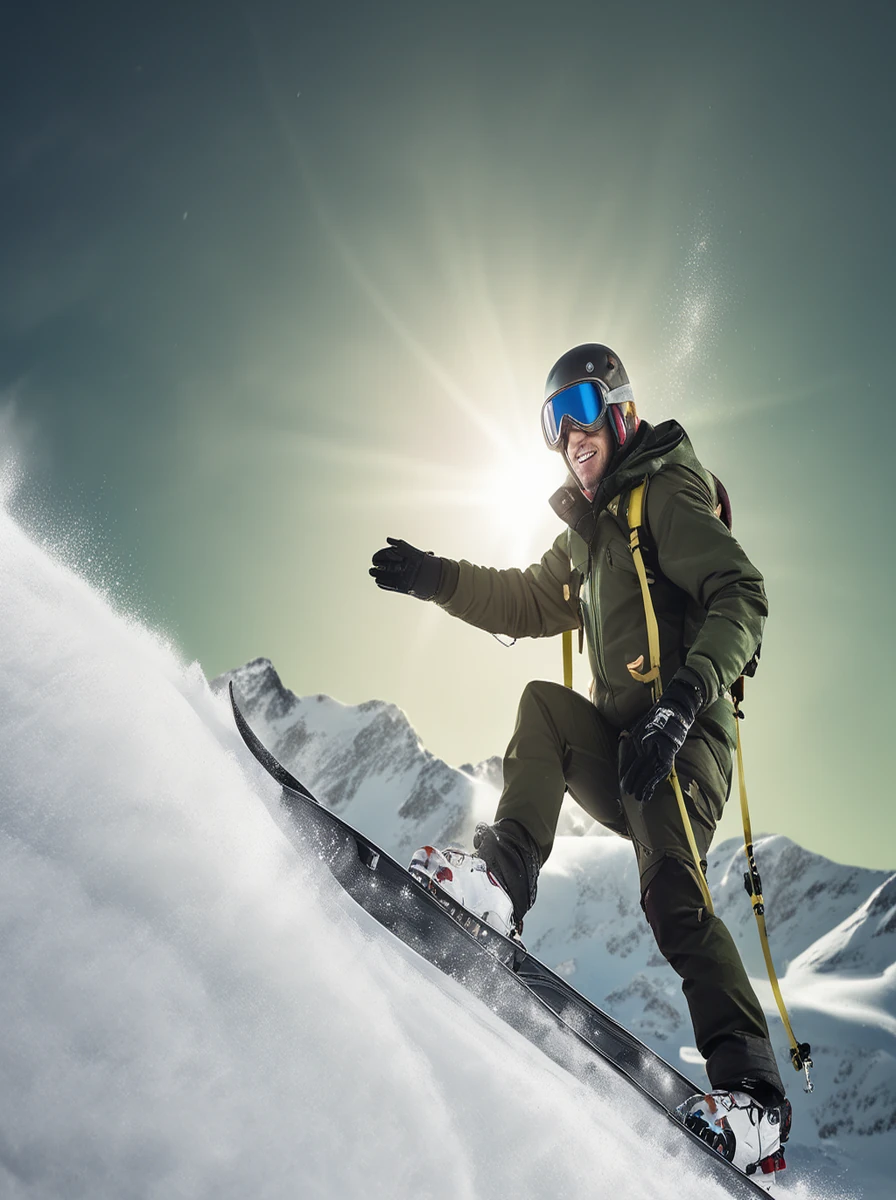
Style Breakdown: Specifying fast 1/2000s shutter speed and mirrored cylindrical snow goggles captures dynamic alpine lighting reflections without blowing out highlights.
8. Cozy Log Cabin Porch Golden Hour Sunset Girl
Rustic mountain comfort. Sitting on the steps of a snow-draped timber lodge wrapped in a thick wool blanket, catching golden late-afternoon sunbeams as snowflakes float gently by.
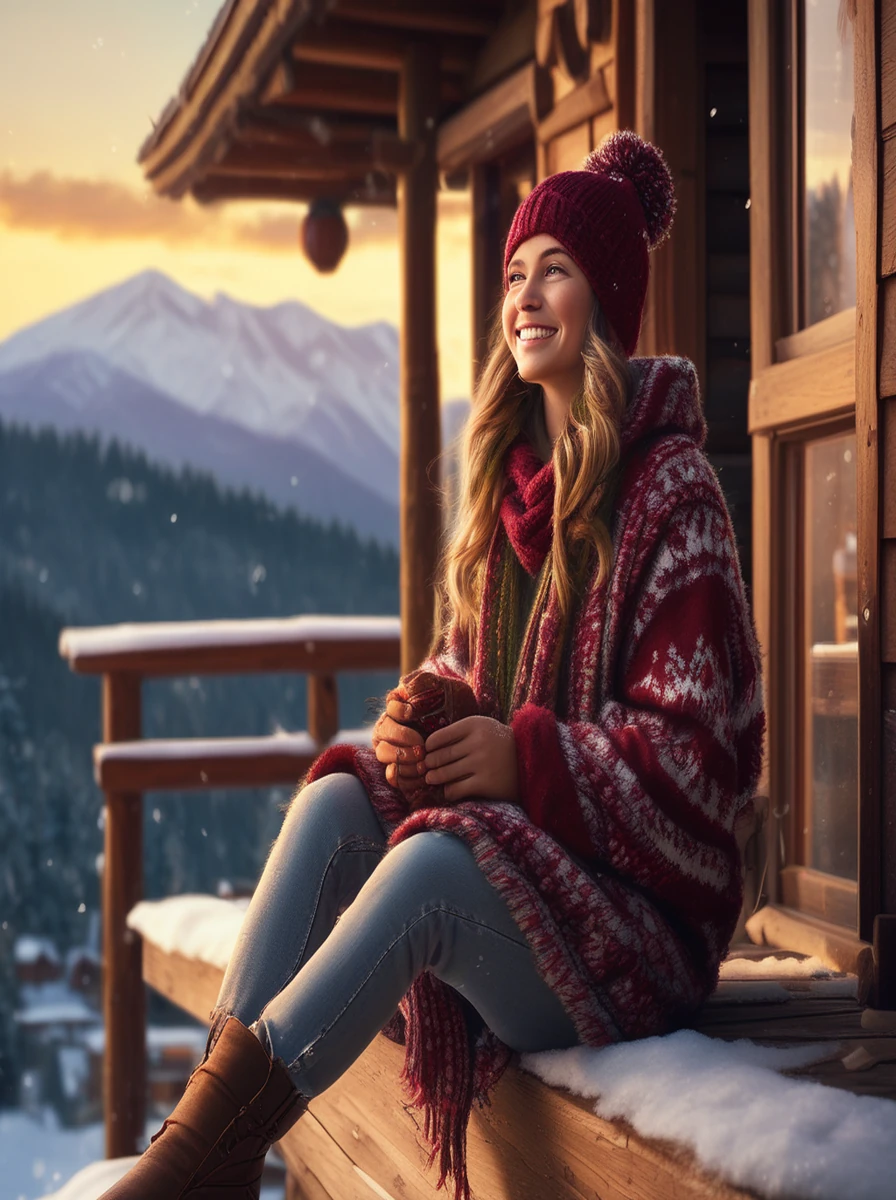
Style Breakdown: Golden hour low sun rim-lighting transforms standard white snowflakes into shimmering, magical particle halos around the subject.
9. Moody Midnight Streetlamp Winter Boy Portrait
A striking, high-contrast urban noir portrait. Standing beneath a single cone of warm tungsten street illumination as heavy flakes fall against the deep midnight darkness.
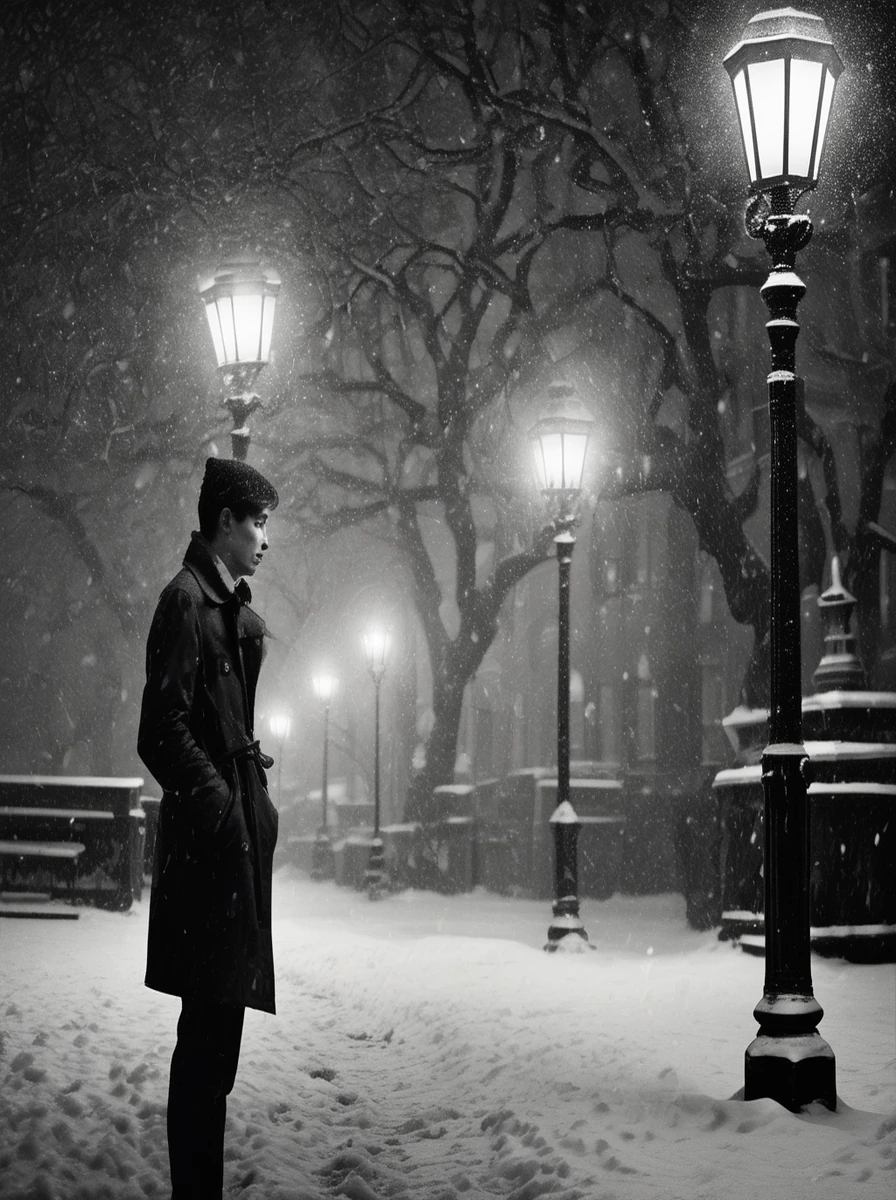
Style Breakdown: By setting a pitch-black midnight backdrop with a single downward streetlamp cone, the individual falling flakes pop with intense specular brilliance.
10. Aesthetic Kashmiri Pheran Winter Valley Portrait
Cultural elegance meets majestic Himalayan snowfall. Dressed in a richly embroidered traditional Kashmiri wool pheran amidst the snow-laden deodar and pine forests of Gulmarg.
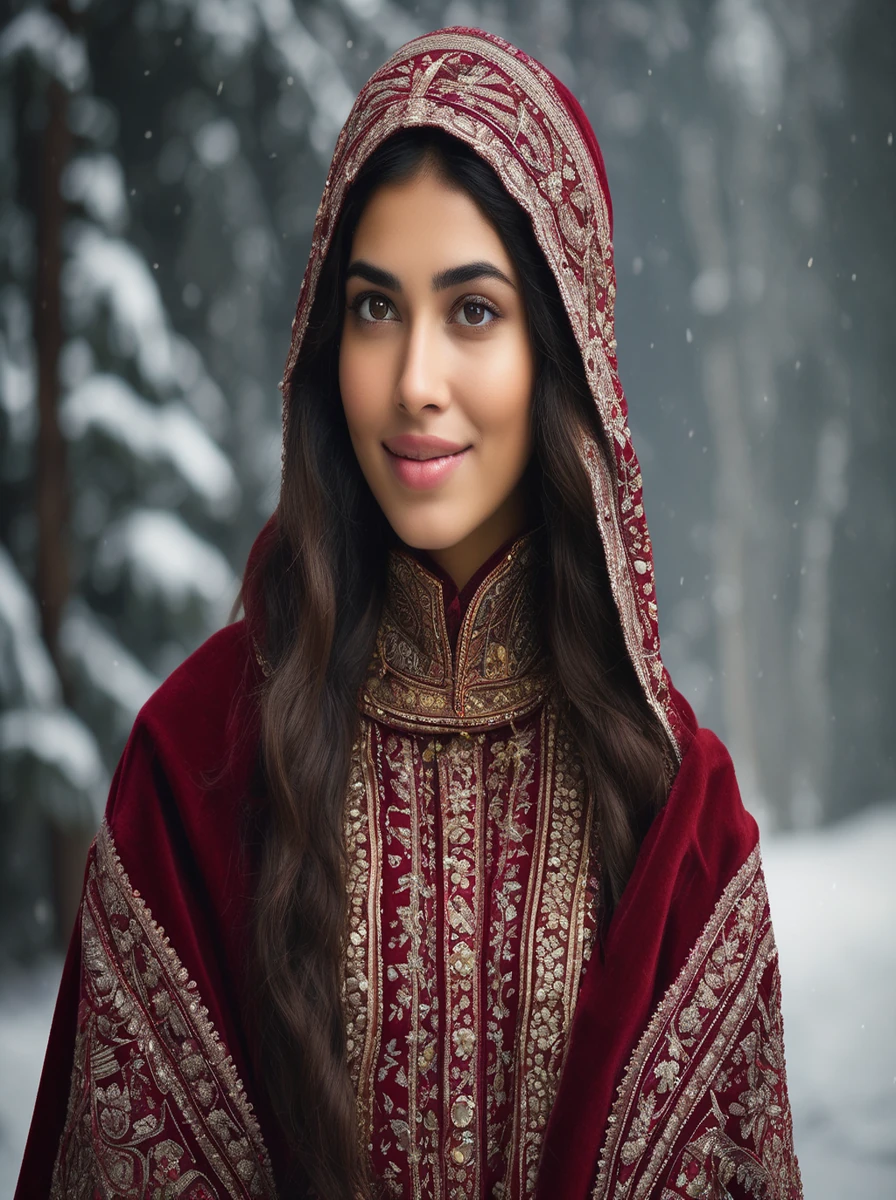
Style Breakdown: The intricate golden tilla needlework embroidery creates opulent tactile richness against the pure white Himalayan backdrop, making it ideal for festive winter portraits.
11. Cafe Window Steam & Falling Snow Reflection Girl
A contemplative, cozy cafe portrait. Looking through a rain-streaked, frost-rimmed coffee shop window with steam droplets on the glass reflecting the swirling snowstorm outside.
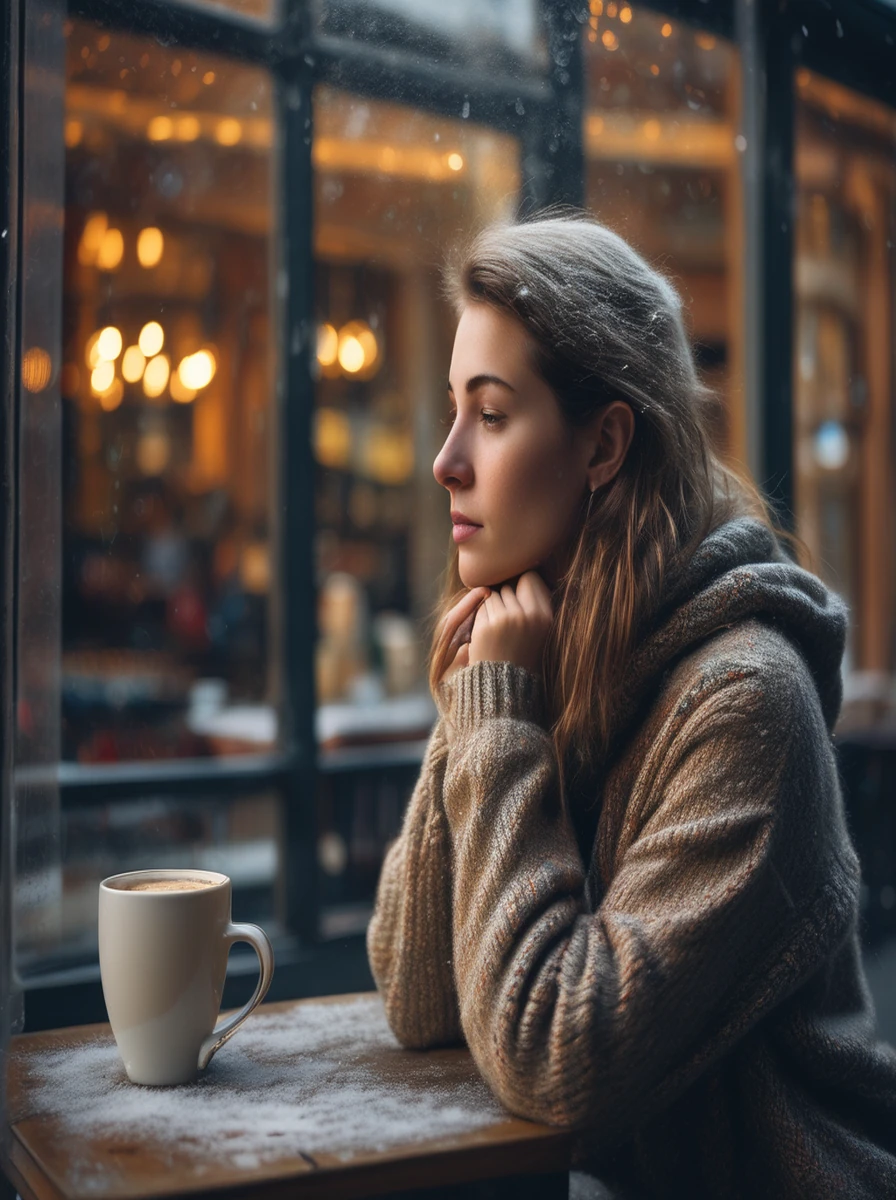
Style Breakdown: Shooting through glass adds complex visual layers: foreground condensation, floating snow midground, and sharp interior subject with warm amber illumination.
12. High-Fashion Editorial Faux-Fur Coat on Frozen Lake
High-fashion winter couture. An avant-garde editorial portrait featuring a voluminous white faux-fur coat against a vast frozen glacial lake under dramatic overcast arctic daylight.
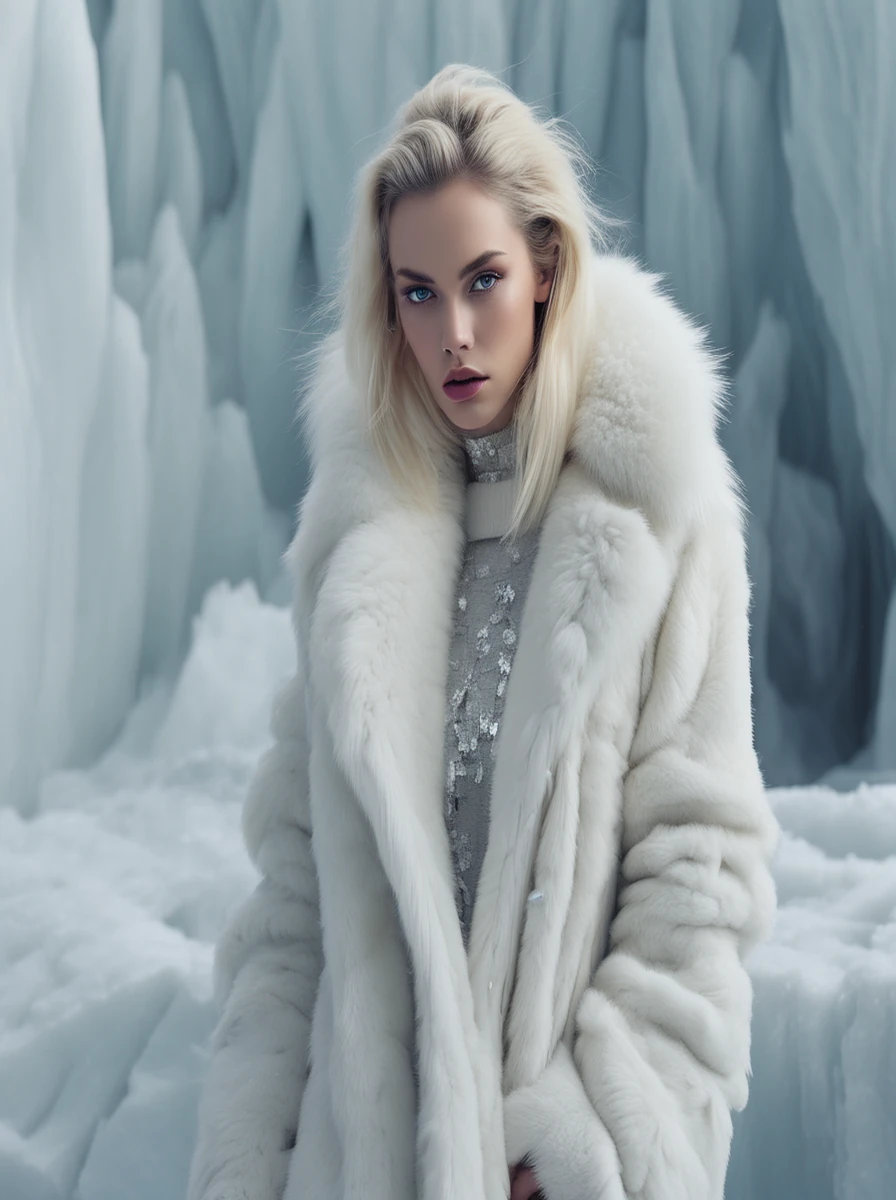
Style Breakdown: Introducing directional studio strobe lighting on a natural frozen lake mimics high-end Vogue or Harper's Bazaar editorial setups, separating white furs cleanly from white ice.
Engineering Guide: Mastering Realistic Snow Physics in Google Gemini (Imagen 3)
Google's Imagen 3 model (powering Gemini's image generation) has exceptional comprehension of physical optics and material properties, but it heavily relies on precise vocabulary to distinguish between different types of snow. When generating winter portraits, keep these three prompt engineering rules in mind:
- Snow Micro-Textures: Instead of generic "snowing", specify "individual hexagonal dendritic snowflakes clinging to knitted wool fibers and dark hair". This instructs the diffusion model to render sharp crystal geometry rather than blurry paint streaks.
- Skin Thermodynamics: Real human skin reacts to sub-zero temperatures. Always prompt for "rosy cold-flushed cheeks, natural pink tint on the tip of the nose, and subtle misty vapor plume exhaling into freezing air". This prevents the subject's skin from looking like plastic wax.
- Backlighting & Bokeh: Snowflakes are transparent ice. They only sparkle when backlit. Always pair snowfall prompts with a light source behind or to the side of the subject: "golden hour low rim light" or "overhead amber streetlamp backlighting falling snow into glowing orbs".
How to Swap Your Face Onto AI Snowfall Photos Flawlessly
The ultimate goal for most Instagram creators is placing their own real face seamlessly onto these high-fashion winter portraits. Here is the exact step-by-step pipeline we recommend:
- Generate the Base Image: Choose an archetype from this guide and generate a high-resolution base image on Google Gemini or Midjourney. Pick a pose where the head angle matches a selfie you already have.
- Prepare Your Source Selfie: Choose a clear, un-filtered front-facing selfie with neutral lighting. Avoid selfies with harsh indoor shadows or sunglasses.
- Execute Face Swapping: Use tools like FaceFusion (local open-source) or web tools like Remaker AI. Ensure Face Restoration (CodeFormer or GFPGAN) is enabled at approximately 0.7 strength so your facial pores and eye sparkle blend naturally with the AI-generated snowflakes.
- Color Harmony Grade: Open the final image in Lightroom Mobile or Snapseed. Slightly increase the shadows, lower the temperature by 200K toward cool blue, and apply a subtle vignette to seat your face permanently into the winter environment.
Frequently Asked Questions
When a prompt simply says "with snow", diffusion models generate flat white overlays resembling spray foam. To achieve photorealistic snow in Google Gemini (Imagen 3), you must specify micro-textures: "individual hexagonal dendritic snowflakes dusting the eyelashes and wool fibers", "translucent ice crystals catching backlight", and "shallow depth of field with creamy circular snowflake bokeh".
Generate your base snowfall portrait using our Gemini or Midjourney prompts. Then, use free high-fidelity face-swapping tools such as FaceFusion, ReActor (via Stable Diffusion WebUI), or Remaker AI. Upload your base image and a well-lit, front-facing selfie. The AI seamlessly transfers your facial geometry while preserving the ambient cold lighting, rosy cheek blush, and falling snowflakes.
For crisp, frozen snowflakes hovering in mid-air, prompt for "fast shutter speed 1/1000s, sharp crystal focus". For romantic, streaking snowfall motion blur, prompt for "slow shutter speed 1/60s, gentle diagonal motion blur on falling snowflakes, dreamy winter atmosphere".
Yes! Google Gemini offers free daily image generation powered by Imagen 3. Simply copy any prompt from this guide, paste it into the Google Gemini chat prompt bar, and it will generate high-resolution photorealistic winter images at zero cost.
Include the phrase: "subtle visible misty plume of warm condensed breath exhaling into the freezing winter air, illuminated by soft golden rim light". This cues the model to generate accurate atmospheric thermodynamics without obscuring facial features.