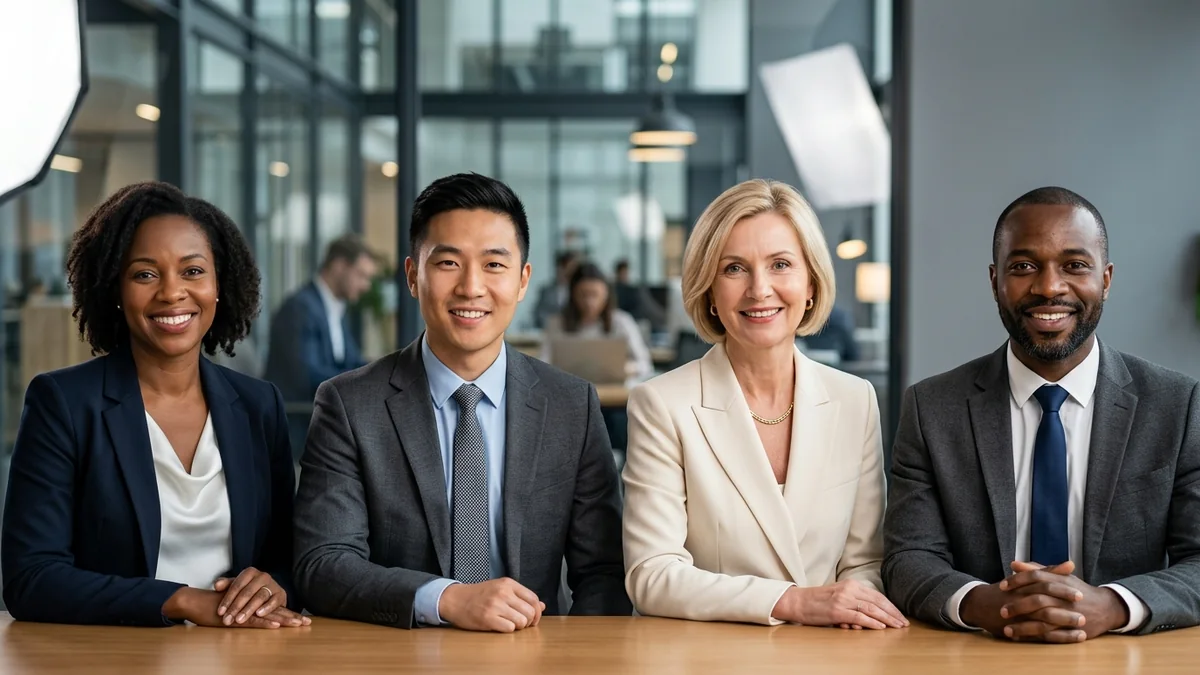
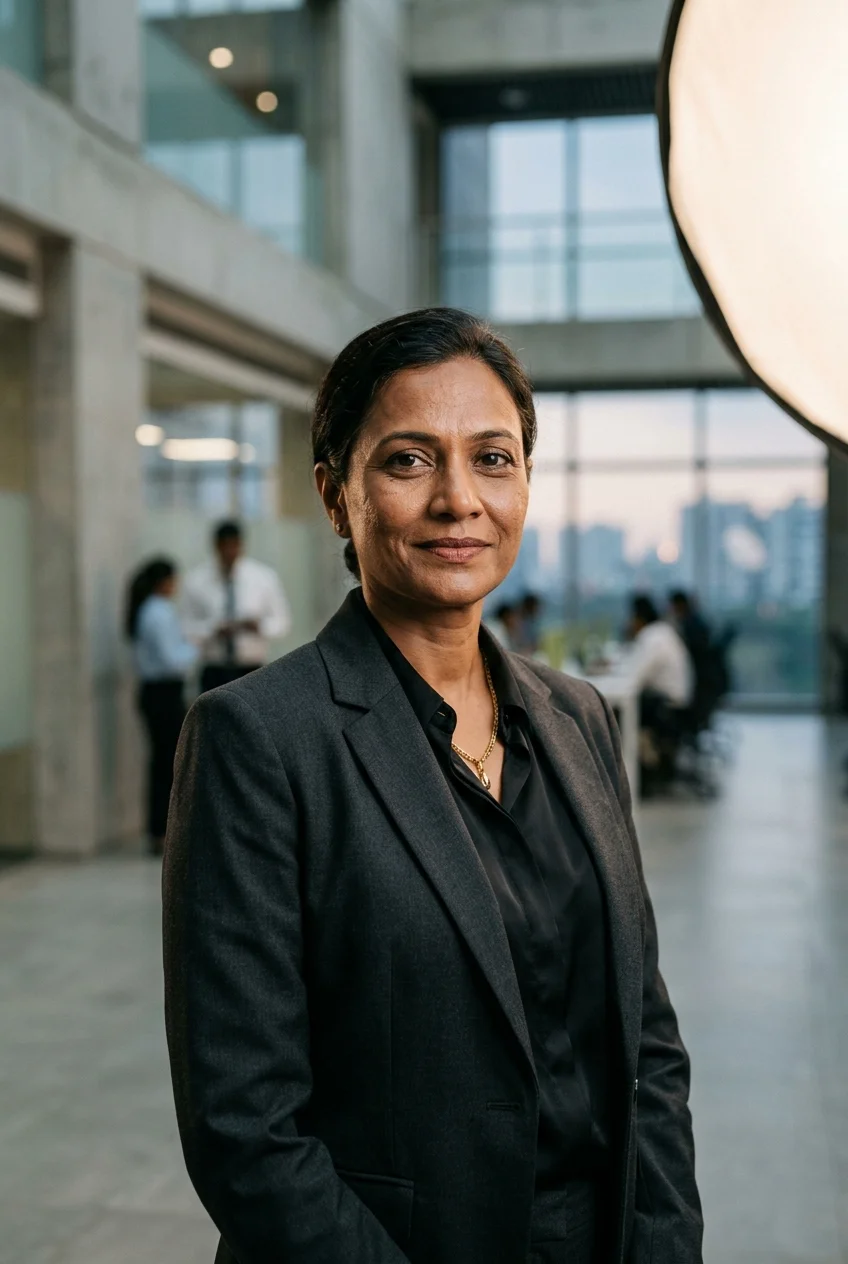
First impressions on LinkedIn often hinge on a single profile picture. Hiring managers, venture capitalists, and prospective clients make split-second credibility assessments based on lighting, eye contact, and professional attire. Yet traditional executive photo sessions often cost hundreds of dollars and require studio booking. Generative AI tools like Midjourney v6.1, ChatGPT DALL-E 3, and Google Gemini Imagen 3 can now produce magazine-grade professional headshots at zero cost when prompted with precise photographic controls.
The difference between an amateur plastic-looking avatar and an authentic corporate headshot comes down to specifying lens optics (like an 85mm f/1.4 portrait lens), tactile skin details, and balanced studio key lighting. Below are 10 production-tested prompt formulas crafted across different executive roles, from startup founders and corporate bankers to creative directors and software engineers, ready to customize and copy.
Need official government ID, visa, or corporate badge portraits with pure white or light blue studio backgrounds? Check out our complete guide to AI Passport Size Photo Prompts for Perfect ID Pictures.
10 Tested AI LinkedIn Headshot Prompts
Each prompt below includes customizable bracketed placeholders like [your hairstyle] and [your clothing preference]. Click Copy Prompt, customize the brackets with your personal style, and paste directly into your preferred AI engine.
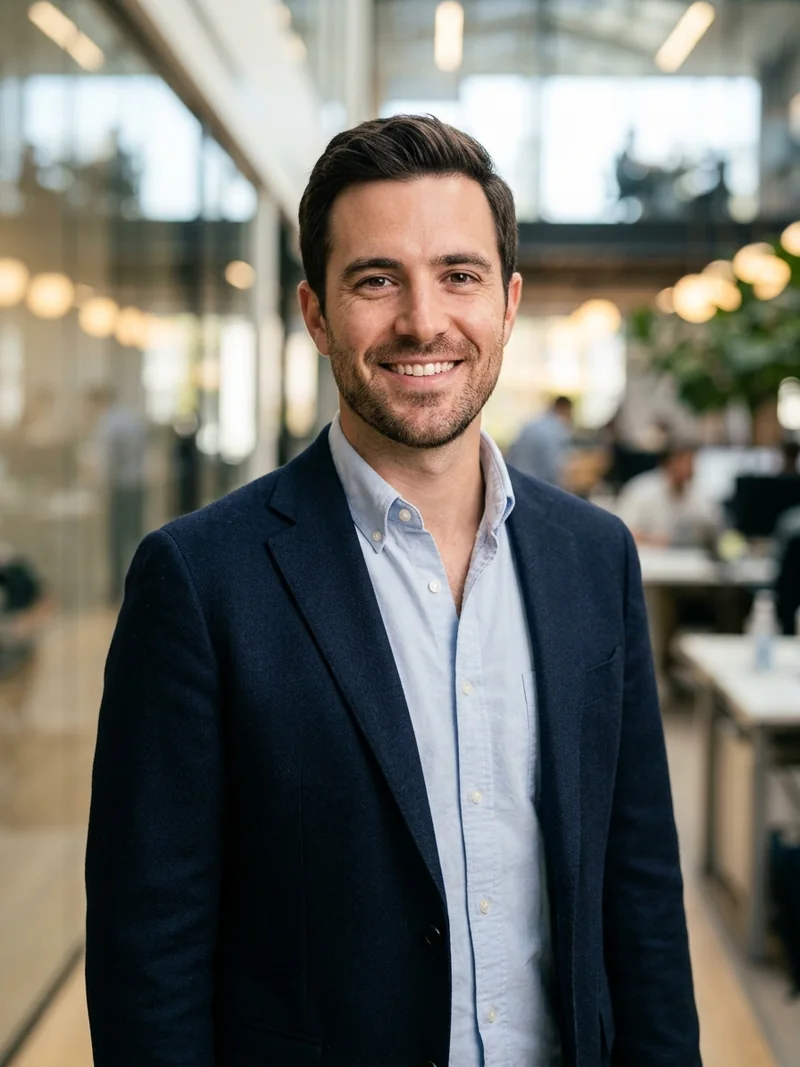
1. Tech Founder & Startup Executive
An approachable modern tech executive portrait featuring a tailored navy blazer, open-collar oxford shirt, soft glass office bokeh, and natural confidence. For more general prompts to photograph yourself using conversational AI, check out our popular guide on Best ChatGPT Prompts for Pictures of Yourself.
2. Corporate Finance & Investment Banking Director
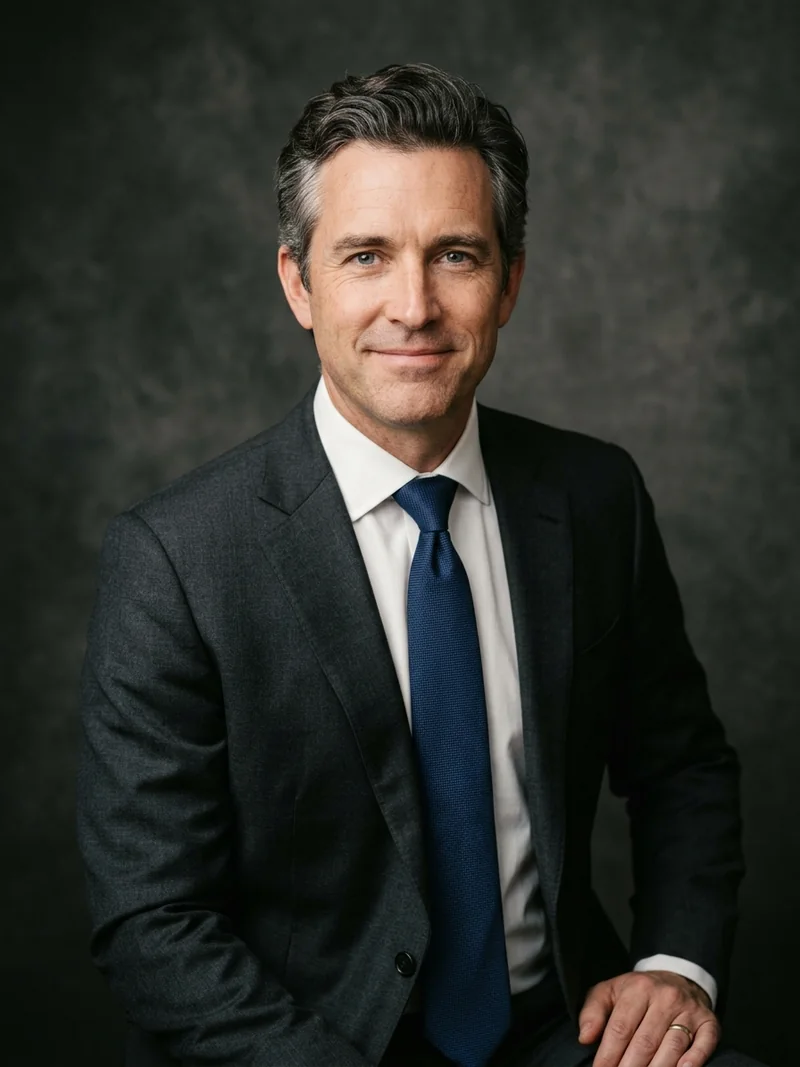
A distinguished executive studio headshot in tailored charcoal wool with crisp French cuffs, textured silk tie, and classic neutral canvas backdrop.
3. Creative Director & UI/UX Design Lead
A sophisticated architectural headshot featuring a minimalist black knit turtleneck, delicate geometric gold jewelry, and bright diffuse window lighting. For more camera lens keywords and studio lighting prompts across Midjourney, check out our masterclass on Best Midjourney Prompts for Realistic Images.
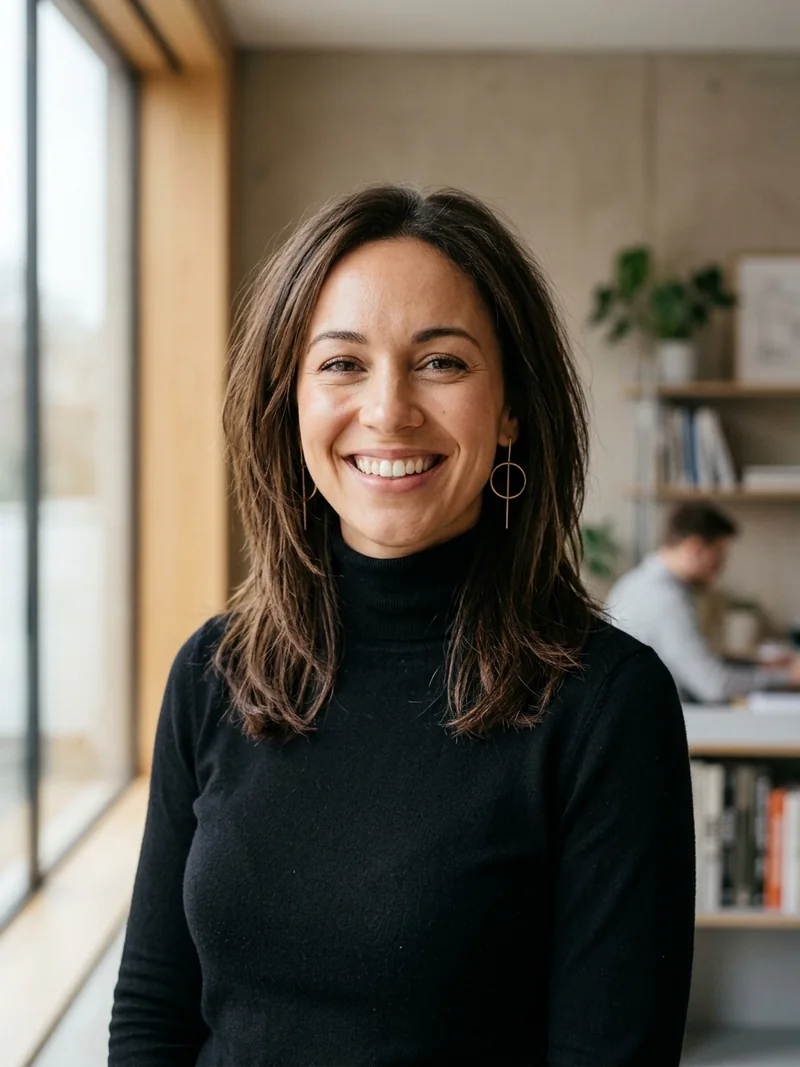
4. Healthcare & Medical Physician
A trustworthy and compassionate medical headshot featuring a tailored clinical consultation coat, modern stethoscope, and bright hospital atrium ambient light.

5. Management Consultant & Keynote Speaker
A commanding yet approachable leadership portrait in a vibrant cobalt blue blazer, ivory silk top, and blurred corporate boardroom setting.
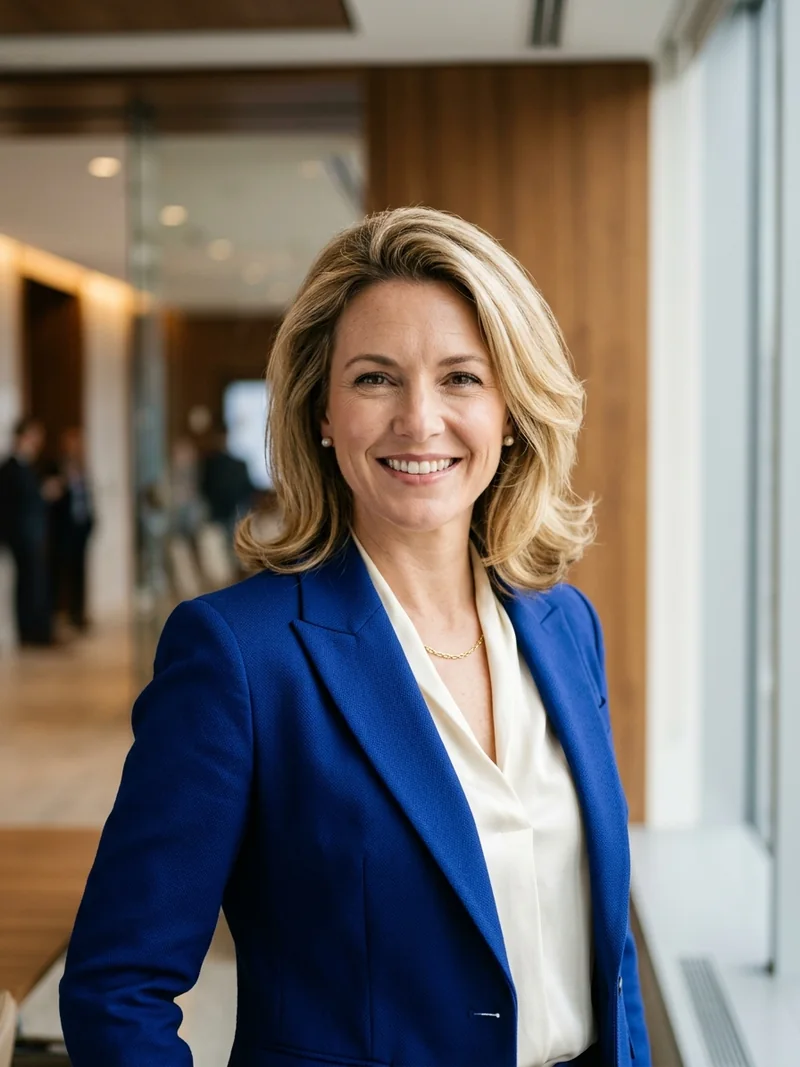
6. Software Engineering Lead & Architect
An unpretentious smart-casual portrait featuring a fine-gauge merino knit crewneck, matte designer glasses, and modern brick-and-timber loft bokeh.
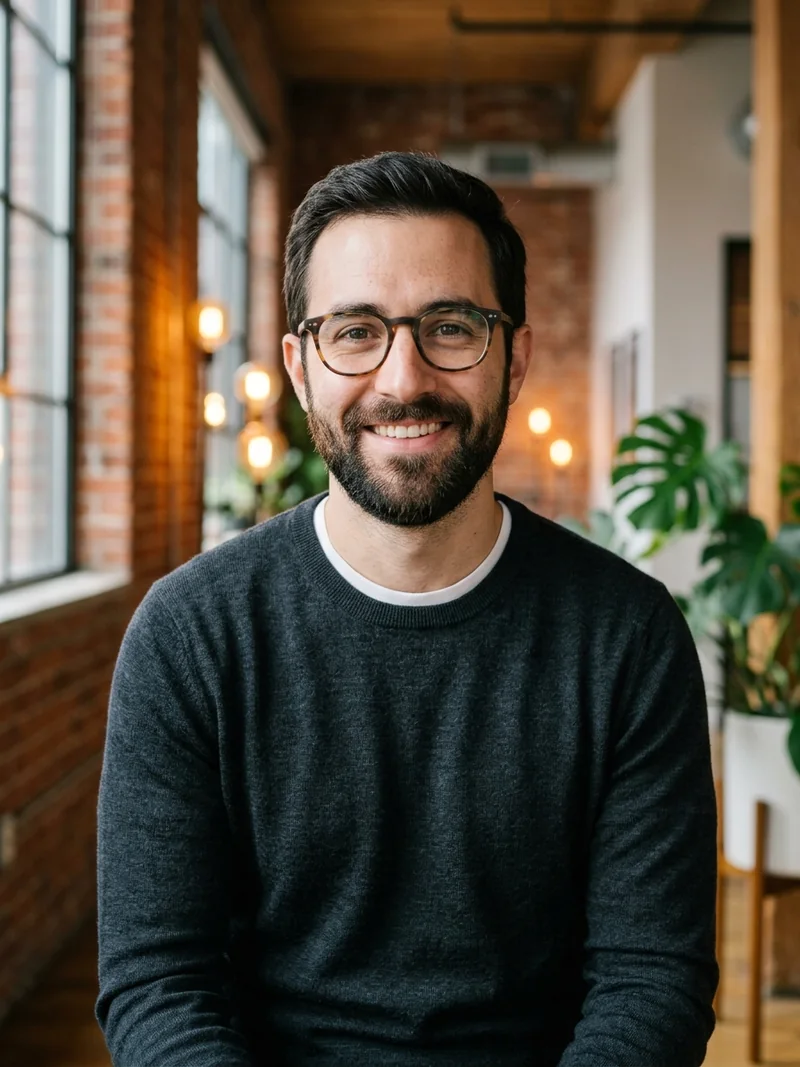
7. Legal & Corporate Counsel
A dignified partner portrait in classic navy wool tailoring, burgundy tie, and rich warm mahogany law library bookshelf background.
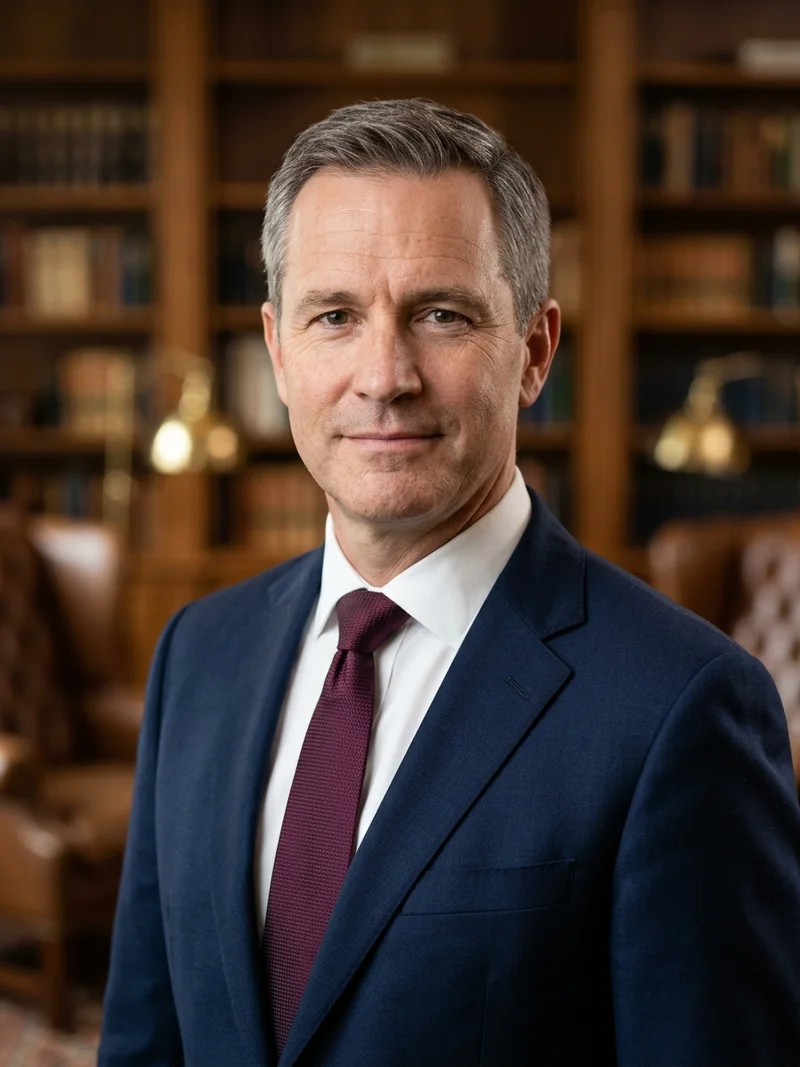
8. Marketing & PR Executive
A vibrant and engaging executive portrait in an emerald-green silk blouse, sunlit rooftop terrace bokeh, and polished loose waves.
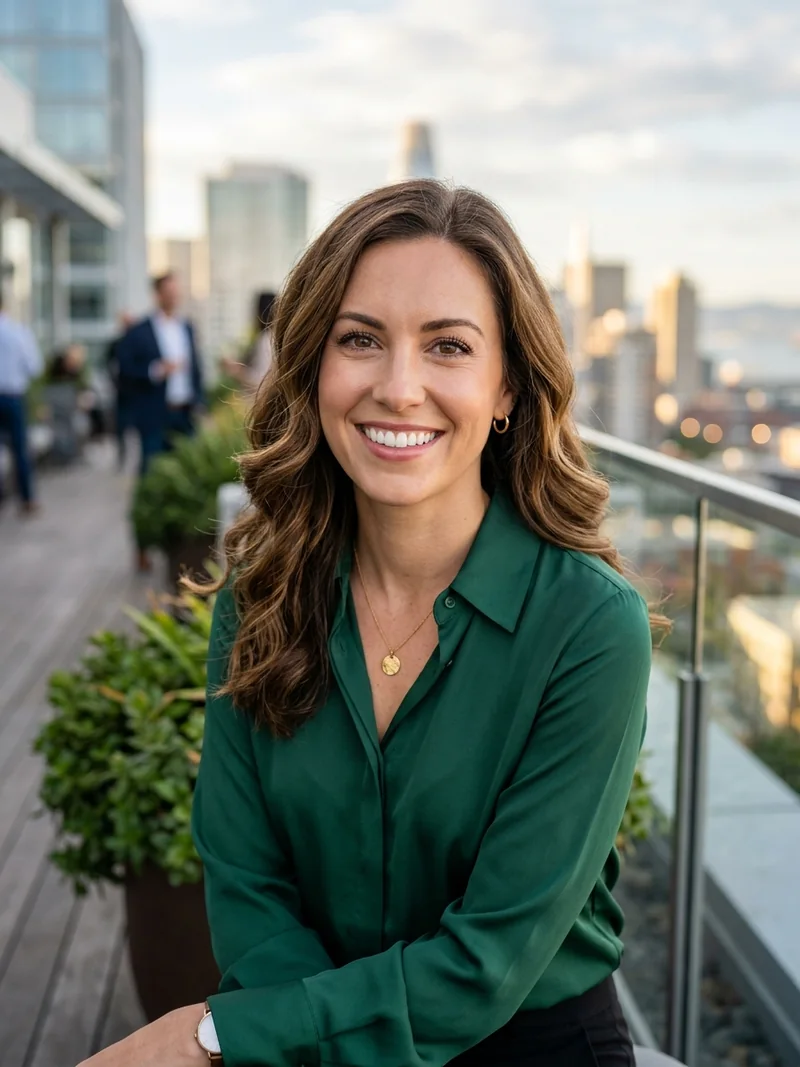
9. Remote Professional & Digital Strategist
A contemporary work-from-anywhere profile portrait in an oatmeal knit sweater, designer frames, and clean aesthetic home studio bokeh.
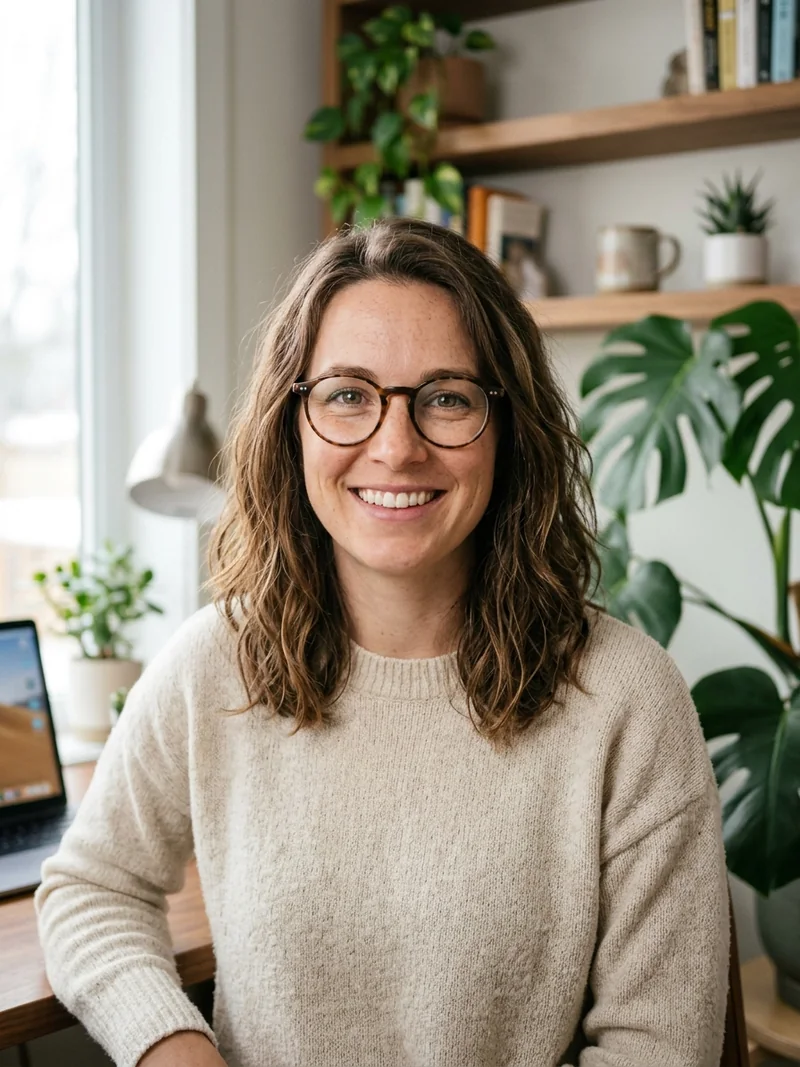
10. Monochrome High-Contrast Executive Portrait
A timeless black-and-white editorial portrait with dramatic Rembrandt studio shadows, open-collar tailoring, and magnetic gaze.
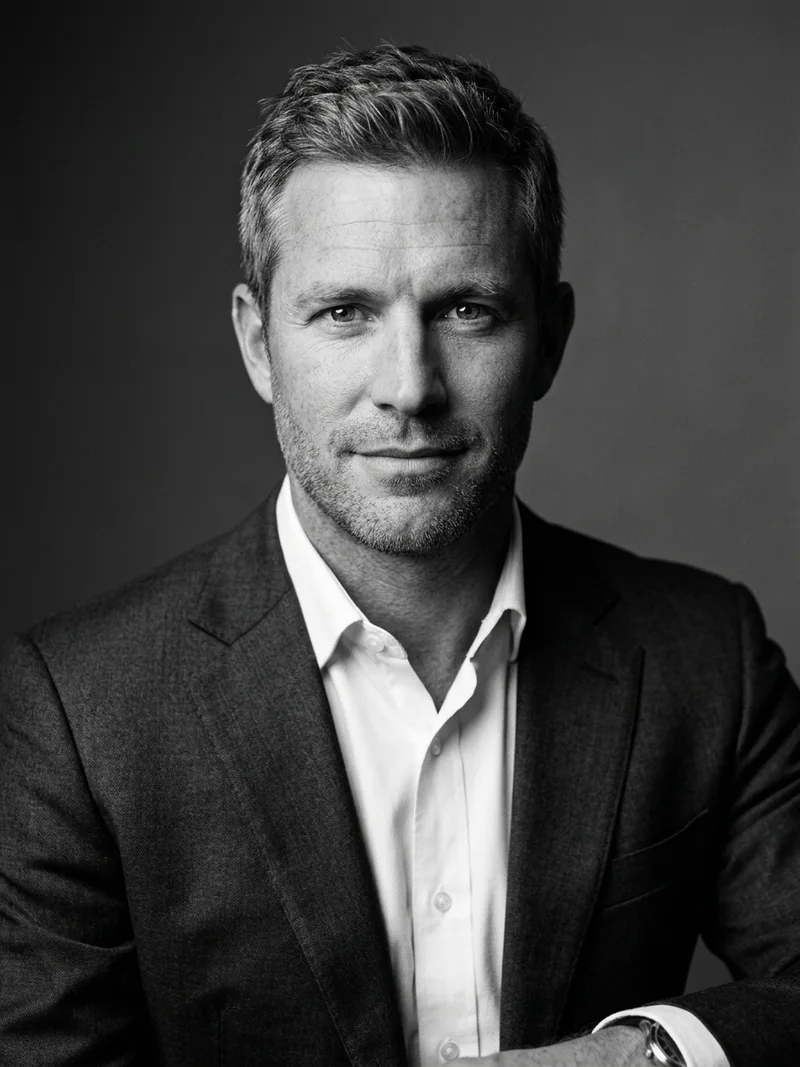
3 Core Rules for Photorealistic AI LinkedIn Headshots
Generating an AI headshot that looks genuinely photographed in a professional studio requires mastering three foundational optical principles:
1. Anchor Lens Optics (85mm or 100mm): Smartphone front cameras distort facial features with wide-angle perspective, widening noses and stretching temples. In professional portraiture, photographers rely on 85mm or 100mm prime telephoto lenses to flatten perspective, render accurate proportions, and soften the background with gentle creamy bokeh. Always specify 85mm f/1.4 lens or 100mm portrait compression in your prompt.
2. Force Micro-Skin Textures: AI models have a default tendency to airbrush complexions until subjects look like video game renders. Explicitly demand physical human imperfections: authentic visible skin pores, subtle laugh lines, natural stubble texture, and sharp iris focus with specular catchlights. In Midjourney, avoid prompt words like "hyperrealistic", "smooth", or "flawless", which inadvertently trigger beauty filters.
3. Multi-Point Studio Lighting: Flat omnidirectional light flattens bone structure. The most authoritative executive headshots utilize a primary large octabox key light angled at 45 degrees to sculpt cheekbones, accompanied by a subtle hair rim light to cleanly separate the subject from dark studio canvas or corporate office glass.
How to Use Face Reference Photos for Exact Likeness
If you want the generated LinkedIn headshot to feature your actual face, use the following tested workflows across your favorite AI engine:
1. Midjourney v6.1 Character Reference (cref): Upload 1 to 2 sharp, well-lit photos of yourself to Discord or the Midjourney web alpha. Copy the image URL, write your headshot prompt from above, and append --cref [YOUR_IMAGE_URL] --cw 20. Setting --cw 20 (character weight 20) instructs Midjourney to transfer only your facial geometry and hair color while allowing the AI to replace your casual clothes with a bespoke corporate suit and professional studio backdrop.
2. ChatGPT (DALL-E 3) Likeness Workflow: Upload a clear headshot selfie directly into the ChatGPT chat interface. Prompt: "Maintain the facial features, bone structure, eye shape, and skin tone of the person in this uploaded image, but generate an authentic executive LinkedIn profile portrait wearing a tailored navy blazer, crisp white shirt, inside a softly blurred modern glass office, shot on 85mm f/1.4 lens."
3. Google Gemini Imagen 3 Workflow: Attach a clean portrait to Gemini and specify that the generated image must preserve the identity, age, and natural complexion of the reference subject while replacing the lighting setup with professional studio softboxes.
Optical Focal Length and Studio Catchlight Standards for Executive Profiles
Professional LinkedIn and corporate leadership headshots succeed when viewers notice confidence and approachability rather than camera effects or AI generation artifacts. The single most important technical rule in executive portraiture is focal length selection: wide smartphone lenses below 35mm subtly exaggerate nasal proportions and narrow ear spacing at close range, whereas an 85mm or 105mm portrait prime lens at chest to eye level produces flattering natural facial geometry. Specifying 85mm medium telephoto portrait lens at f2.8 to f4 keeps both eyes, eyelashes, and suit lapels tack sharp while gently softening office architecture behind the shoulders.
Eye catchlights determine whether a digital headshot feels alive and trustworthy. In commercial portrait studios, a large octabox placed slightly above eye level forty five degrees off center paired with a silver reflector below chest height creates classic Rembrandt or loop lighting with crisp circular catchlights at the ten o clock or two o clock iris position. Including natural ocular catchlights, authentic skin micro texture, and balanced neutral studio color temperature prevents the waxy over smoothed skin common in low quality avatar apps.
Matching Wardrobe and Backdrop Tone to Your Industry Role
Tailoring wardrobe and background environment to your professional sector strengthens instant visual credibility. Finance, legal, and enterprise consulting executives project quiet authority against muted slate studio canvas or softly blurred limestone boardrooms wearing navy worsted wool blazers and crisp poplin collars. Product designers, startup founders, and creative directors often read warmer in sunlit architectural co working spaces with indoor greenery, dressed in structured charcoal knitwear, unconstructed linen blazers, or clean minimalist crew necks under a tailored jacket.
Frequently Asked Questions
Can I use an AI-generated headshot as my official LinkedIn profile photo?
Yes. LinkedIn allows professional portraits generated by AI as long as they accurately represent your real-world likeness and adhere to professional community standards. High quality AI headshots with authentic skin pores and natural studio lighting are virtually indistinguishable from traditional photography.
Which AI tool is best for LinkedIn headshot prompts: Midjourney, ChatGPT, or Google Gemini?
Midjourney v6.1 produces the highest photographic fidelity and natural studio rim lighting using the cref parameter. ChatGPT with DALL-E 3 excels at following complex clothing and background descriptions. Google Gemini Imagen 3 offers rapid iterations and lifelike daylight rendering.
How do I prevent AI from making my headshot look waxy, fake, or over-smoothed?
Avoid buzzwords like hyperrealistic, flawless, or 8k. Instead, prompt for tactile optical characteristics: natural skin pores, subtle laugh lines, authentic eye catchlights, and sharp focus on the iris shot with an 85mm f/1.4 portrait lens.
How can I maintain my exact facial likeness when using these AI headshot prompts?
In Midjourney, upload a clear reference photo and append the link with the --cref parameter set to --cw 20. In ChatGPT and Gemini, upload your clear selfie first and ask the AI to preserve your facial features while generating the tailored attire and studio background.
What are the most effective clothing colors and styles for a corporate LinkedIn headshot?
Deep solid tones like navy blue, charcoal gray, forest green, and classic black consistently perform best. Avoid busy patterns or neon colors that distract from your face. Tailored wool blazers, crisp collars, and fine-gauge knitwear project executive authority.
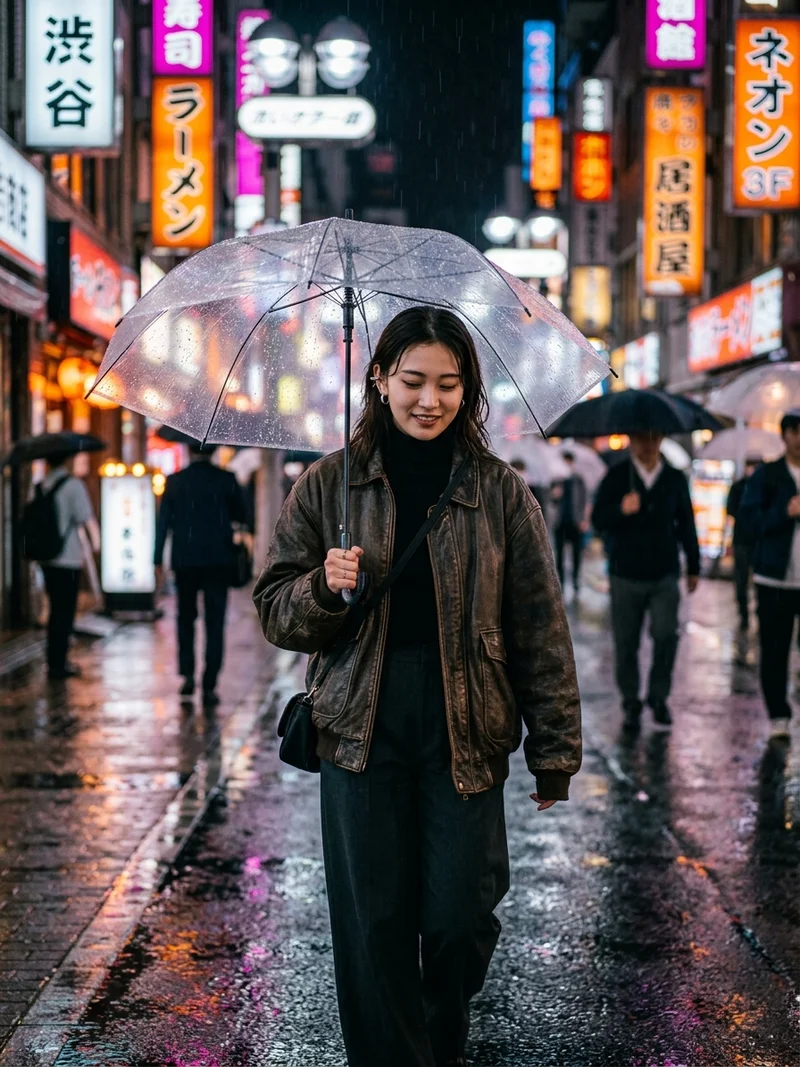
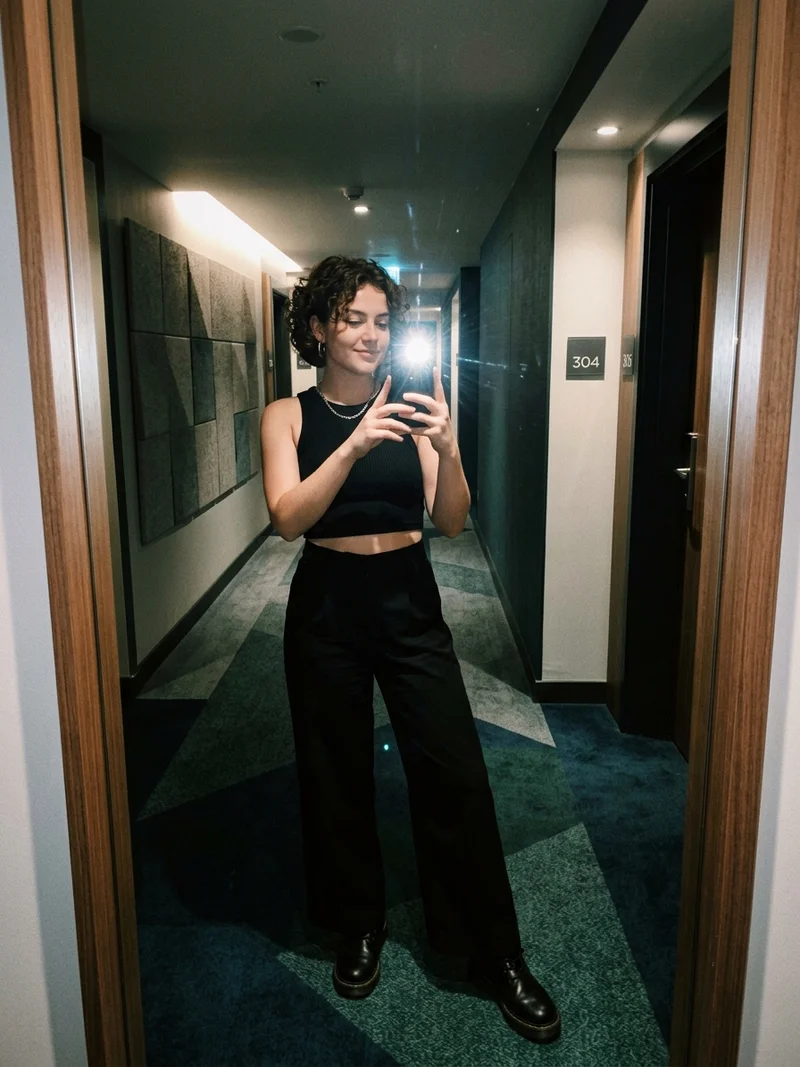
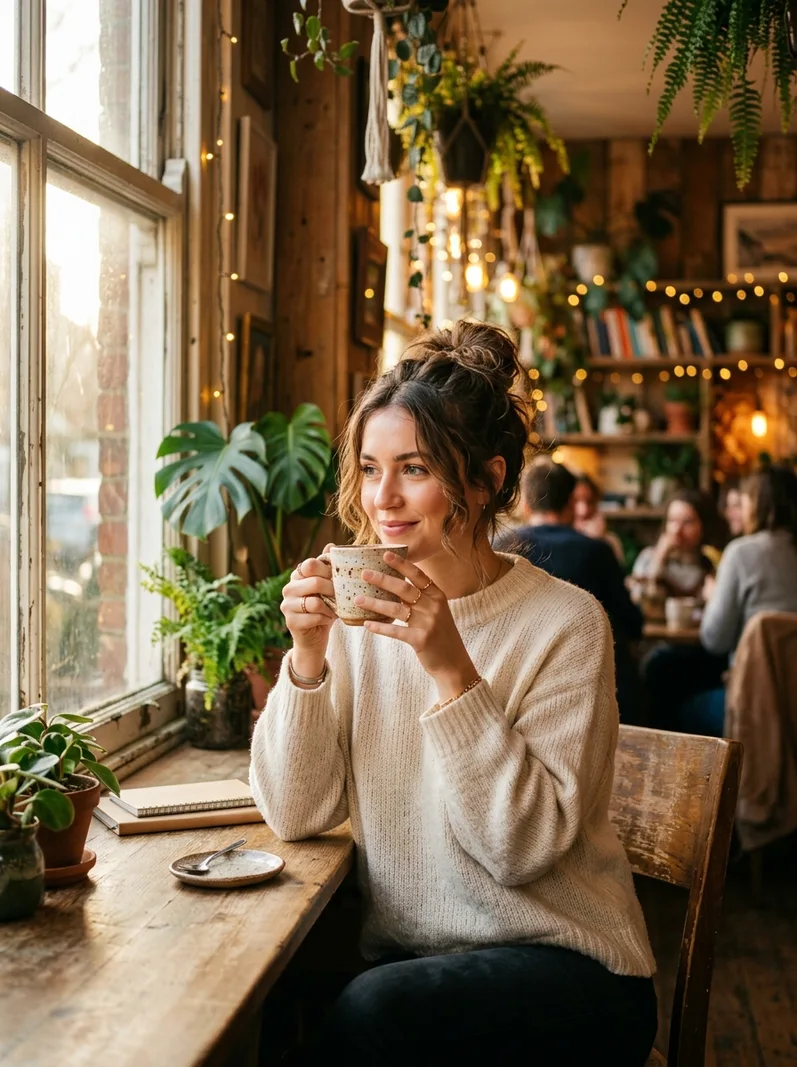
Trending Instagram AI Photo Prompts: 10 Viral Formulas for Aesthetic Feeds
Master direct xenon flash, luxury POV candids, 90s vintage film grain, and aesthetic mood shots without synthetic digital smoothing across ChatGPT, Gemini, and Midjourney.
 Sandip Barman
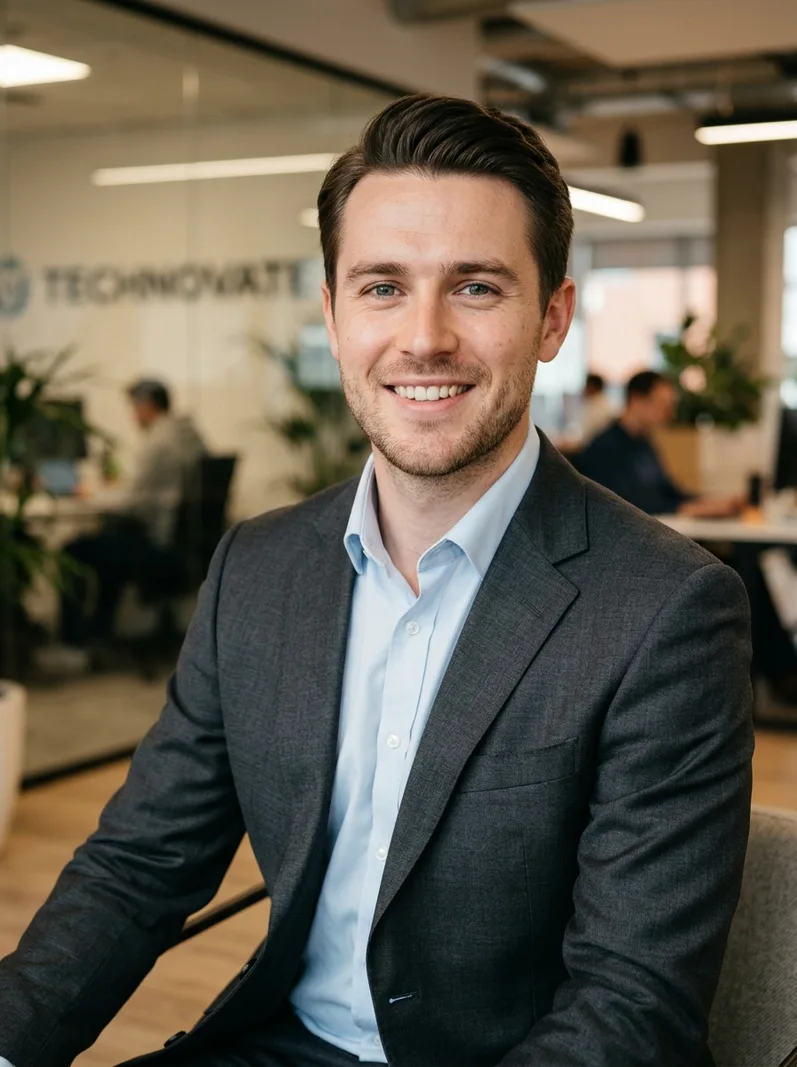
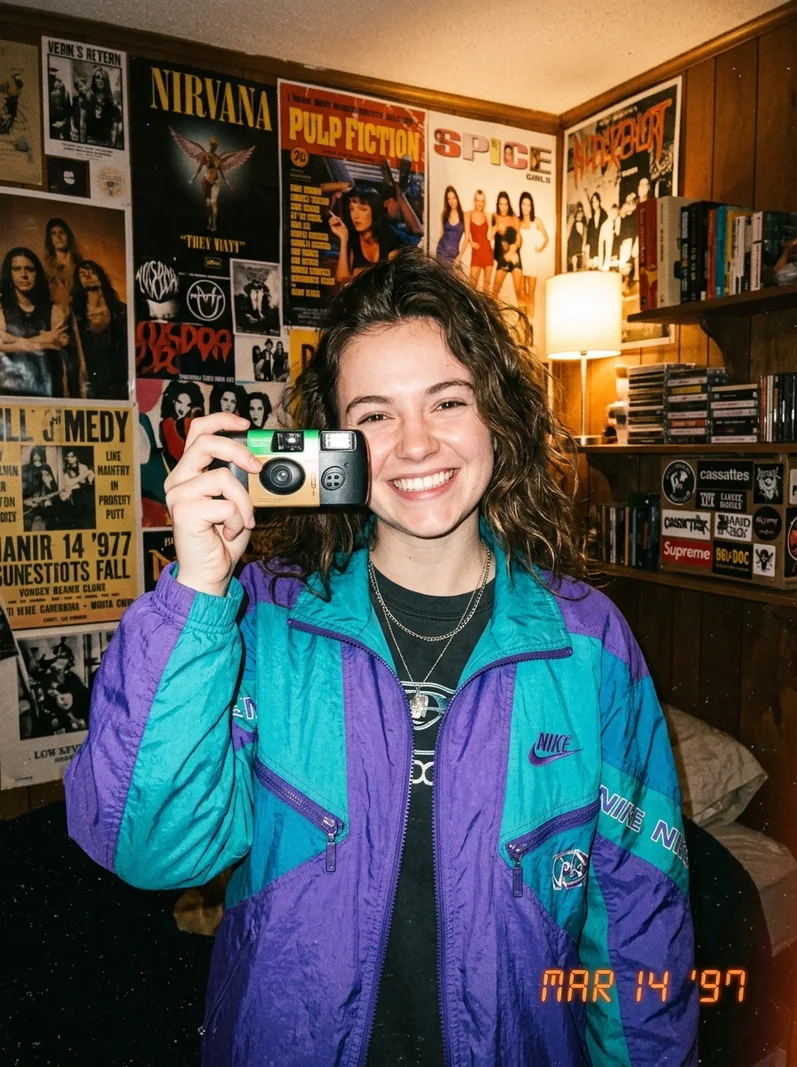
Best ChatGPT Prompts for Pictures of Yourself: 10 Tested Aesthetic Formulas
Master natural likeness, documentary lighting, vintage 90s film grain, and executive LinkedIn headshots without artificial plastic smoothing in ChatGPT.
Sandip Barman
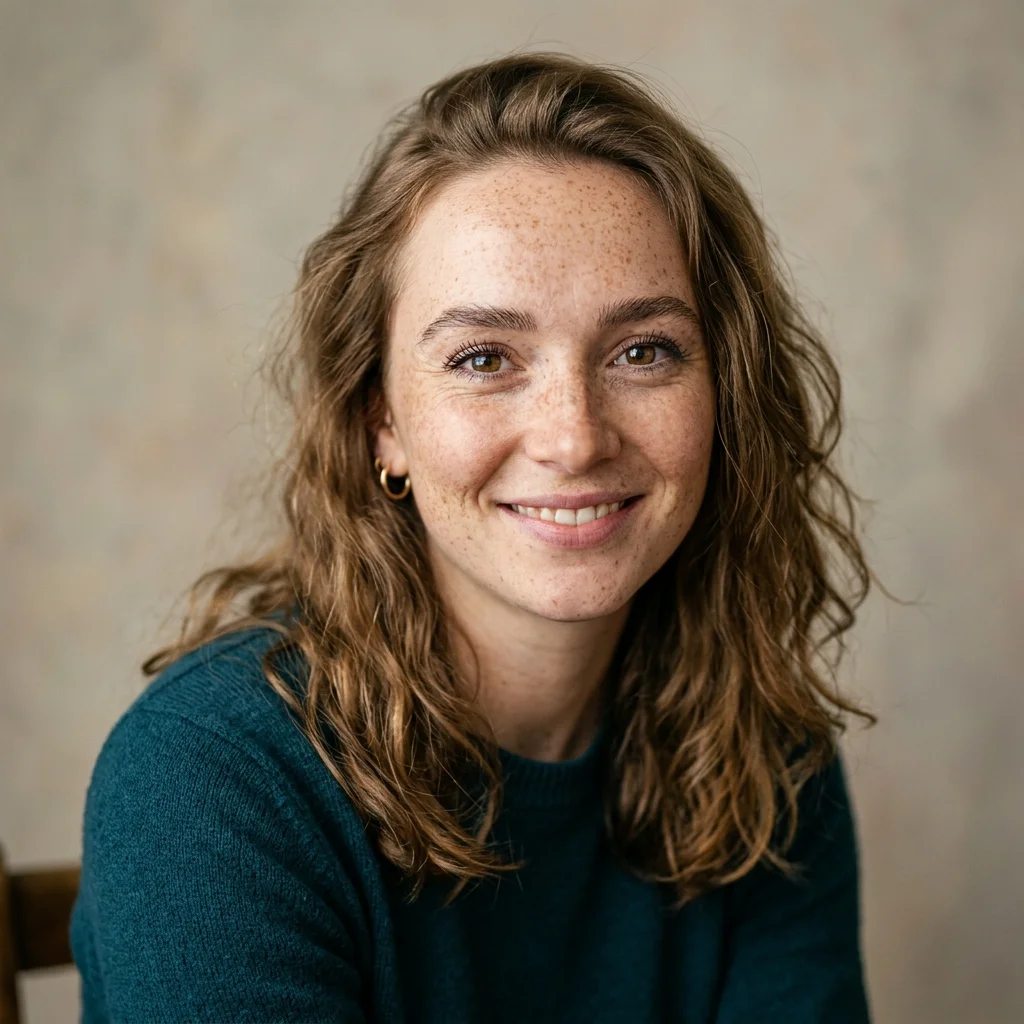
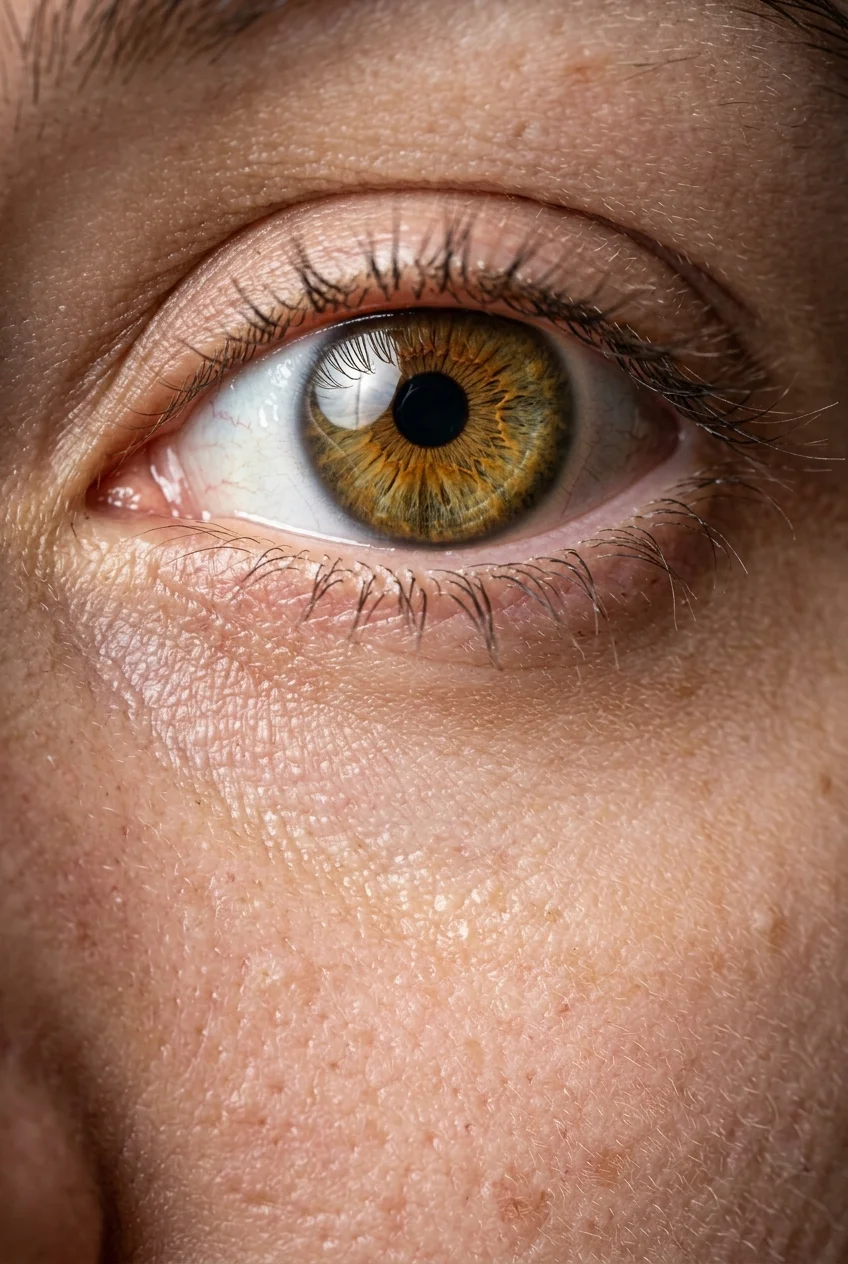
Best Midjourney Prompts for Realistic Images and Photos
Master raw epidermal skin textures, 85mm prime lens compression, and studio lighting without artificial plastic smoothing.
Sandip Barman