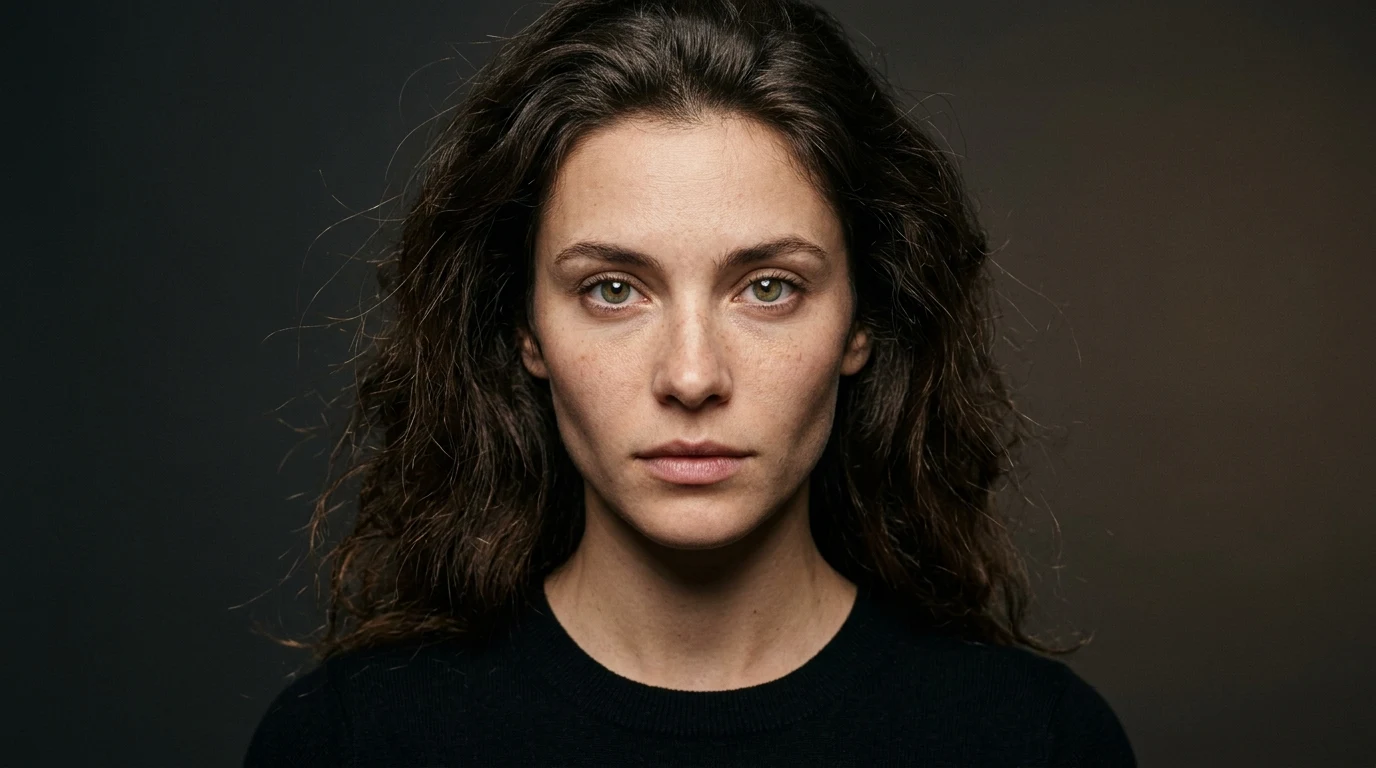
Generating authentic, life-like human portraits in generative artificial intelligence requires moving past default smoothing algorithms that turn human faces into plastic dolls. If you are searching for the best Midjourney prompts for realistic images or looking for the best Midjourney prompts for realistic photos, the secret lies in speaking the language of studio photography. By specifying optical prime lenses like an 85mm f/1.4, directional Rembrandt key lighting, and natural epidermal micro-textures like pores and fine laugh lines, you force the diffusion model to render genuine optical truth rather than digital airbrushing.
Digital creators and portrait photographers seeking the best Midjourney prompts for photorealism and the best midjourney prompts for realism know that appending --style raw in Midjourney v6.1 is essential to strip away artificial beauty filters. Below is our hand-tested benchmark of 15 production-ready best midjourney prompts realistic formulas in vertical portrait format, complete with calibrated lighting ratios, camera optics, instant copy buttons, and tool links.
The 4 Core Rules for Midjourney Photorealism
Before copying the prompts below, understanding these four optical principles will transform how you write prompts for realistic photos:
1. Always Append --style raw: By default, Midjourney applies an artistic opinion to every prompt, smoothing out skin imperfections and increasing saturation. Adding --style raw strips away this artificial bias and forces the model to respect realistic photographic lighting.
2. Name Specific Camera Prime Lenses: Generic prompts like "close up" cause focal distortion. Specifying an 85mm f/1.4 or 105mm f/2.8 prime lens naturally compresses facial proportions, keeps noses proportional, and renders a realistic, creamy background blur (bokeh).
3. Ban Fluff Words: Remove terms like "hyperrealistic", "insanely detailed", "8k", and "trending on artstation". These words contaminate the prompt token weights with digital 3D renders. Replace them with concrete physical details: "natural skin pores", "fine facial micro-creases", "subtle freckles", and "unretouched documentary style".
4. Define Directional Light and Shadow: Flat front lighting washes out facial geometry. Use terms like "directional 45-degree key light", "softbox diffusion", "subtle rim lighting", or "north-facing window light" to give your subject three-dimensional depth and authentic skin sheen.
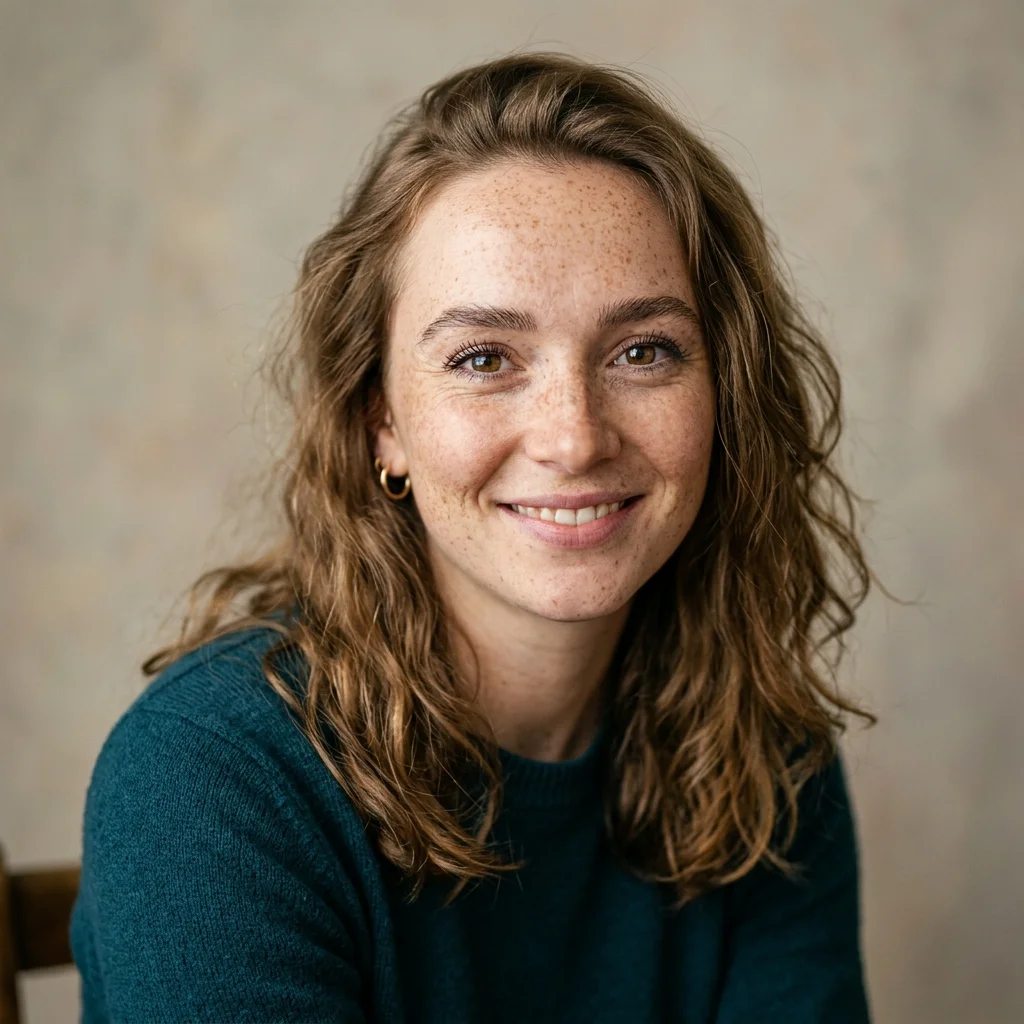
1. Natural Sunlit Freckle Study with 85mm Prime Lens
Flat lighting is the primary reason AI portraits look artificial. By using low-angle natural sunlight with an 85mm prime lens, this prompt captures true skin micro-textures, delicate facial freckles, and unretouched warmth.
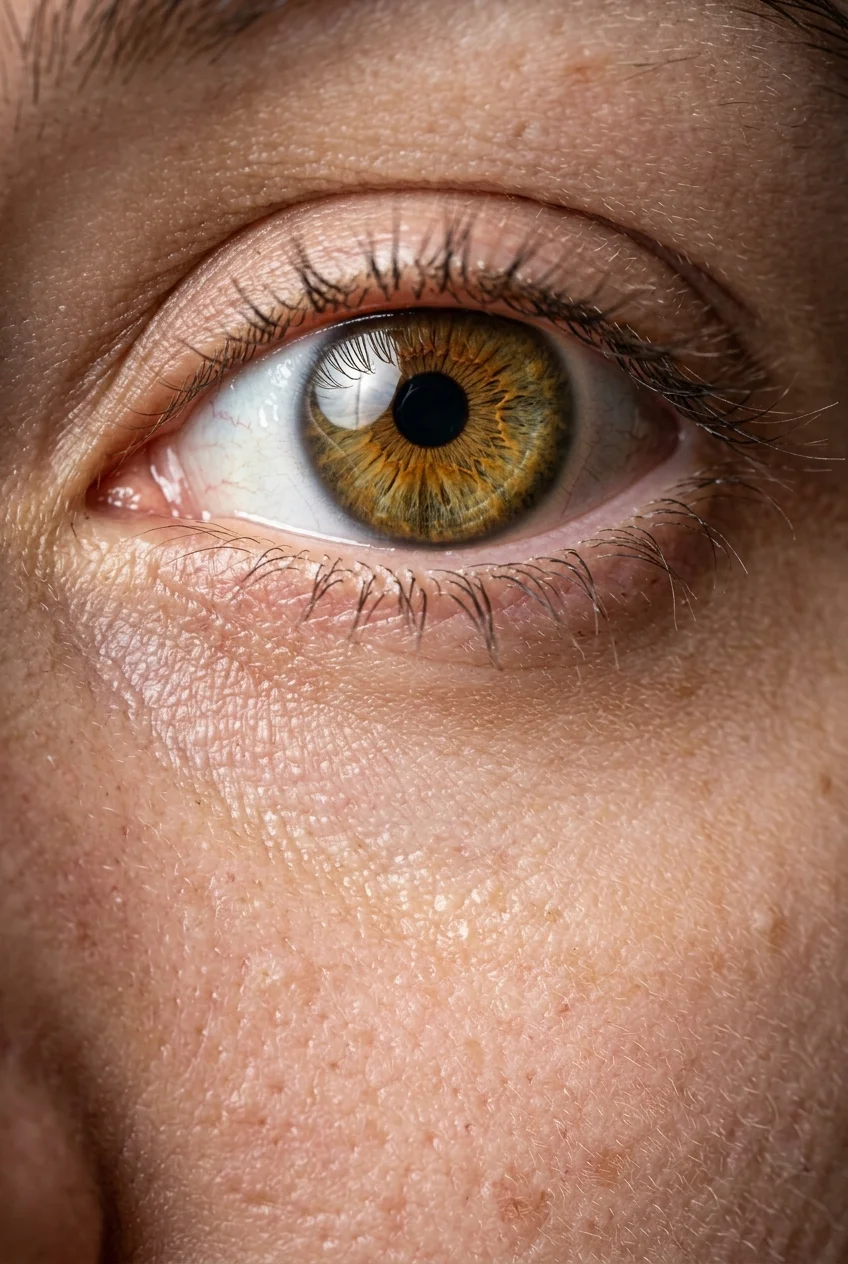
2. Extreme Macro Iris Striation and Epidermal Pore Study
Testing extreme close-ups is the ultimate benchmark for realism in Midjourney v6.1. By commanding a 105mm macro prime lens, this prompt renders individual eyelashes and authentic epidermal pores with razor clarity.
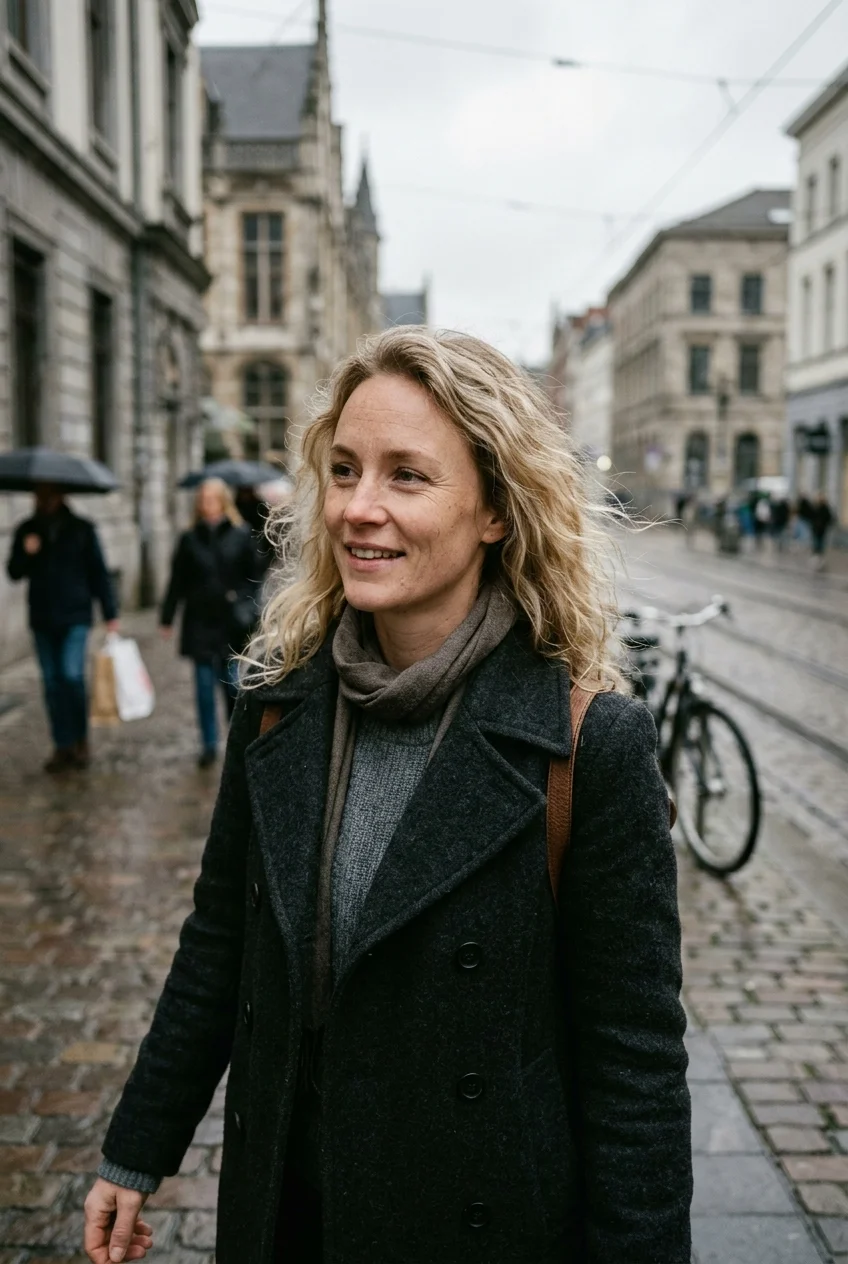
3. Candid 35mm Street Photojournalism Portrait
Posed studio shots can feel stiff. This prompt leverages Kodak Portra 400 analog color science and a classic 35mm rangefinder setup to simulate spontaneous photojournalism with genuine daylight skin tones.
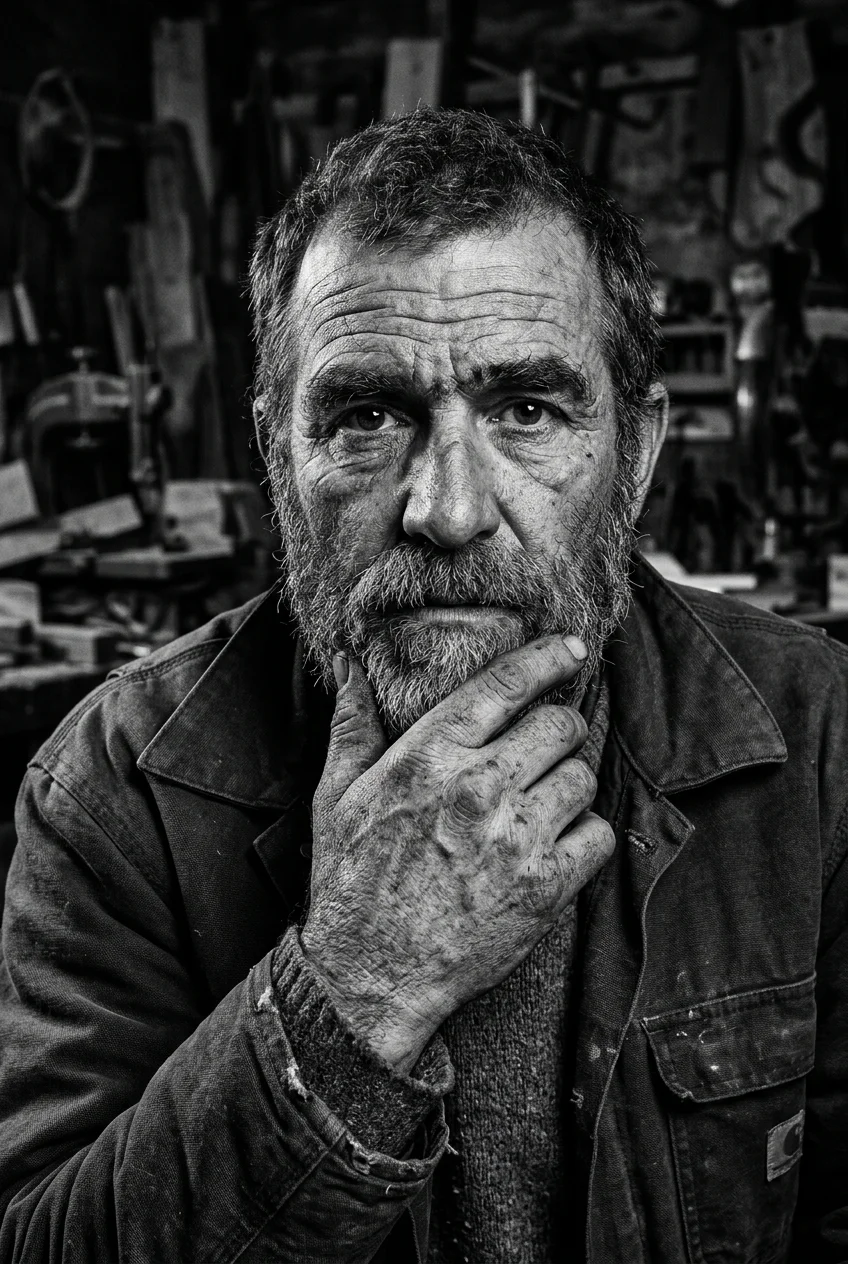
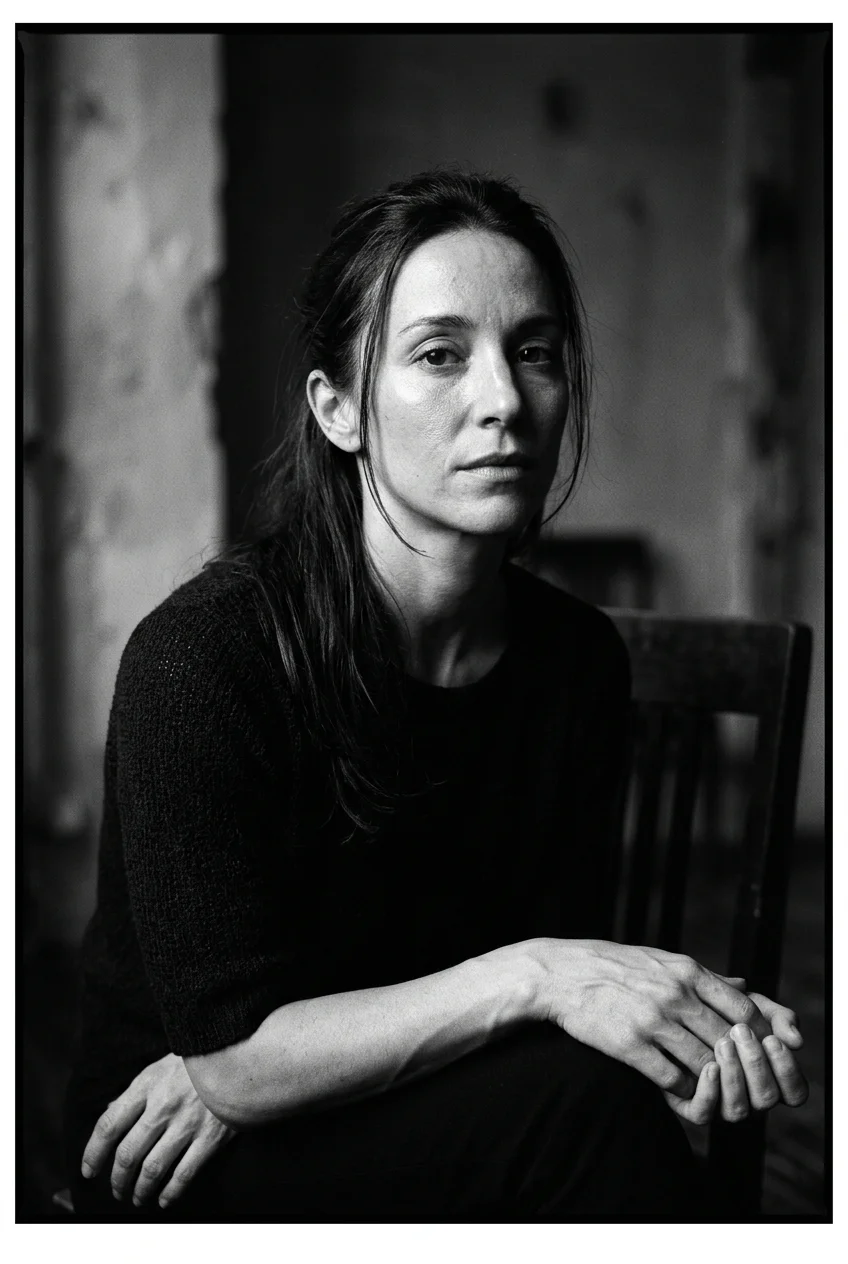
4. Textured Monochrome Character Study with Ilford Film Grain
Black and white portraiture strips away color distractions and highlights raw physical geometry. This recipe uses Ilford HP5 Plus emulsion parameters for deep, velvety shadow transitions and tactile facial beard texture.
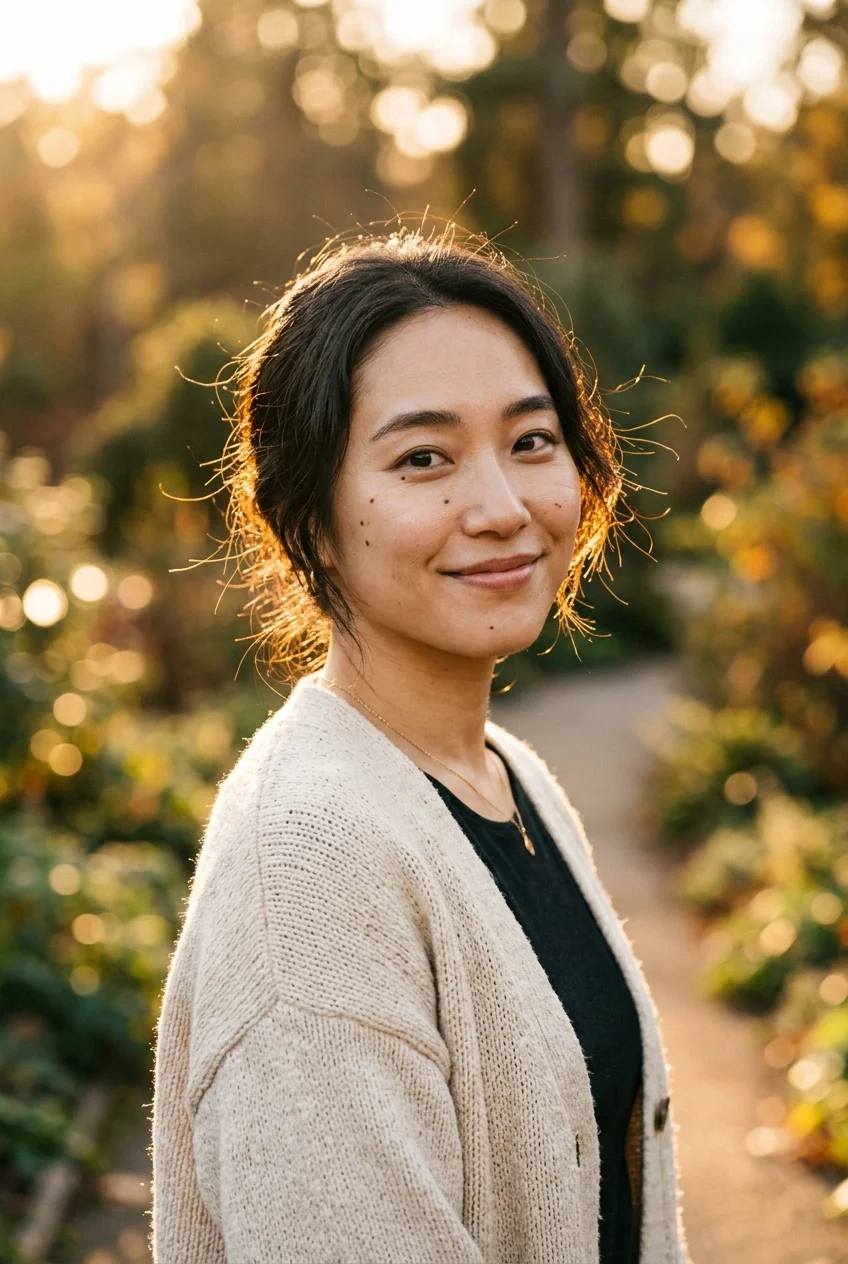
5. Sunlit Golden Hour Natural Portrait with Organic Bokeh
Backlighting separates subjects from the background with a halo of golden hair highlights. For more sunlit and flash-lit lifestyle formulas, see our viral collection of Trending Instagram AI Photo Prompts. Adding a soft bounce reflector preserves authentic eye catchlights without blowing out the highlights.
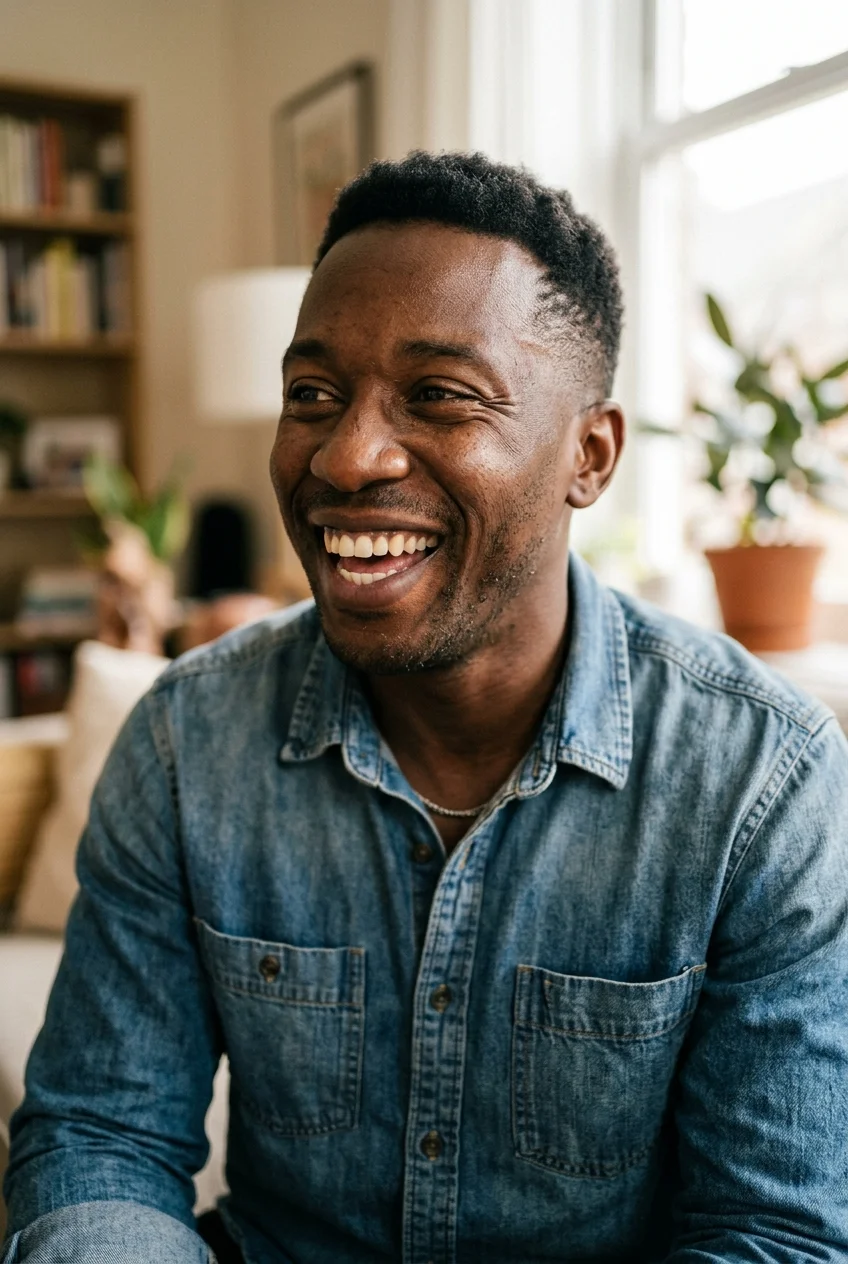
6. Spontaneous Candid Smile with Realistic Facial Laugh Lines
Genuine laughter causes natural contraction around the eyes and cheek folds. By prompting for spontaneous candid expressions, Midjourney bypasses static mannequin symmetry and delivers honest human joy.
7. Executive LinkedIn Headshot in Soft Diffused Studio Light
Corporate portraits in Midjourney frequently appear overly airbrushed. If you are polishing an executive bio or corporate avatar, explore our dedicated guide on AI LinkedIn Headshot Prompts. This prompt uses soft north-facing window diffusion and subtle negative fill to deliver a crisp, professional executive image ready for corporate bios.
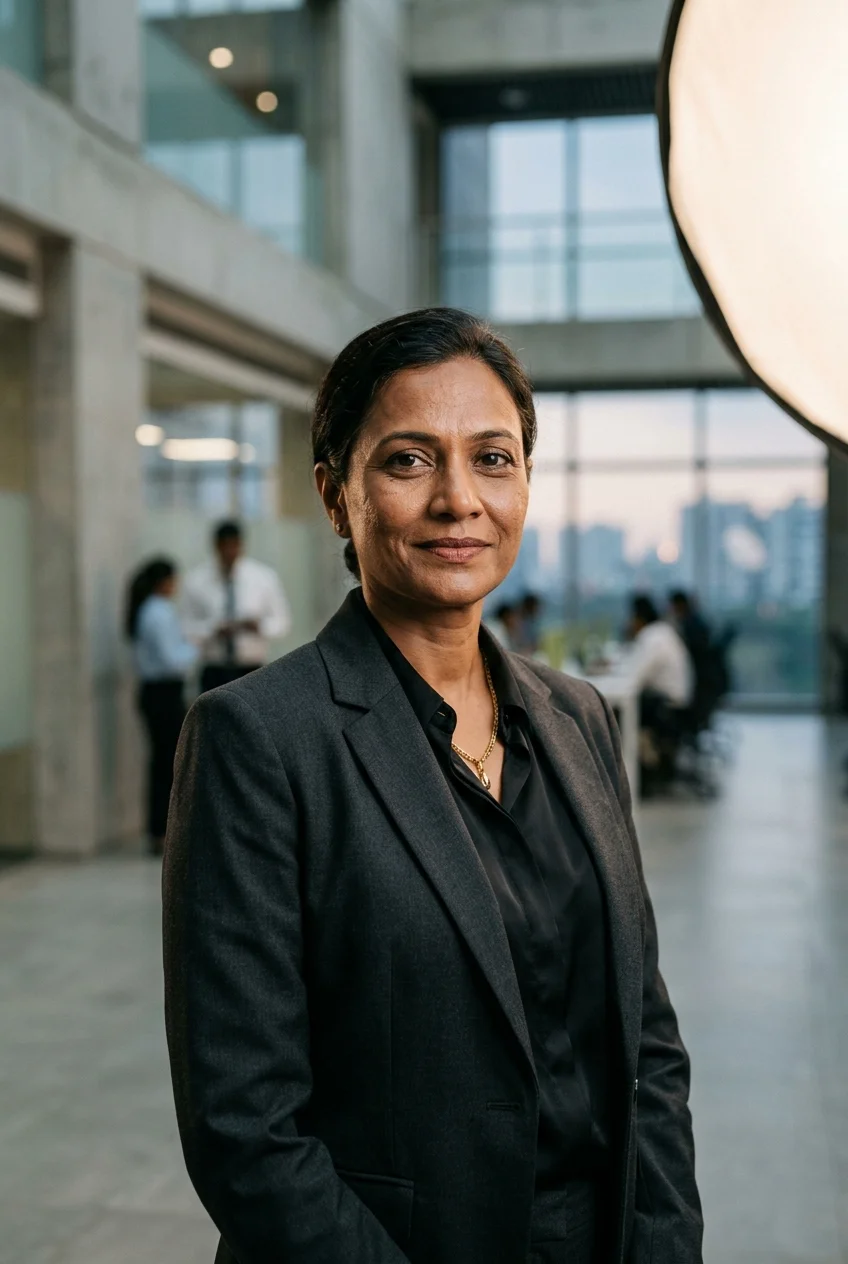
8. High-Fashion Editorial Beauty Portrait with Butterfly Diffusion
Butterfly lighting places the key light directly in front and above eye level, creating a subtle shadow under the nose and chin. It highlights cheekbone structure while preserving natural epidermal texture.
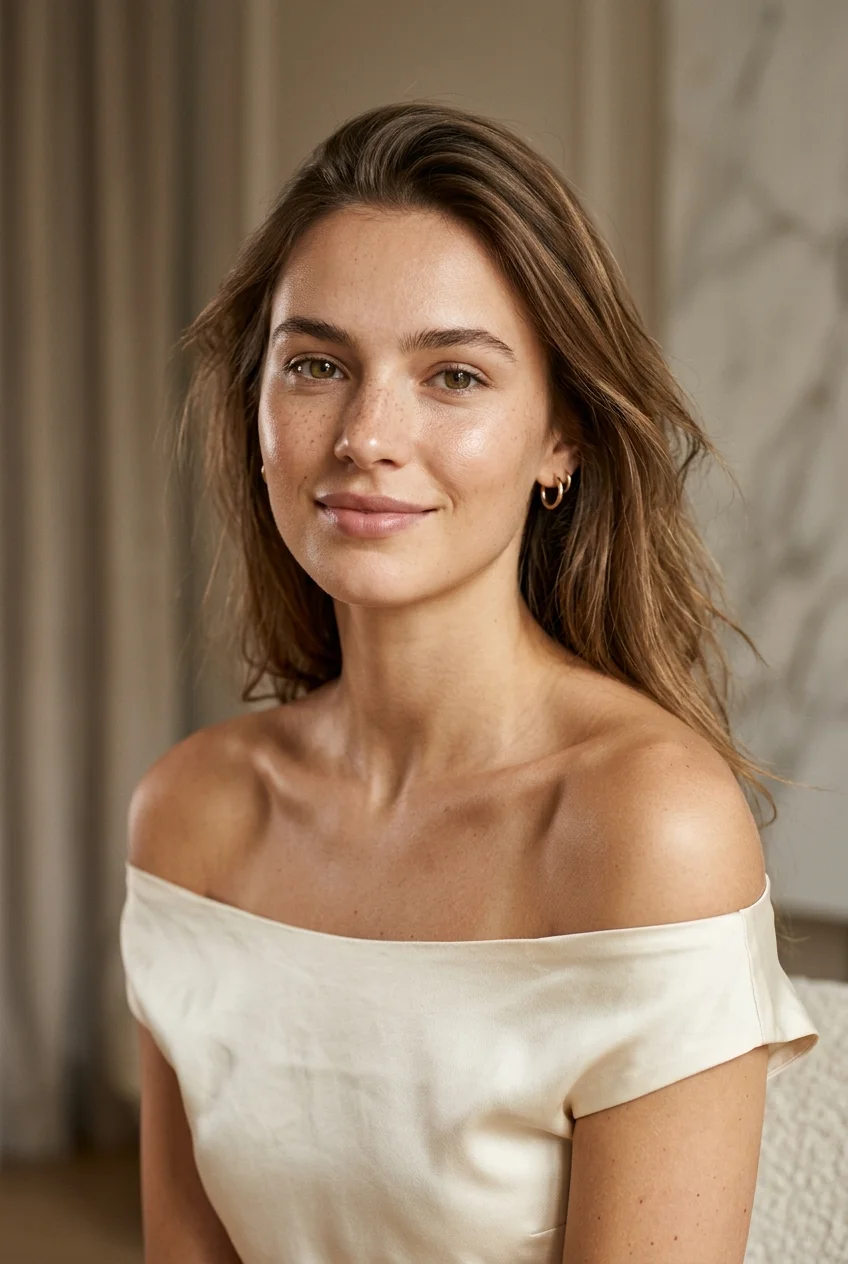
9. Authentic Aging Character Study in Warm Kodachrome Tones
Emphasizing honest human expression and genuine aging character lines creates timeless realism. Kodachrome 64 color science introduces rich saturation and organic grain that completely bypasses synthetic AI smoothing.
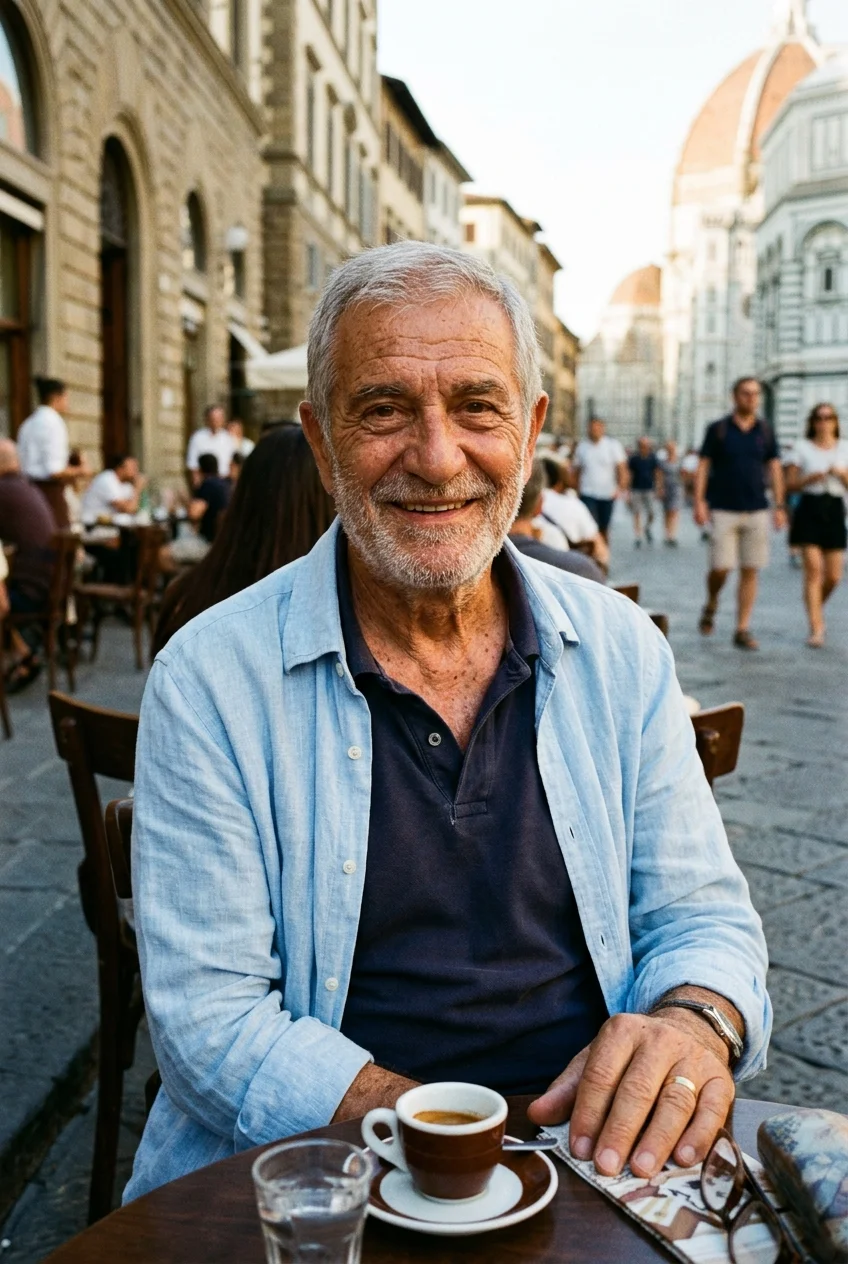
10. Contemporary Studio Portrait with Sculpted Jawline Rim Light
Dual-color lighting setups separate the subject cleanly from dark backdrops. The cool slate key light maintains accurate facial skin tones while warm amber edge lighting emphasizes facial contours.
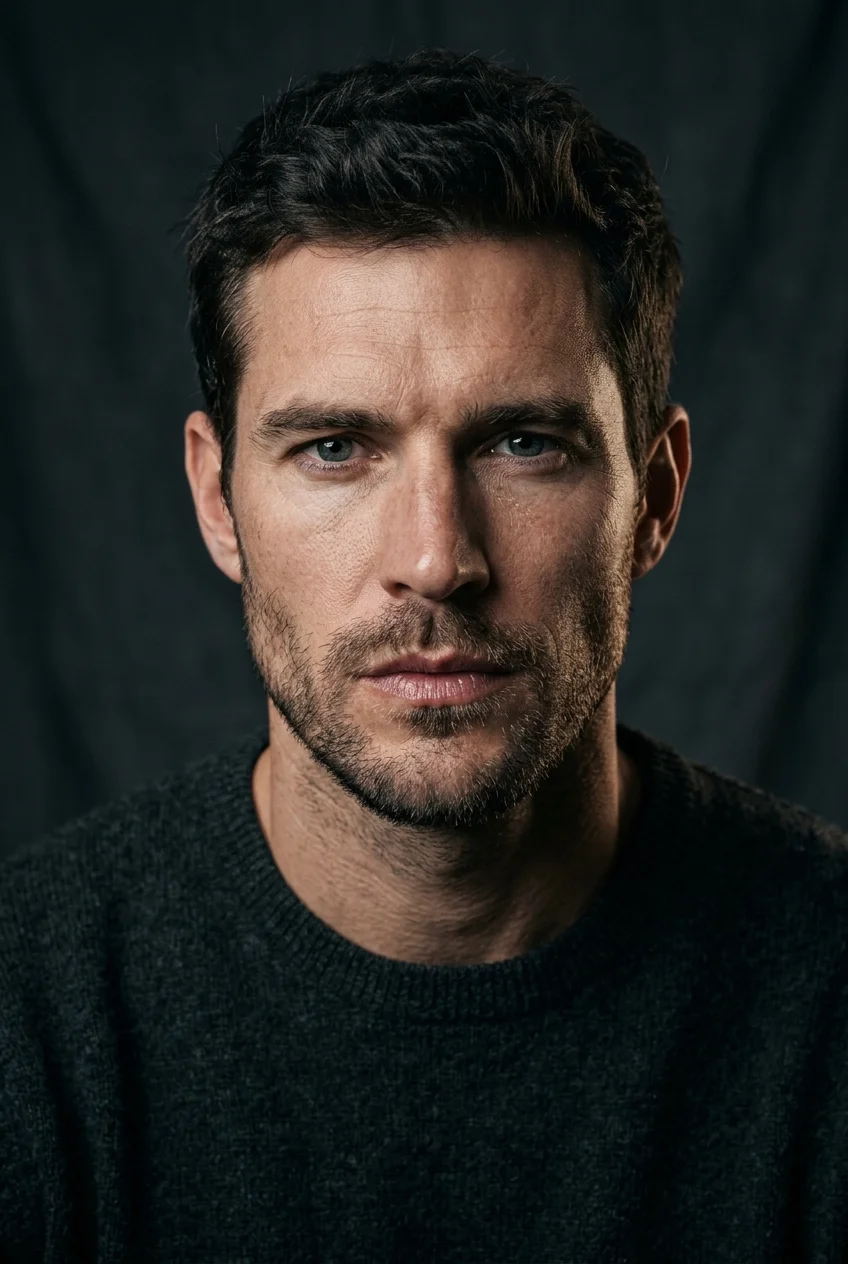
11. Warm Natural Light Lifestyle Headshot with Catchlights
Captures spontaneous everyday human warmth. If you prefer prompting via natural language in OpenAI's tools, check out our tested ChatGPT Prompts for Pictures of Yourself. The side-light from a large window provides balanced directional illumination while the medium format sensor produces creamy out-of-focus background details.
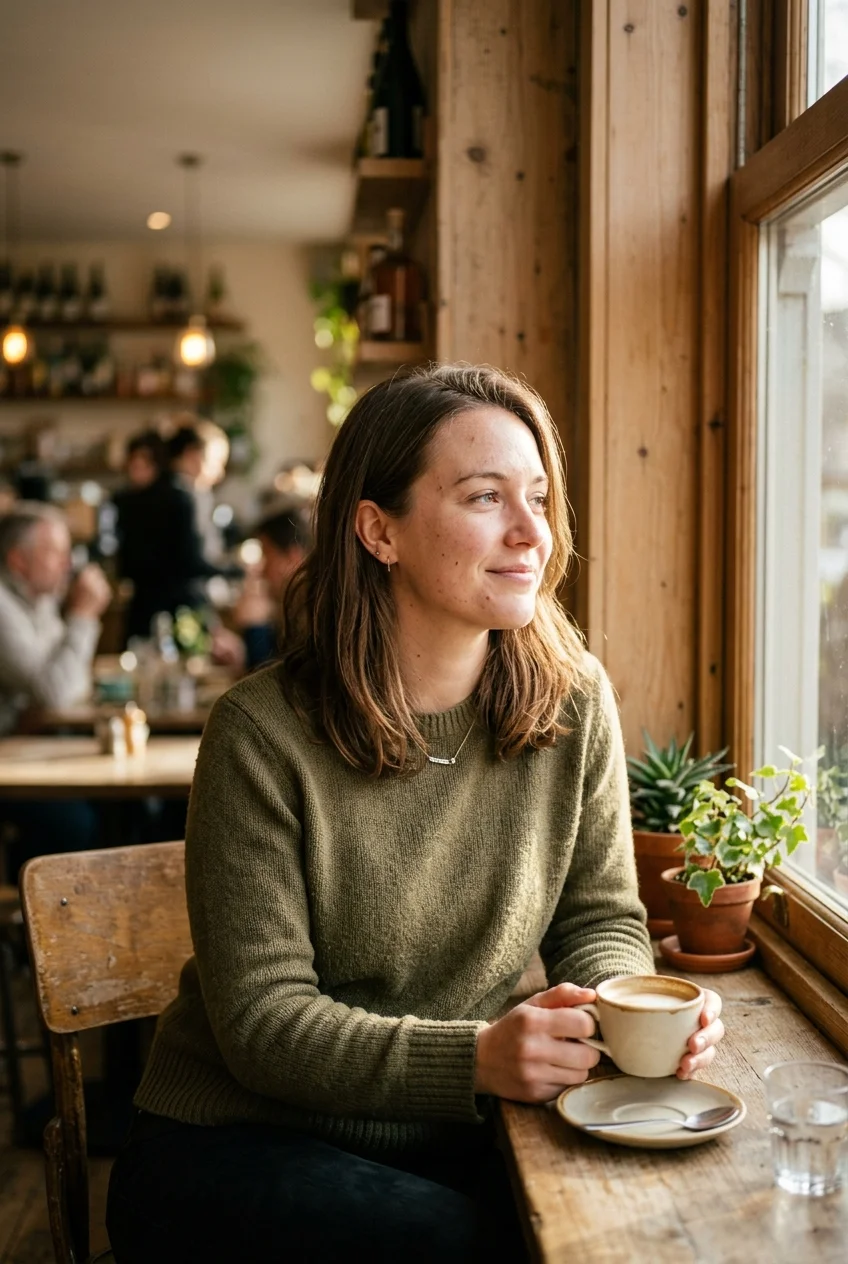
12. Executive Business Leader in Soft Ambient Office Daylight
Designed for corporate executive profiles and agency team headshots. The soft diffused north-facing window light provides even illumination without harsh glare or plastic shine.
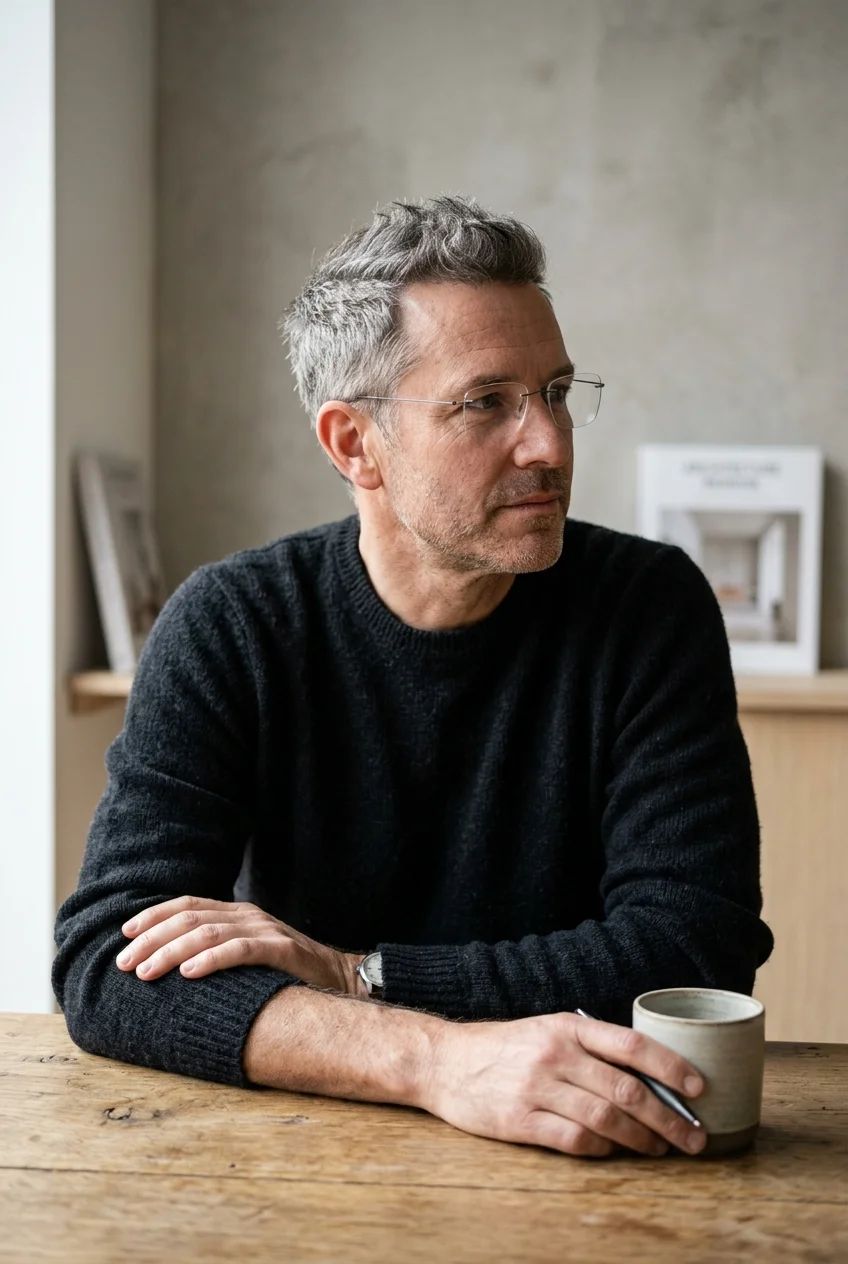
13. Tailored Editorial Portrait with 85mm Optical Prime Compression
Specifying an 85mm prime lens naturally compresses facial proportions, keeps noses proportional, and renders a realistic, creamy background blur without wide-angle barrel distortion.
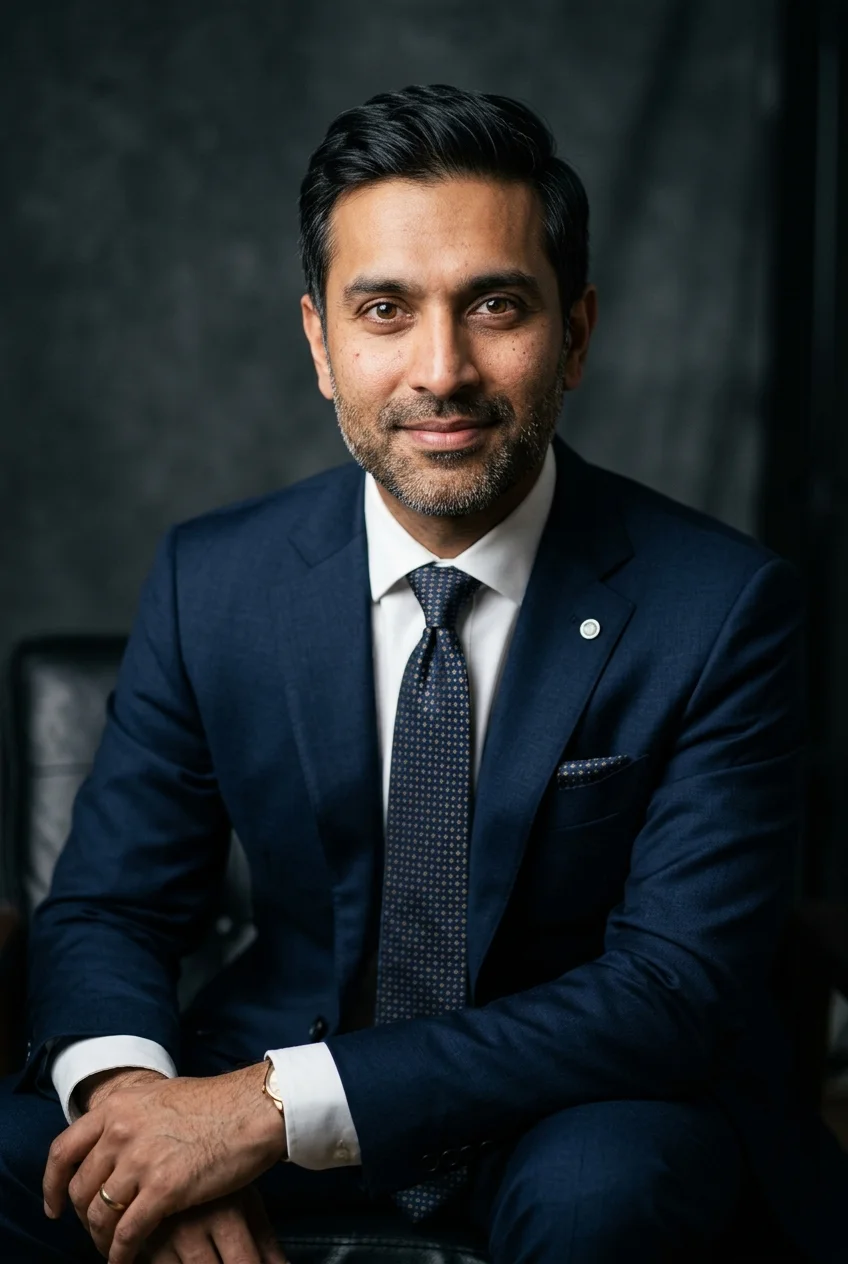
14. Radiant Morning Window Glow with Natural Skin Texture
Morning sunlight entering through a sheer curtain creates soft organic gradients across the bridge of the nose and cheekbones, enhancing depth while keeping facial pores distinct.
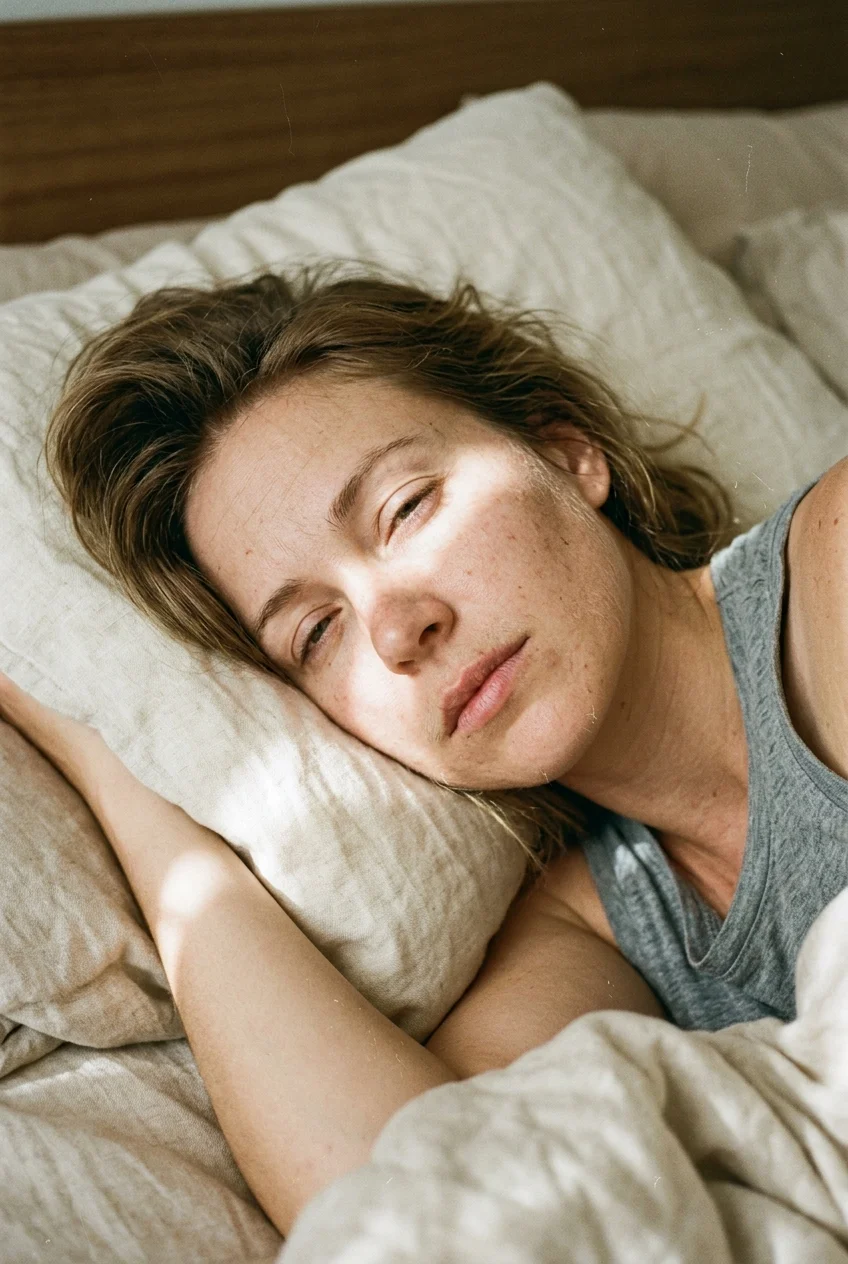
15. Fine-Art Sculptural Studio Portrait with Chiaroscuro Lighting
A single directional key light angled at 45 degrees carves out cheekbones and deep shadow falloff, eliminating the flat plastic look common in default generative models.
How to Use These Midjourney Realism Prompts (Step-by-Step Guide)
Achieving photorealistic results requires more than copy-pasting text. It requires an understanding of how Midjourney v6.1 processes linguistic tokens, camera parameters, and lighting geometry. Below is our complete production workflow used by professional creators and digital studios to ensure consistent, gallery-quality results without plastic skin or digital distortion.
1 Choose Your Generation Environment (Discord or Web)
Midjourney can now be run through two primary interfaces: the classic Discord bot and the modern Midjourney Web interface (available at alpha.midjourney.com).
- Discord Method: Open a direct message with the Midjourney Bot or your private server. Type
/imagineand press Spacebar to activate the prompt input box. - Web Interface Method: Log in to Midjourney.com, click on the top input bar labeled "What will you imagine today?", and paste your prompt directly.
2 Understand Token Hierarchy and Anatomy
Midjourney attributes the heaviest attention weights to words placed near the very beginning of the prompt. For optimum realism, structure your text in this exact five-part sequence:
For example, placing "Candid outdoor portrait of a 27-year-old woman" at the start establishes facial proportion before the engine begins rendering background elements.
3 Calibrate Core Photographic Parameters
The parameters appended with double dashes at the end of your prompt dictate the optical rendering engine:
Crucial flag that disables Midjourney's default beautification engine, preventing plastic, airbrushed skin.
Vertical aspect ratios that mimic 35mm portrait orientation and eliminate wide barrel distortion.
Low stylize values keep the output grounded in photographic reality rather than artistic interpretation.
Enables Midjourney's latest dermal micro-texture and skin pore rendering architecture.
4 Upscaling and Selective Inpainting (Vary Region)
When your 4-image grid appears, select your preferred composition by clicking U1, U2, U3, or U4. Follow these post-processing guidelines:
- Select Upscale (Subtle): Avoid Upscale (Creative). The subtle upscaler increases resolution without hallucinating extra plastic details or changing facial proportions.
- Fixing Minor Imperfections: If an eye reflection or hand position is slightly off, click Vary (Region), highlight only the small problem area with the brush tool, and submit without altering the text.
5 Critical Pitfalls to Avoid in Prompt Writing
Avoid these common beginner mistakes that immediately trigger artificial, fake-looking AI aesthetics:
- Do Not Use Buzzwords: Words like "photorealistic", "hyperrealistic", "ultra-detailed", and "8k" bias the model toward CGI 3D engine renders. Use camera lens names instead.
- Avoid Conflicting Lights: Do not request "golden sunset light" and "bright studio flash" simultaneously. Stick to one dominant light source with clear directionality.
- Negative Prompting: If skin appears too airbrushed, append
--no cartoon, anime, illustration, 3d render, plastic smooth skin, over-saturatedto prune unwanted vectors.
Frequently Asked Questions (Midjourney Realism)
1. How do you make Midjourney v6.1 images look realistic without plastic skin?
To achieve authentic skin textures in Midjourney v6.1, always append the --style raw parameter at the end of your prompt. Instead of using generic buzzwords like "hyperrealistic", specify concrete optical hardware such as an 85mm f/1.4 prime lens, real lighting setups like 45-degree directional key light, and physical dermal micro-textures including visible micropores, subtle freckles, and unretouched character lines.
2. What is the best aspect ratio for realistic photos in Midjourney?
For modern vertical smartphone feeds and mobile portraits, --ar 9:16 and --ar 2:3 are the standard ratios. For classic editorial and magazine compositions, --ar 4:5 produces balanced framing that matches medium-format analog photography.
3. Why do buzzwords like "photorealistic" and "hyperrealistic" ruin Midjourney prompts?
Words like "photorealistic", "8k", and "hyperrealistic" correlate heavily in training datasets with digital 3D renders from ArtStation, Unreal Engine, and Octane. Using them signals the model to create CGI-like artificial gloss rather than authentic optical camera captures.
4. What camera lens keywords give the best photorealism in Midjourney?
An 85mm prime lens (such as 85mm f/1.4 or 85mm f/1.2) is the premier choice for portraiture because it creates natural facial compression and creamy background blur. For macro close-ups, specify a 105mm f/2.8 macro lens, and for street photojournalism, use a 35mm f/1.4 or 50mm f/1.2 lens.
5. How does the --stylize parameter affect facial skin pores and realism?
The --stylize parameter (or --s) controls how strongly Midjourney applies its artistic aesthetic. For raw documentary realism, keep stylize low between --s 50 and --s 100. Higher values above 250 make faces look more idealized and painterly.
6. Can I use these realism prompts in FLUX.1 Pro, ChatGPT, or Gemini?
Yes. The core photographic principles (optical lenses, lighting ratios, subject descriptions, and film stocks) work exceptionally well across FLUX.1 Pro, ChatGPT (DALL-E 3), and Google Gemini. For examples of conversational prompting in OpenAI's chatbot, see our tested ChatGPT Prompts for Pictures of Yourself. If you want to explore non-photorealistic illustrative styles, browse our guide to Aesthetic Anime Prompts. When using these models, simply omit the Midjourney-specific flags like --v 6.1 and --style raw.
7. How do you fix distorted eyes or hands in realistic Midjourney portraits?
Use Midjourney's Vary (Region) inpainting tool. Select the affected area (such as an eye or hand) and submit the prompt with an added descriptive cue like "sharp iris catchlight" or "natural resting hand position" without regenerating the rest of the portrait.
8. Are these Midjourney realism prompts free for commercial use?
Yes. All prompt formulas provided on The Prompt Deck are freely available for both personal and commercial creative projects under standard fair use and commercial Midjourney subscription terms.
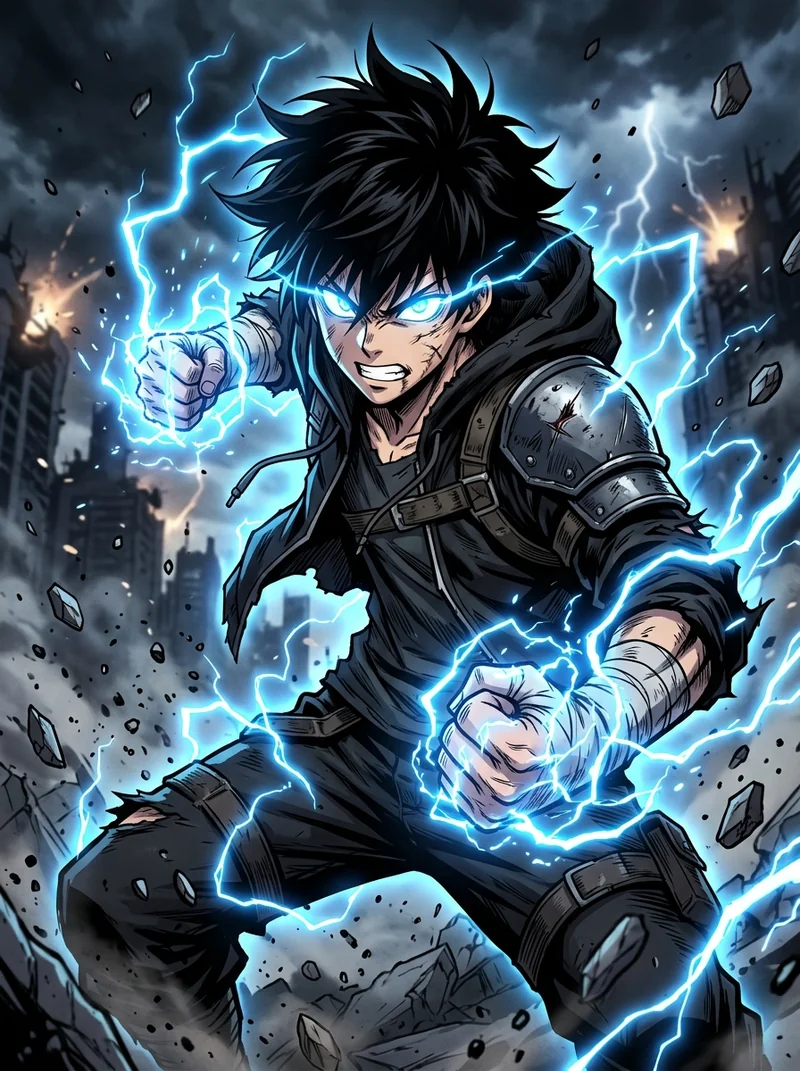
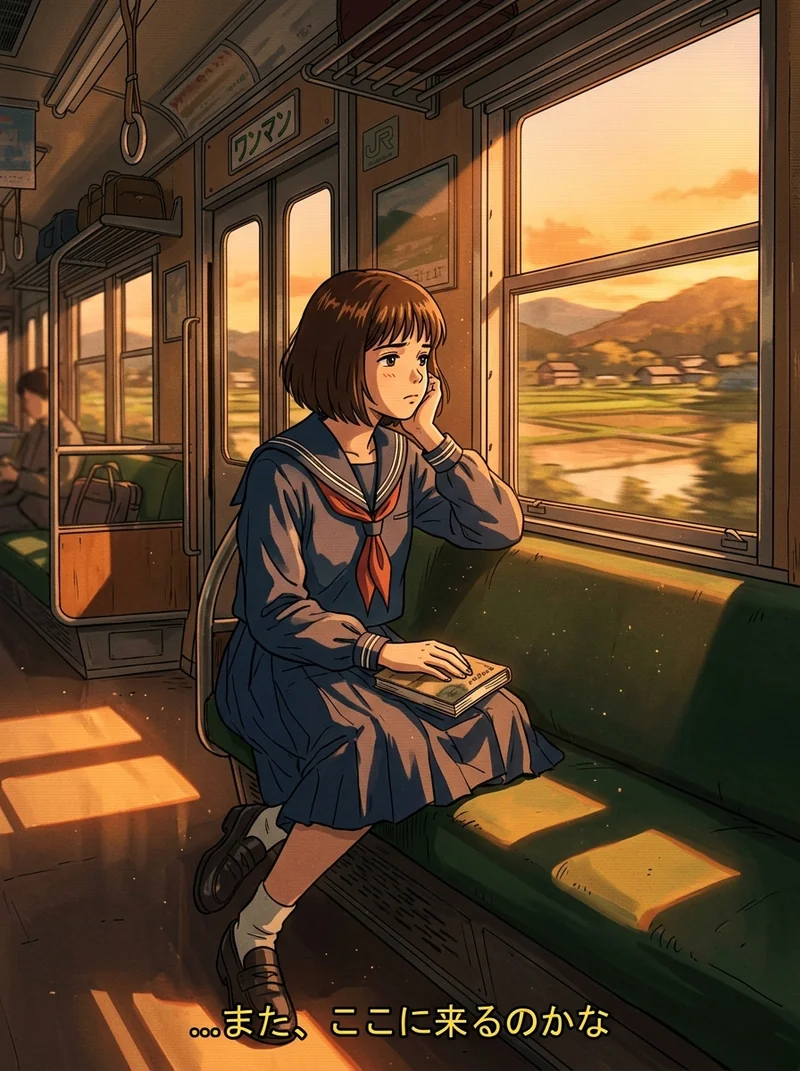
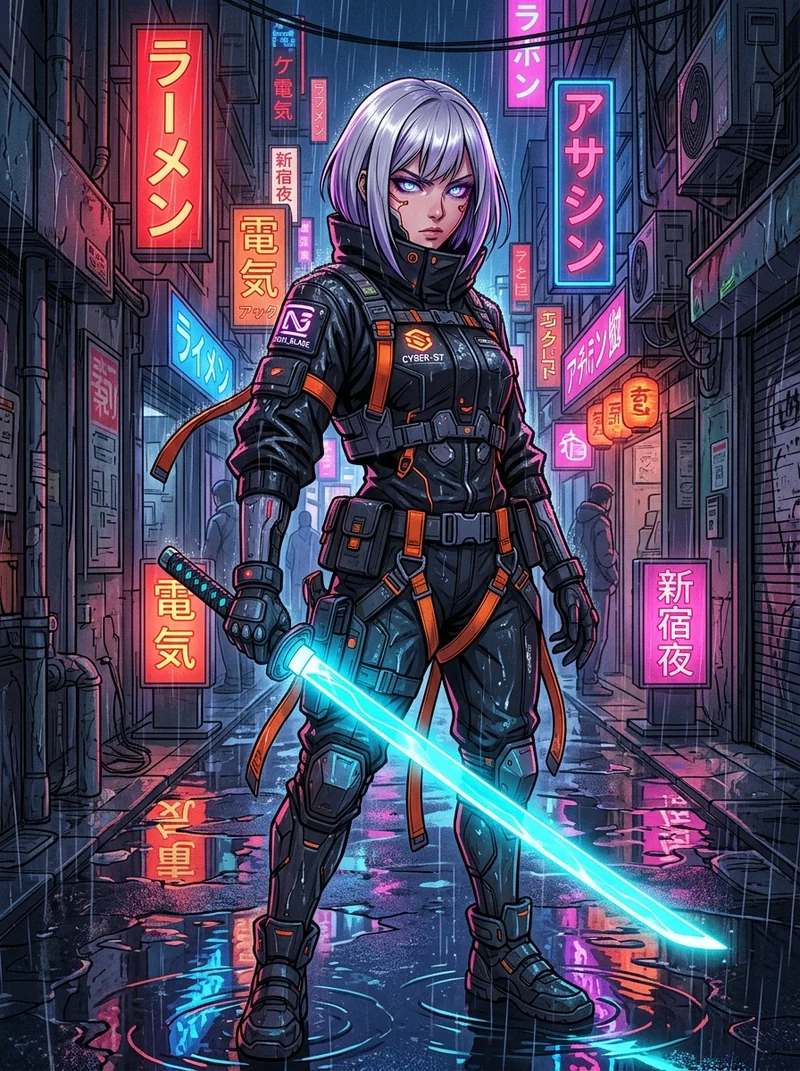
Best Midjourney Niji Prompts for Anime: 10 Tested Niji 7 Styles
Master crisp anime linework, authentic flat cel shading, and dynamic keyframes across shonen, cyberpunk, retro 90s, and Ghibli styles.
 Sandip Barman
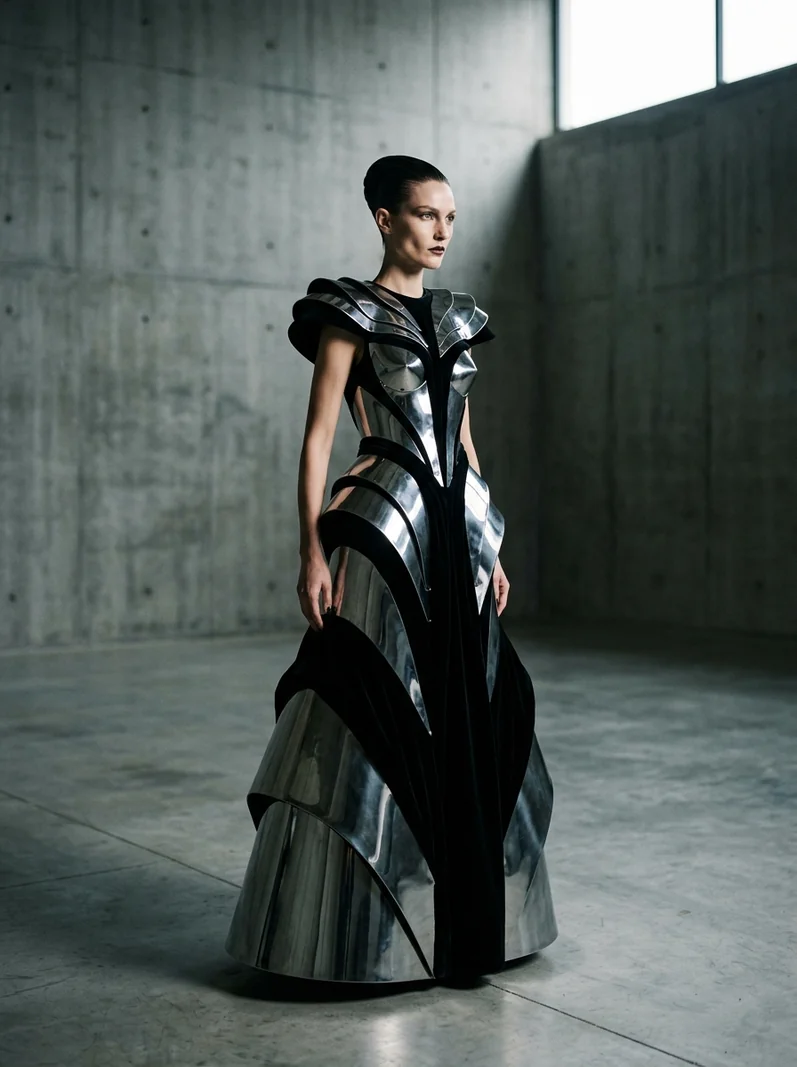
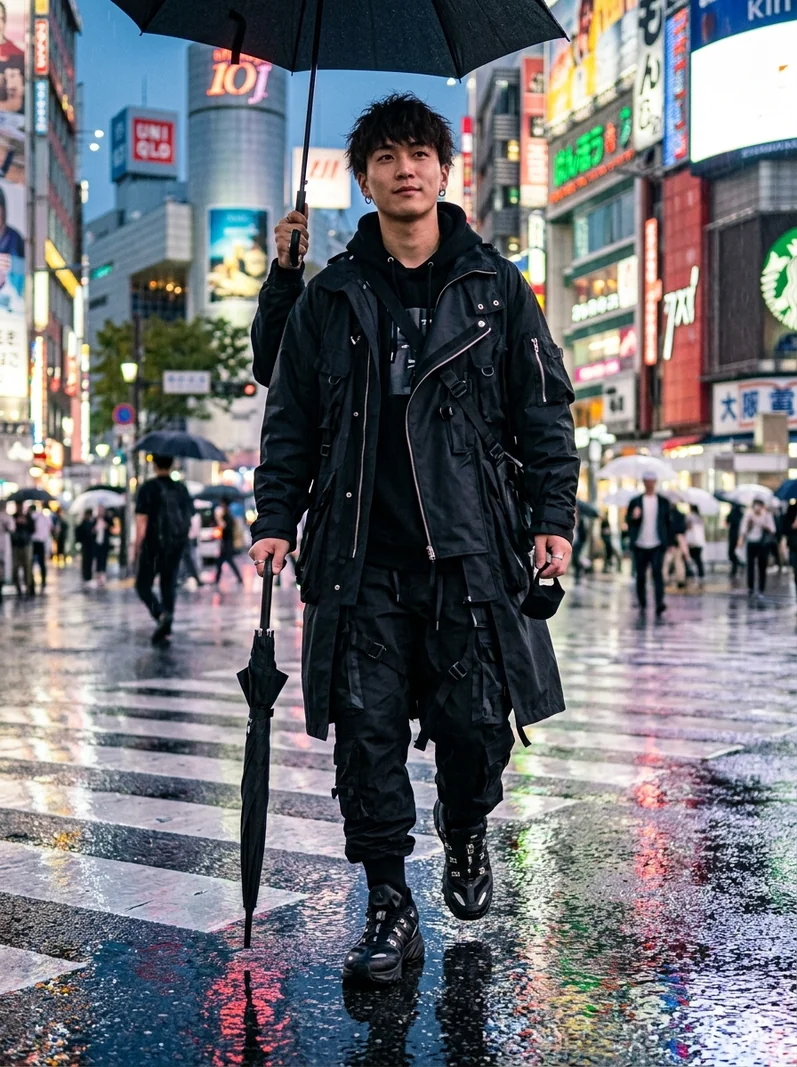
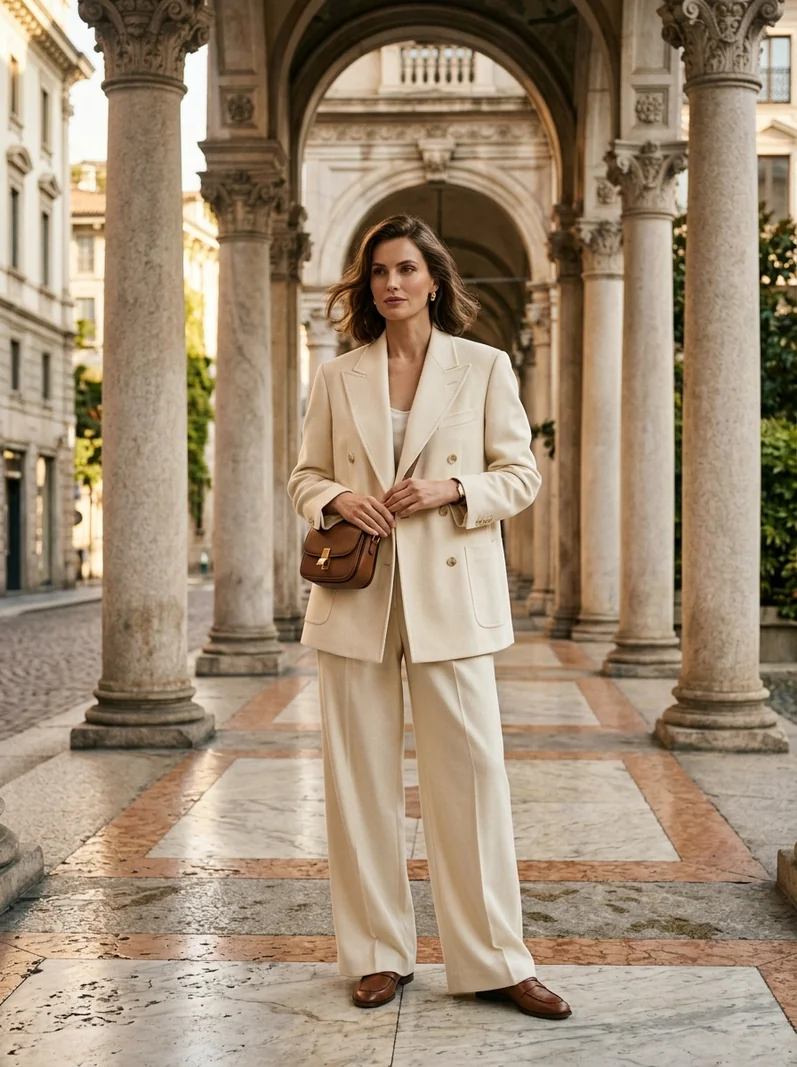
Best Midjourney Fashion Prompts: 10 Tested Editorial & Streetwear Styles
Master luxury haute couture drapes, tactile textile weaves, architectural tailoring, and studio strobe fashion lighting.
Sandip Barman
Trending Instagram AI Photo Prompts: 10 Viral Aesthetics
Capture viral social media aesthetics from golden hour vintage road trips to high-flash nightlife portraits and rooftop sunsets.
Sandip Barman